Manage Applications
MANAGE APPLICATIONS:
The Antipodes Control Panel offers a wide range of best-of-breed applications for playing music. You can choose to install or uninstall any of
them with a couple of clicks. It is a good idea, from a sound quality point of view, to only install the playback applications that you intend to use
regularly, because installed applications will load services at start-up that will consume resources and raise the noise oor of the system.
You should also regularly update your Antipodes software. Therefore this section covers how to update the software suite, how to install
applications and how to uninstall applications.
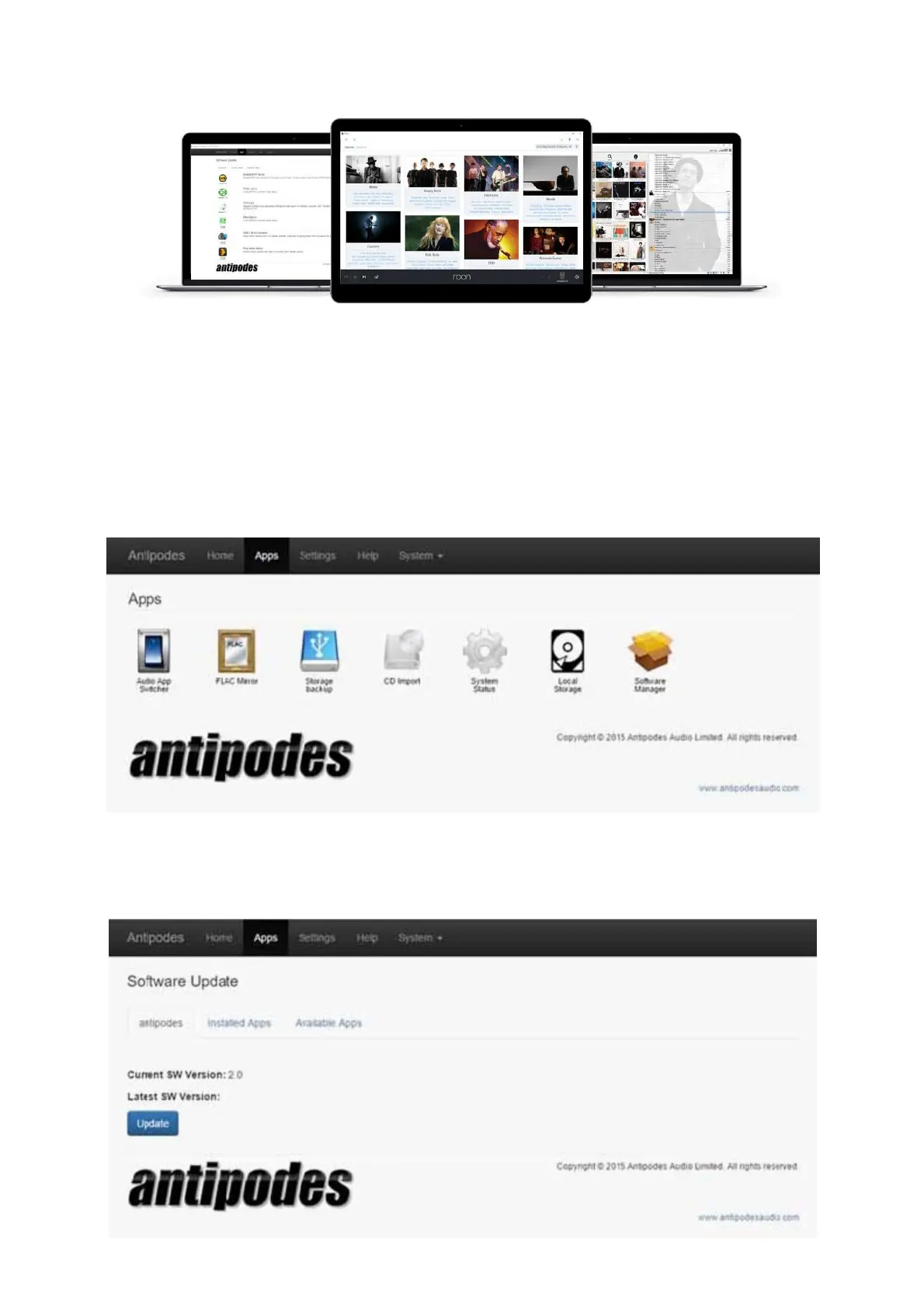
At the Antipodes Control Panel, select the ‘Apps’ menu item and click on the ‘Software Manager’ icon.
Updating The Software Suite
Click on the ‘Update’ button, conrm by clicking on ‘Update’ and let the process run to completion.



 To Next Page