Installing and Using Resilio Sync on PC or Mac
Go to the Resilio Sync Downloads page at the Resilio Sync website ((https://www.resilio.com/platforms/desktop/) )and download, install and
setup the app for the device(s) that will be used to store the Antipodes music library copy :
Installing and Using Resilio Sync on NAS devices
The Resilio Sync app runs on selected NAS devices. A NAS is an ideal location to hold a synchronised backup of the Antipodes music library.
Go to the Resilio Sync Downloads page (https://www.resilio.com/platforms/desktop/) and download the app for the NAS that you will be using
with the Antipodes
How to setup a Folder to be synchronised
In this example Resilio Sync on the Antipodes is going to send a copy of the music library to other devices and update the remote copies with
changes as they occur (synchronise). Here you will congure the music library folder to copy/sync.
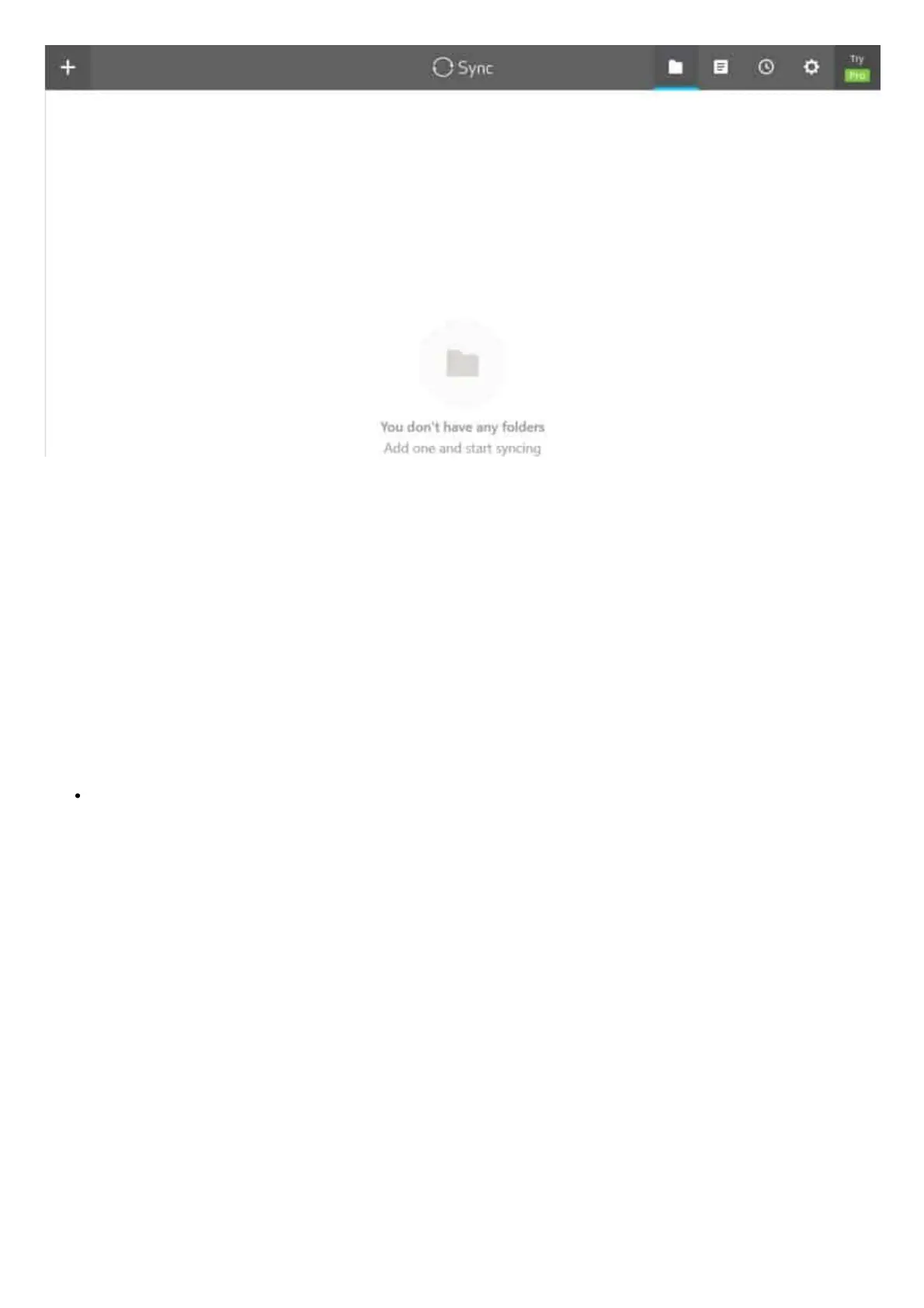
Click the + at the top left of the blank screen. On the new screen choose the ‘Standard folder’ option:



 To Next Page