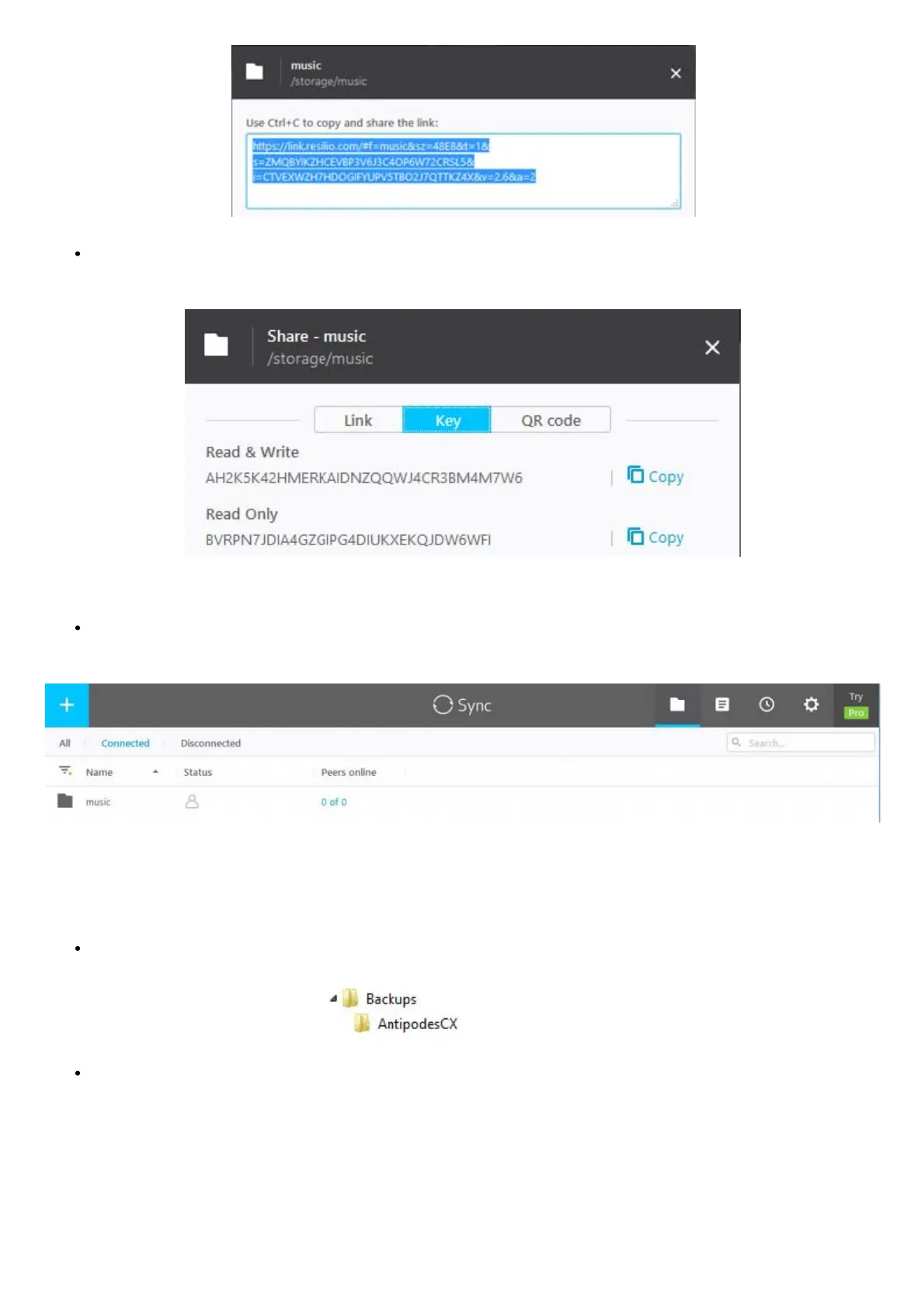
Alternatively, click the ‘Key’ option and then Copy’. A key will be displayed that you can use in the Resilio Sync app on PC, Mac or NAS
to activate the sync action.
How to use the http link or key is described later in this guide.
The music library folder has now been set up on the Antipodes for backup. At this point the destination locations (peers) have not yet
been set up.
How to setup a Folder to receive the Backup copy
Here Resilio Sync on a Windows PC is going to receive a copy of the music library on the Antipodes. Here you will congure a folder to store
the copy.
Create a folder to store the music library copy, for example ‘\Backups\AntipodesCX’:
Click the + symbol and select the ‘Enter a key or link’ option:



 To Next Page