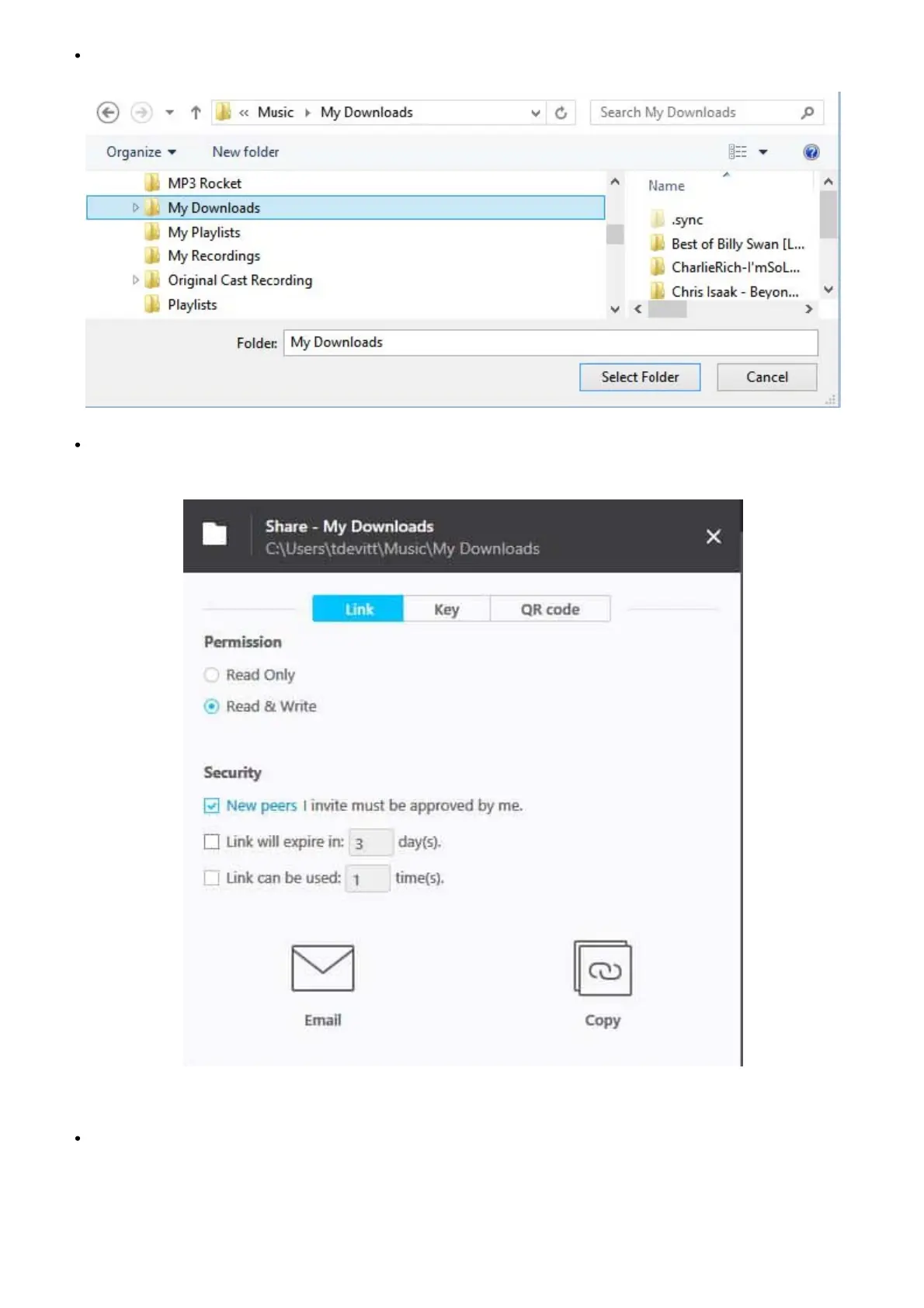
Select the folder to be copied/synced:
A settings window will open. Check the ‘Read and Write’ permission ad uncheck the ‘Link will expire’ option (these settings can be
changed at any time):
How to use the Key option for the copy process
If you click the ‘Link’ option and then ‘Copy’ (bottom right) an http link will stored in the clipboard. You can use this link to activate the
sync action from the Internet browser on PC or Mac.



 To Next Page