HQPlayer With NAA
SETUP HQPLAYER WITH HQPLAYER NAA:
HQPlayer Server (embedded) is a version of HQPlayer that runs on Linux servers. The application is pre-loaded on Antipodes servers and can
be installed from Apps/Software Manager/Available Apps.
HQPlayer Server can play directly through ALSA ( the Linux Audio software on the Antipodes) to a DAC connected to the same Antipodes
server, or through the HQPlayer NAA (Network Audio Adapter) to a DAC on the same server or to a DAC on a different server; the NAA runs on
the Antipodes to which the DAC is connected.
HQPlayer Server on Antipodes servers is a demo installation. It will therefore shut down after 30 minutes and will have to be restarted. You can
licence HQPlayer on the Antipodes on which it runs by purchasing a licence key from Signalyst.
This document describes how to set up and use HQPlayer Server when you have multiple Antipodes servers, for example a CX/EX or CX/DX3
combo.
HQPlayer Conguration Options
HQPlayer Server (server app) and HQPlayer NAA (renderer app) are pre-loaded on Antipodes servers and can be optionally installed by the
user.
If you have two Antipodes servers you will generally use one for server applications such as Roon Serverr Squeezebox Server and the other for
renderer (player) apps. With a CX/EX combo you can set up HQPlayer in two different congurations:
1. HQPlayer Server on the CX, HQPlayer NAA on the EX
2. HQPlayer Server on the EX , using either ALSA or NAA playback modes.
Both allow you to use Roon to manage playback.
If you are making extensive use of HQPlayer resampling/upsampling which require extended processing power the rst option may be
preferable. However the EX does have substantial processing power and some users prefer the sinic results when HQPlayer Server is located
on the same server as its renderer.
We recommend you experiment with the different setup modes to nd out which suits you best.
How to Install HQPlayer Server
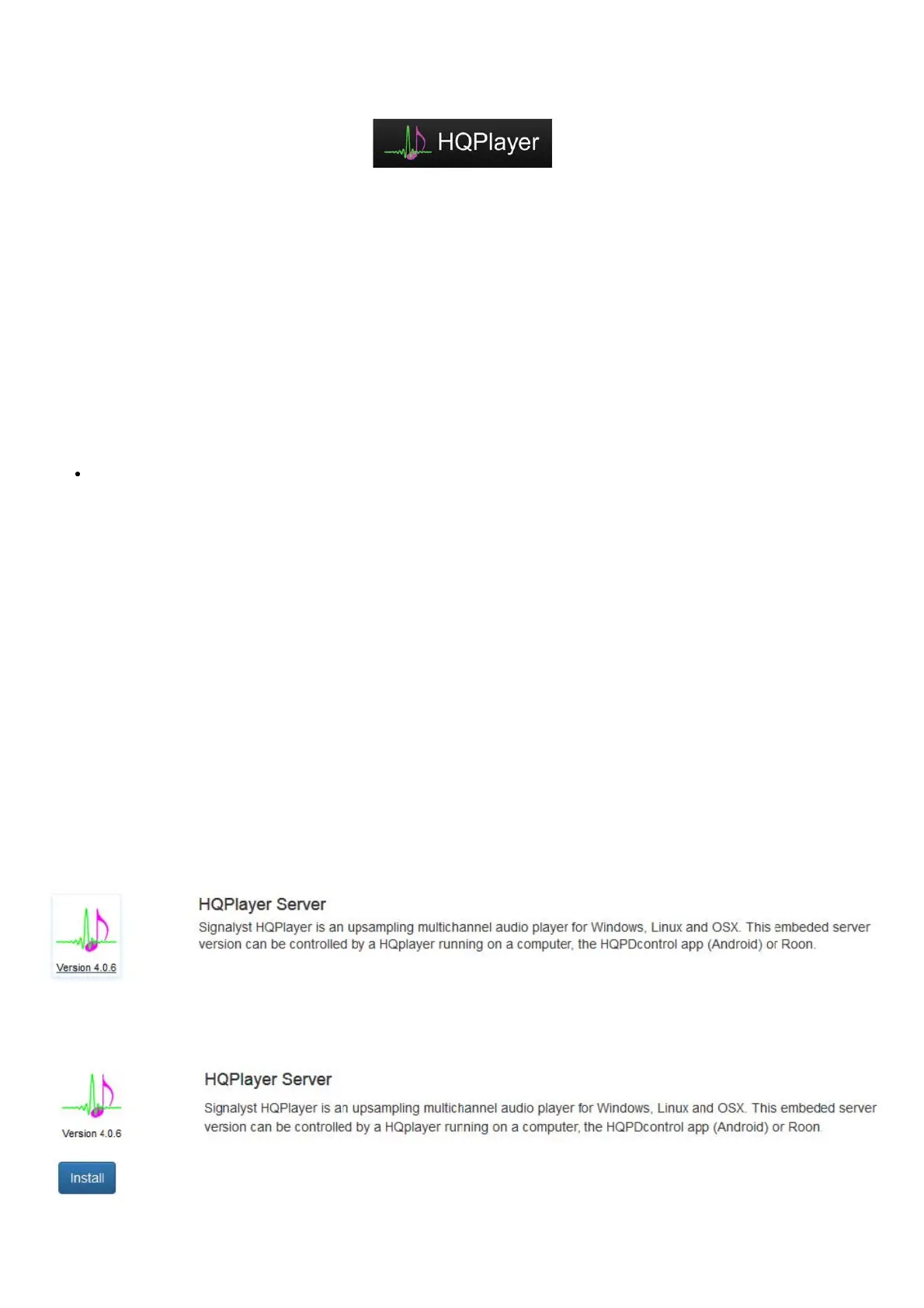
On the Antipodes where HQPlayer Server will run go to Apps/Software Manager/Available Apps and click the HQPlayer Server icon
Then click ‘Install’:


 To Next Page
 Loading...

