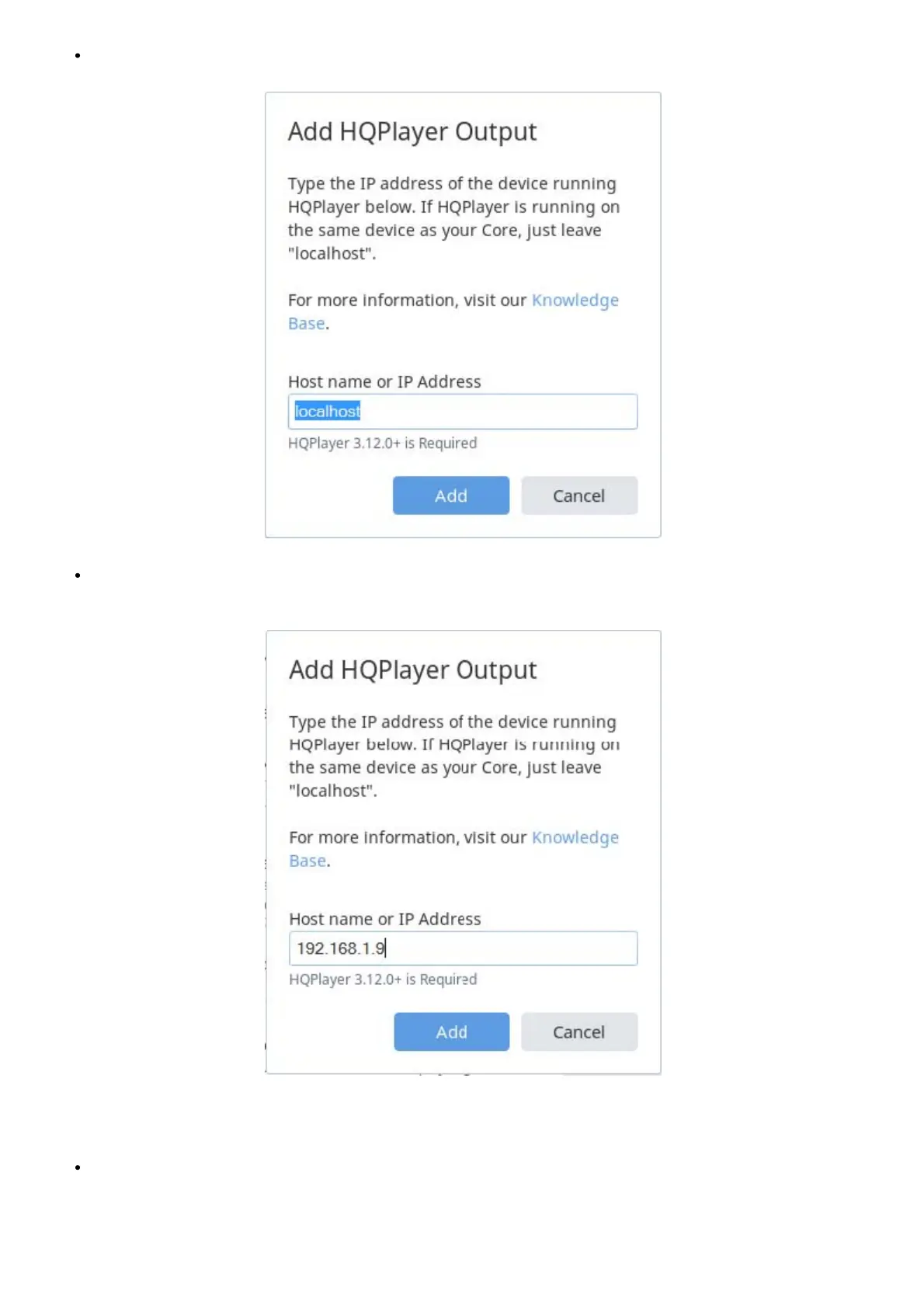
If HQPlayer Server is running on the same Antipodes as Roon Server, for example on a CX, leave ‘localhost’ unchanged:
If you have decided to run HQPlayer Server on the ‘renderer’ Antipodes, for example on EX or DX3, enter the IP Address of that
Antipodes server:
Note: if the IP Address of this Antipodes changes following a reboot you will need to remove this instance and setup a new HQPlayer zone with
the updated IP Address.
Go to Roon Remote Settings/Audio. Under Networked you will see an HQPlayer zone. Enter a name of your own choice for this zone.



 To Next Page