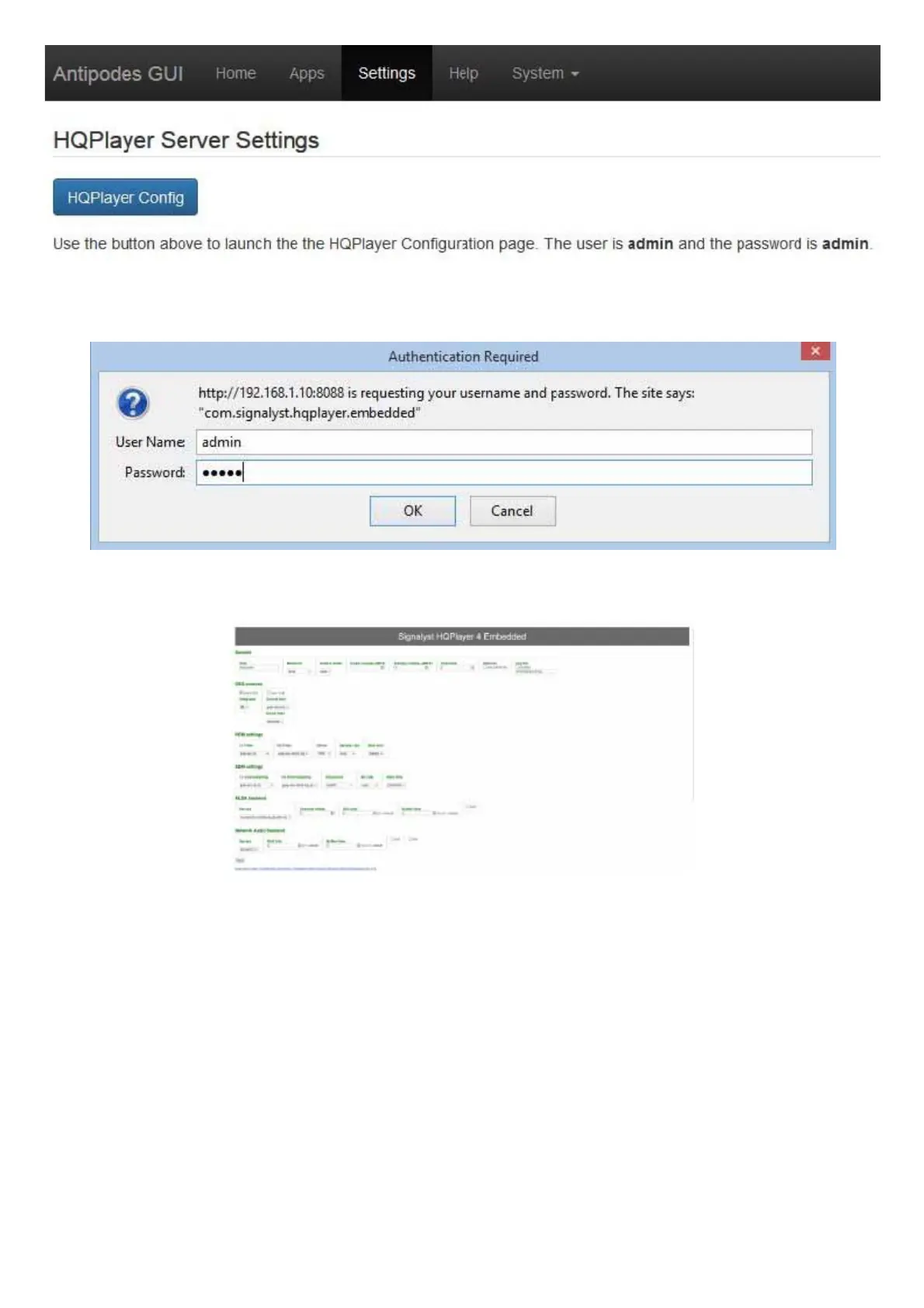
Login to the trial version with username ‘admin’ and password ‘admin’, or use your login credentials if you have purchased a license.
The HQPlayer conguration screen will be displayed.
Under ‘Generic’ enter a name for the player in the ‘Title’ box, and select ‘ALSA’ in the ‘Backend’ box.
Under ALSA Backend, select your device (DAC). Select DoP if that is how your DAC handles DSD les.
Then click on the ‘Apply’ button and you have setup your Antipodes.
Connect Roon to HQPlayer
Now, in Roon Remote, go to Settings/Setup/HQPlayer and click ‘Add HQPlayer’. Input the IP address of the Antipodes that connects to your
DAC (eg in a CX+EX solution, input the IP address of the EX).



 To Next Page