Shairport
SETUP SHAIRPORT:
Shairport is an Apple Airport Emulator. This makes the Antipodes work as if it was an Apple Airport device. So you can play music that is on
your Apple Airplay device across your network to the Antipodes.
Note: because Apple may change the Airplay specication Antipodes Audio cannot guarantee continued reliability of the Shairport app on
Antipodes servers.
How to Install Shairport
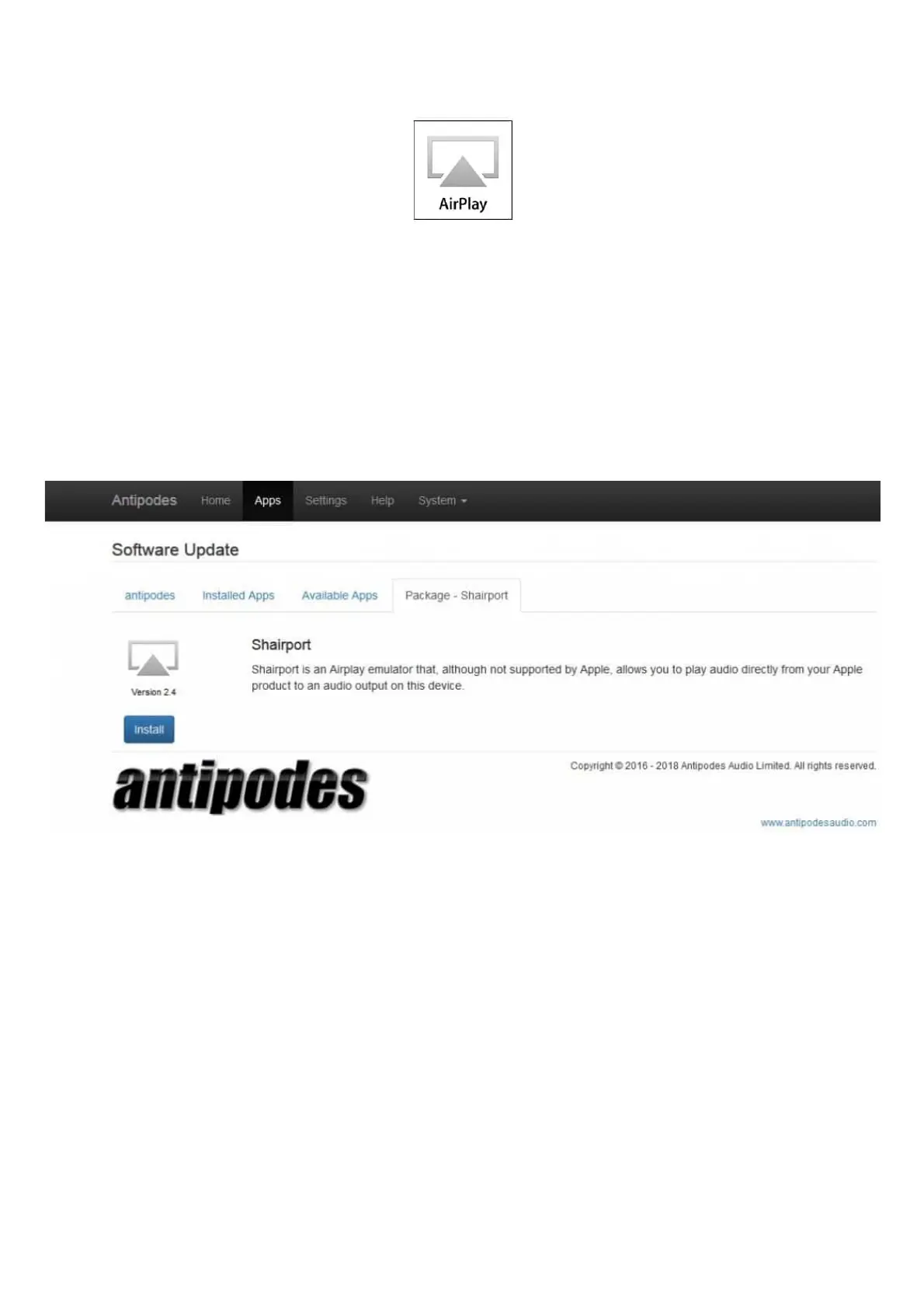
Go to Apps/Software Manager/Available Apps and click the Shairport icon. Then click ‘Install’:
Shairport will now show under Apps/Software Manager/Installed Apps.
Note: if the Shairport app does not show under ‘Available Apps’ contact support@antipodes.audio.
How to start Shairport on the Antipodes
Go to Settings/Shairport and set Audio Device to the correct output, e.g. ‘USB DAC’:



 To Next Page