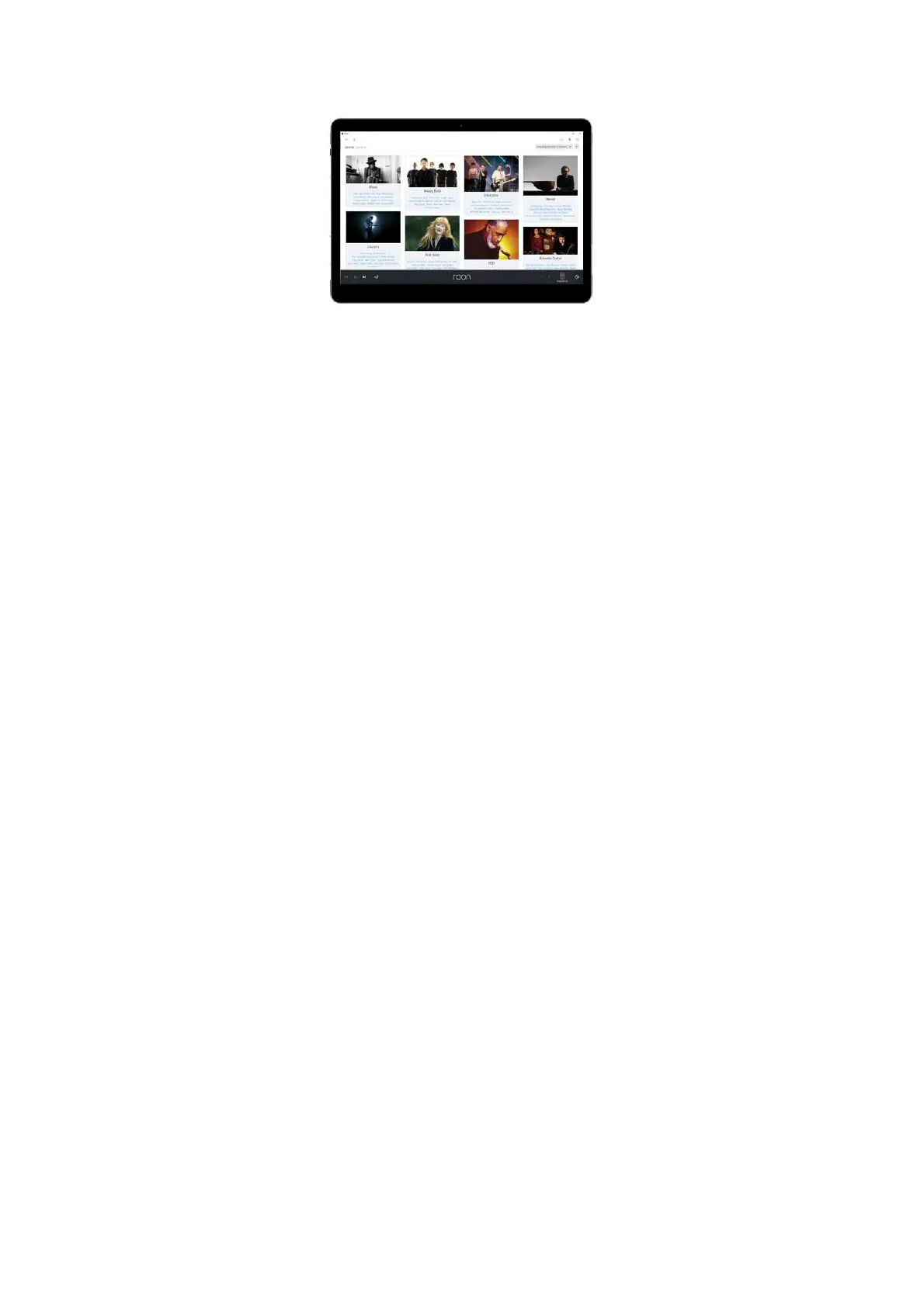
Remote Control
REMOTE CONTROL OF MUSIC PLAYBACK:
You don’t need to connect a screen, mouse or keyboard to your Antipodes music server. You run the Antipodes ‘headless’ in your music
system, like any other stereo component, not in a back room.
To tell the server what to play, you can use any desktop, laptop, tablet or smartphone. Each playback solution has a corresponding remote
control application on tablets and smartphones, and often on desktops and laptops too.
Most users employ a tablet or maybe their smartphone for remote control, and this is why we don’t add noisy (electronically) screens on our
servers. Apart from the sound quality benets of leaving the screen out, no screen on the server front panel can be as convenient as using your
tablet or smartphone.
Whether you are using Roon, Squeezebox, MPD, or some avour of DLNA, you just need to search the app store for an app corresponding to
the playback app you are using. For example, search on Roon to nd the Roon Remote app; or search Squeezebox to nd a range of different
apps to control Squeezebox Server; or search MPD to nd a range of MPD remote apps; or search DLNA or UPnP to nd a huge range of
remote apps you can use to setup and control a DLNA/UPnP playback system. These apps are either free or inexpensive so you can afford to
try a few out to see what you prefer.
Check the articles for each solution as they generally recommend a suitable remote control application.



 To Next Page