Synchronise
SYNCHRONISE TO AN EXTERNAL LIBRARY:
Resilio Sync by Resilio, Inc. is a proprietary peer-to-peer le synchronization tool available for Windows, Mac, Linux, Android, iOS, Windows
Phone, Amazon Kindle Fire and BSD. You can use it to back up the music library on your Antipodes to Windows or Mac PCs or to a NAS drive.
You can also use it to sync downloads and other music tracks from yourPC or Mac to your Antipodes music library.
To use Resilio Sync you must set up and congure the Resilio Sync app on your Antipodes, and you must also download/install/set up and
congure the Resilio Sync app on the PC , Mac or NAS where your downloads and other music les are stored (the home version is free but
there are some limitations in its functionality) that you will be syncing with.
The Resilio Sync software is pre-loaded on the Antipodes but must be installed as an active application.
How to set up Resilio Sync on the Antipodes
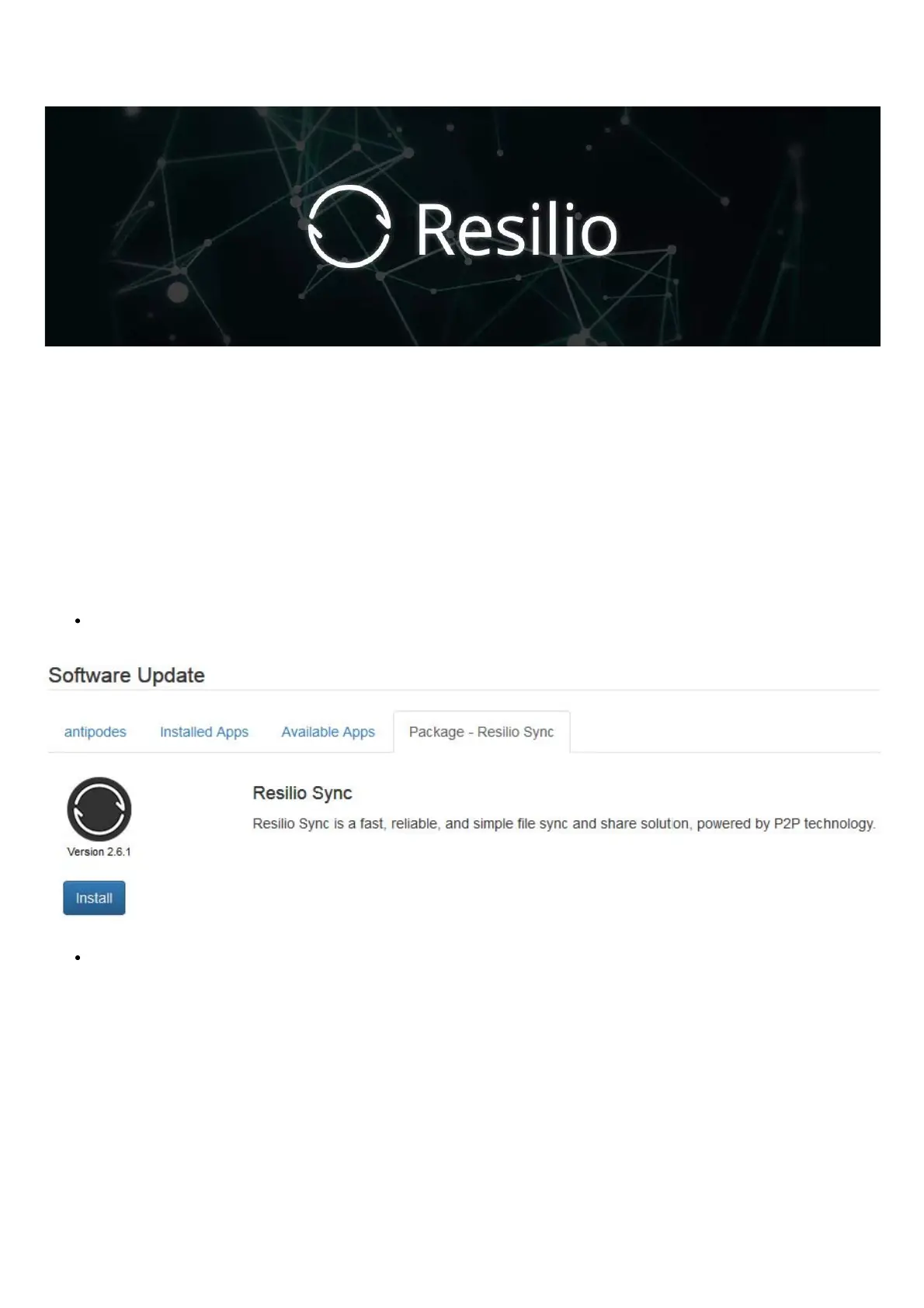
Go to Apps/Software Manager/Available Apps , click on the Resllio Sync icon and click ‘Install:
Go to Apps and click ‘Resilio Sync’. On the rst screen enter a User Name and Password (e.g. admin/admin) that you will use to
manage the application on the Antipodes and click ‘Continue’.



 To Next Page