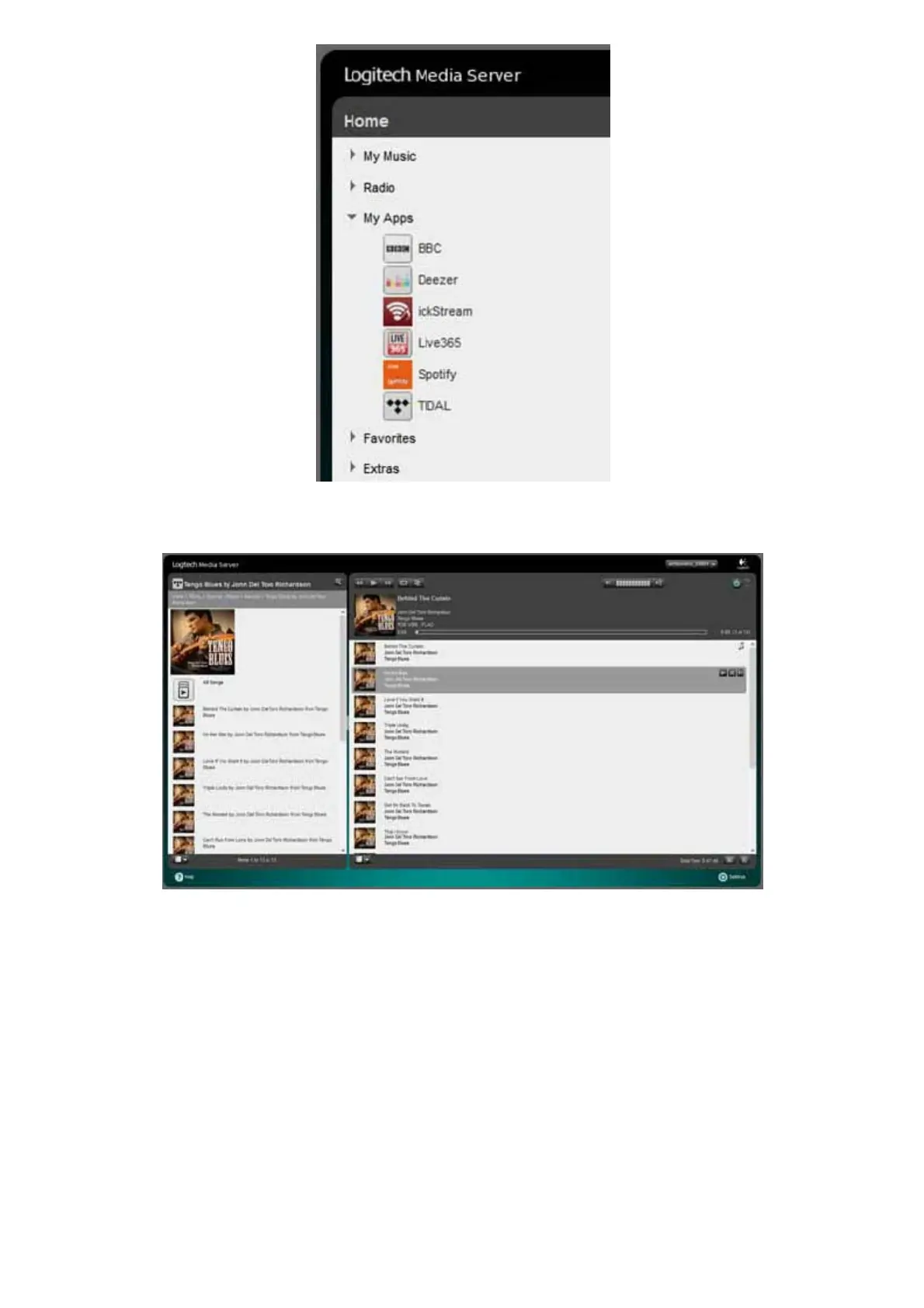
Click the TIDAL icon to start using TIDAL.
SQUEEZEBOX SETTINGS
At the bottom right hand side of the Squeezebox Server control screen is a Settings icon. Click on this to make various settings for Squeezelite
and Squeezebox Server. When you click this icon a new window will open in your browser. Most of the settings have already been set to the
commonly used options. However you may wish to make changes as you become familiar with Logitech Media Server and its options.
You click the different tabs to access various settings. We will only cover library scanning in this guide. The range of options available is too
large to cover in this document.
Basic Settings



 To Next Page