Connection
9-2
9.3 Connector installation/removal
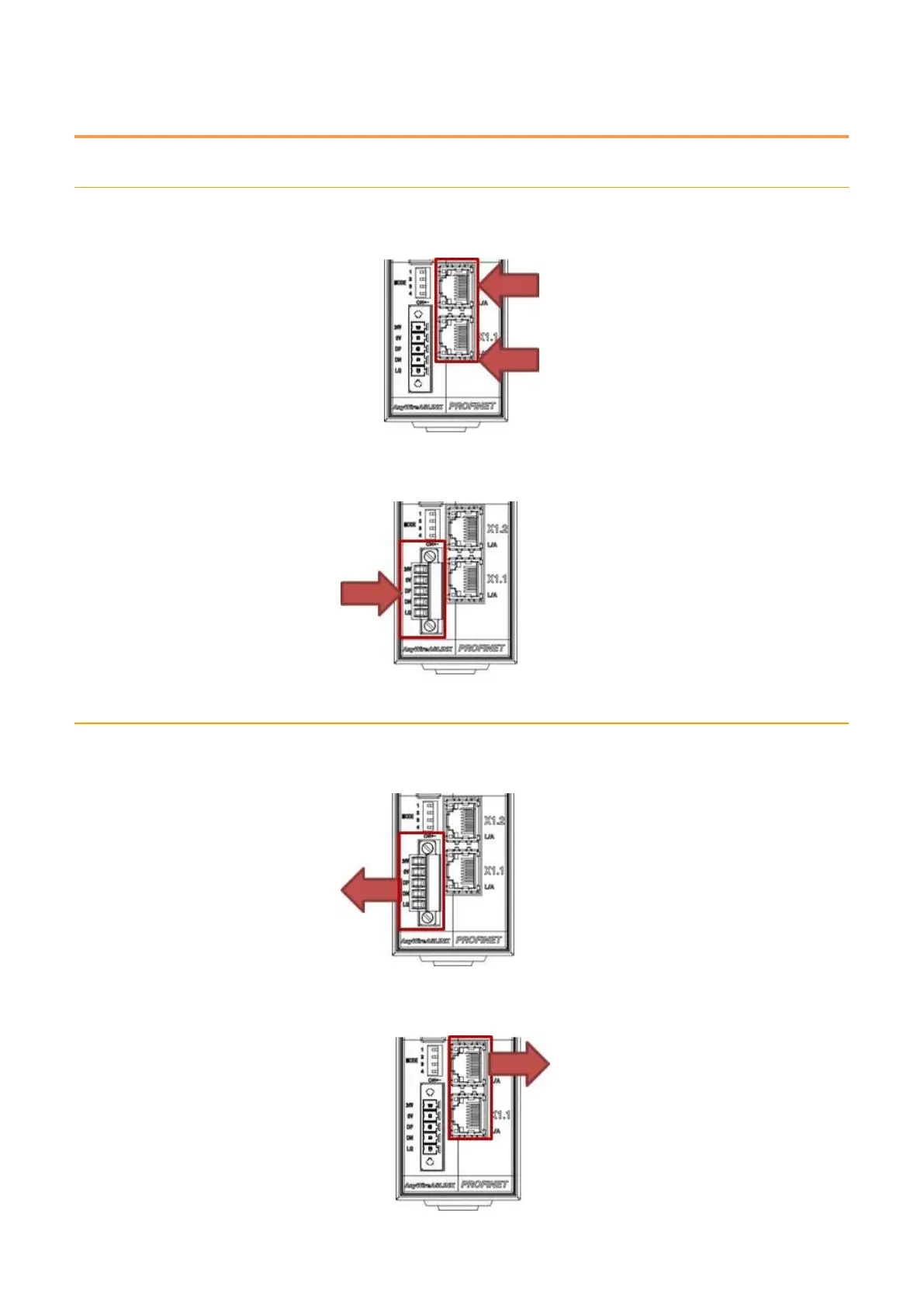
9.3.1. Connector installation
1. Insert the PROFINET cables into the PROFINET connectors.
2. Insert the ASLINK connector terminal block and fasten two screws on both sides.
9.3.2. Connector removal
1. Loosen the screws on both sides of the ASLINK connector terminal block and remove the
connector terminal block.
2. While holding down the tab on the PROFINET cable, remove it from the PROFINET connector.



 To Next Page