
 To Next Page
N
nabiltagNov 2, 2025
I have the same TV, but the blue light isn't working. The device is completely off, even though all power is on the board. Where could the fault be? Which component?

I have the same TV, but the blue light isn't working. The device is completely off, even though all power is on the board. Where could the fault be? Which component?
I have the same TV, but the blue light isn't working. The device is completely off, even though all power is on the board. Where could the fault be? Which component?
Essential safety rules and precautions for performing maintenance procedures.
Diagnosing issues related to power, no light, and white panels.
Resolving image disappearance, white screens, and signal issues.
Diagnosing poor sound, no VGA input, and other signal problems.
Table detailing common nonconformities and their troubleshooting steps.
Required items and preparatory steps for software upgrades.
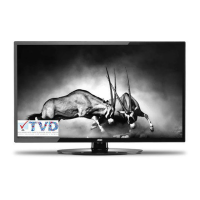
 General
| Screen Size | 32 inches |
|---|---|
| Resolution | 1366 x 768 |
| Display Type | LED |
| HDMI Ports | 2 |
| USB Ports | 1 |
| Contrast Ratio | 3000:1 |
| Brightness | 250 cd/m² |
| Response Time | 8 ms |
| Aspect Ratio | 16:9 |
| Refresh Rate | 60 Hz |
| VGA Port | Yes |
| Headphone Jack | Yes |
| Built-in Speakers | Yes |