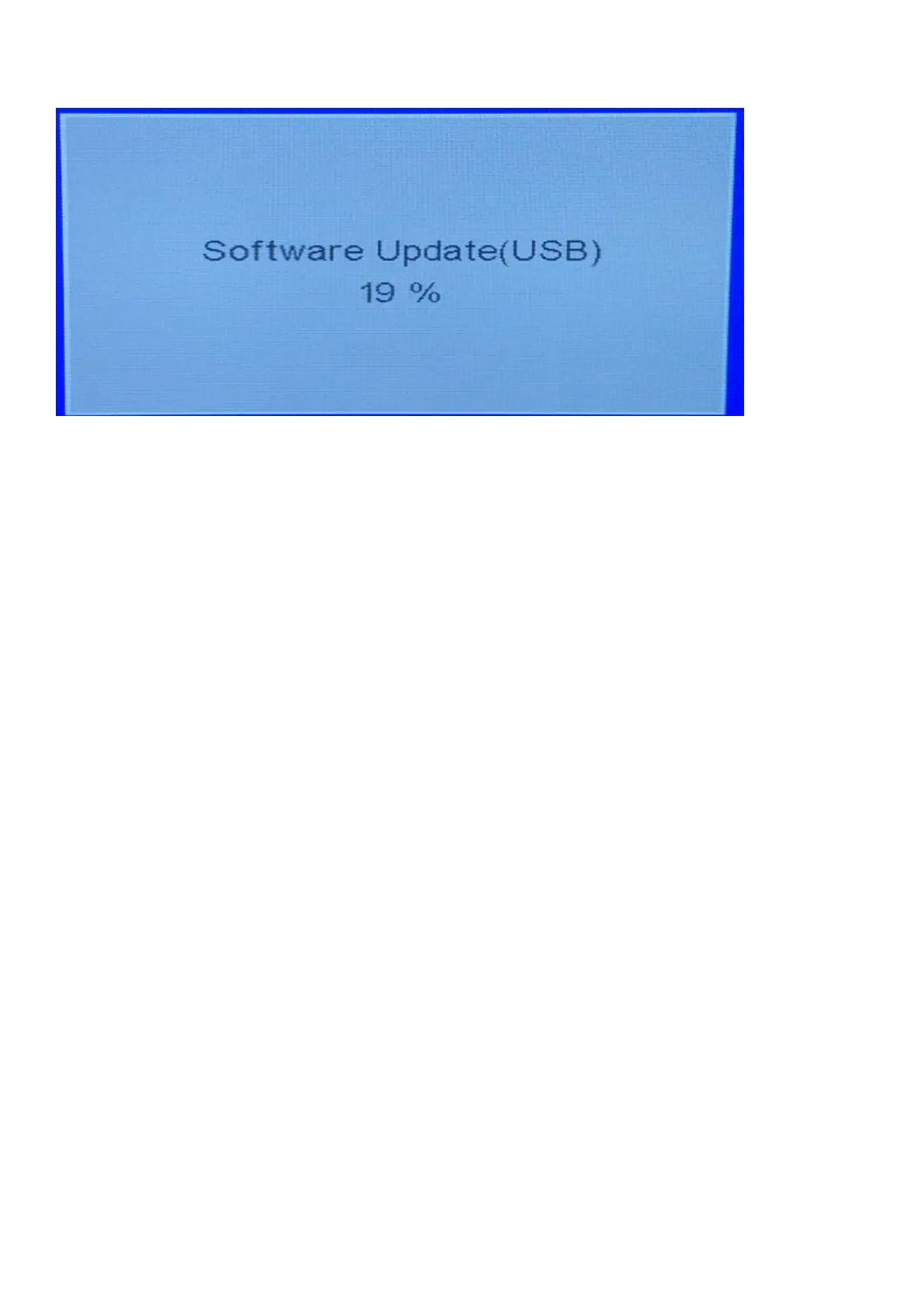
6. When the TV software is updated, the TV will turn on again automatically. Remove your USB flash drive.
Method 2:
Operations and procedure of software upgrading:
1). Changed the file name to "MERGE.bin", then stored software in the FAT32 format blank U disk.
2). Insert USB flash disk into the USB upgrade port, upgrade the software according to the following the operating
Keep pressing VOL+ and CH+ keys on the machine panel, power on the machine, the standby light flashes quickly after about
5 seconds, standby light extinguish and turn into lighting after about a minute, means that the upgrade is completed.
①. When the machine Upgrading (U disk light flash), do not remove U disk or switch off the power, otherwise it will
destroy the software and lead can not upgrade.
②. The machine must be power off when inserted or pulled out U disk, to avoid U disk or damage the machine.
30



 To Next Page