- 8 -
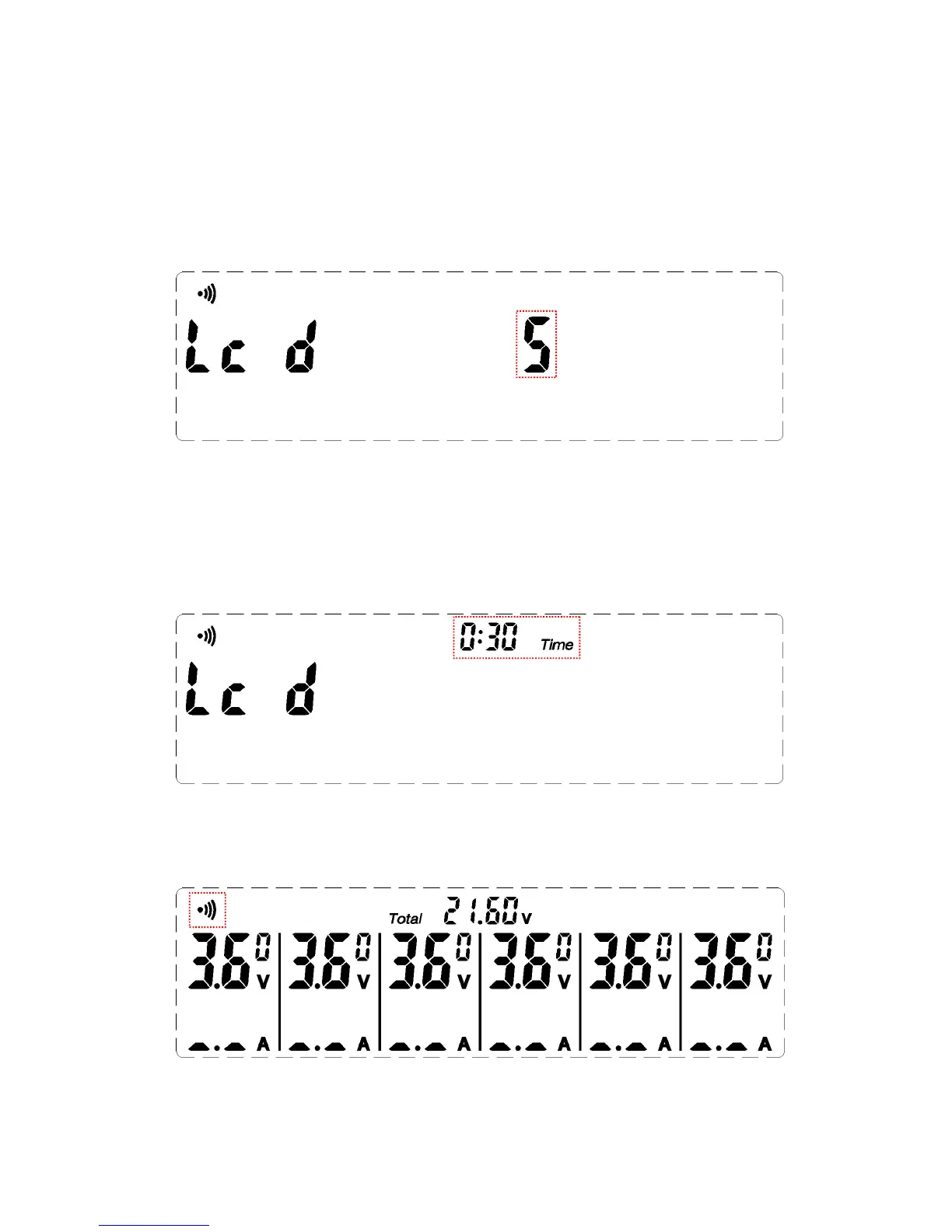
m. setting mode in the brightness of the display screen, press the up or down
arrow keys, you can set the screen brightness set, press the MODE button
to enter the display backlight off time setting mode. (setting range: 0~5,
default value 5)
n. Set mode display backlight off time,Press the up or down arrow keys,You
can set the display backlight off time,Press the MODE key to return to
the set standard mode。(setting range:-:-- ~ 0:05~5:00,-:-- open display
backlight,default value :0:30,Unit: seconds.)
o. Under any mode, push MUTE to switch off or switch on.


 To Next Page
 Loading...