19
Installation
MacOS
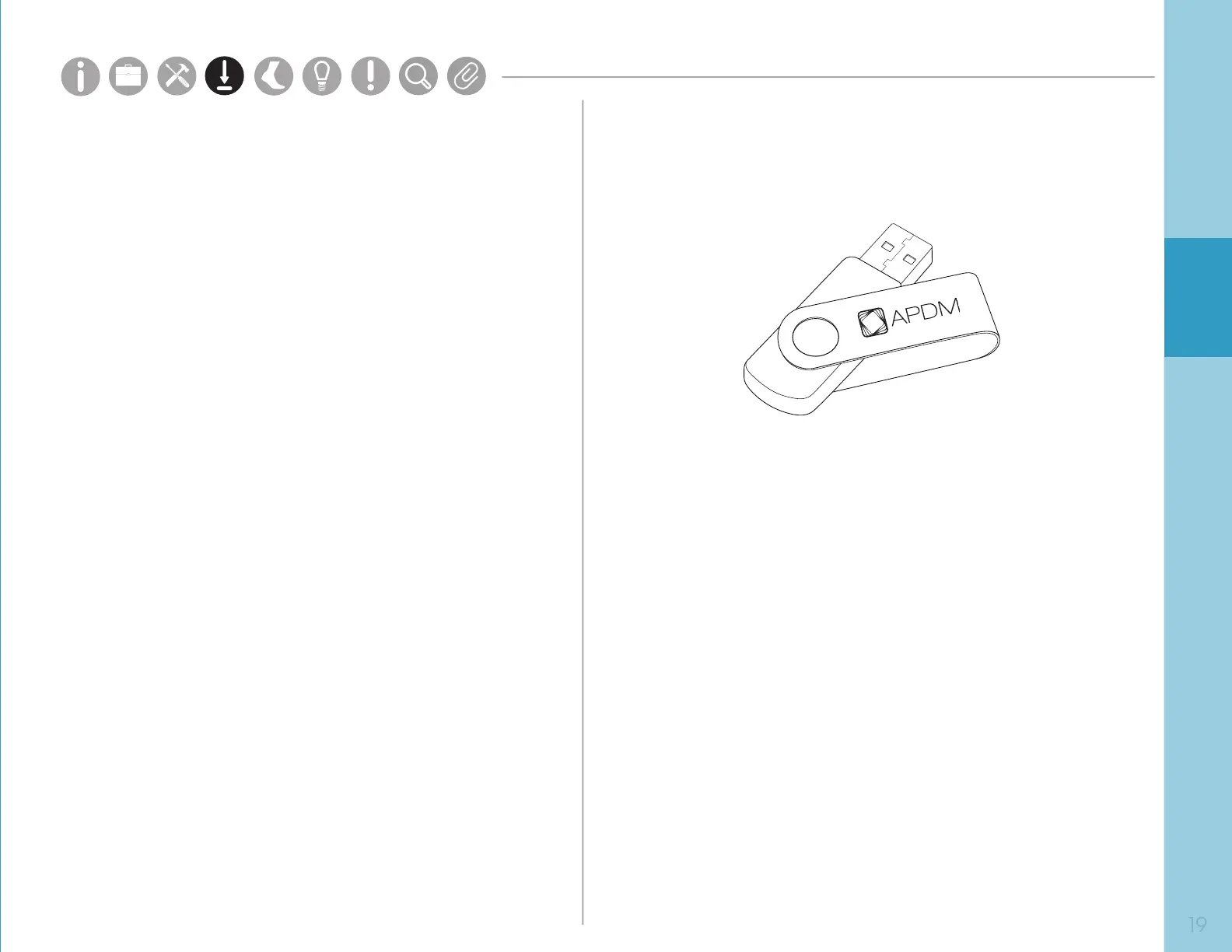
• Insert the provided USB drive into your computer.
Double click the MotionStudio_Mac64.dmg le.
Drag the Motion Studio icon into the Applications
folder to install.
Windows
• Insert the provided USB drive into your computer.
Double click on the setup le. This will guide you
through the installation process.
You may also visit share.apdm.com/motion_studio/release
Requirements
Operating System
Windows 7 (64-bit) or later.
(Make sure you have Internet Explorer 10 or later installed.)
OSX El Capitan or later.
RAM
4GB+
Processor
Intel Core i3 or better.
Recommended Intel Core i5 or i7.
Drive Space
500MB for installation.
Recommended 100GB+ for ample
recording storage.
Parts
Setup M.L. How to
M.L. Software Download Troubleshooting
Hardware Cong
Tech Stats/Info
Parts
Setup M.L. How to
M.L. Software Download Troubleshooting
Hardware Cong
Tech Stats/Info
Parts
Setup M.L. How to
M.L. Software Download Troubleshooting
Hardware Cong
Tech Stats/Info
Parts
Setup M.L. How to
M.L. Software Download Troubleshooting
Hardware Cong
Tech Stats/Info
Parts
Setup M.L. How to
M.L. Software Download Troubleshooting
Hardware Cong
Tech Stats/Info
Parts
Setup M.L. How to
M.L. Software Download Troubleshooting
Hardware Cong
Tech Stats/Info
Parts
Setup M.L. How to
M.L. Software Download Troubleshooting
Hardware Cong
Tech Stats/Info


 To Next Page
 Loading...