35
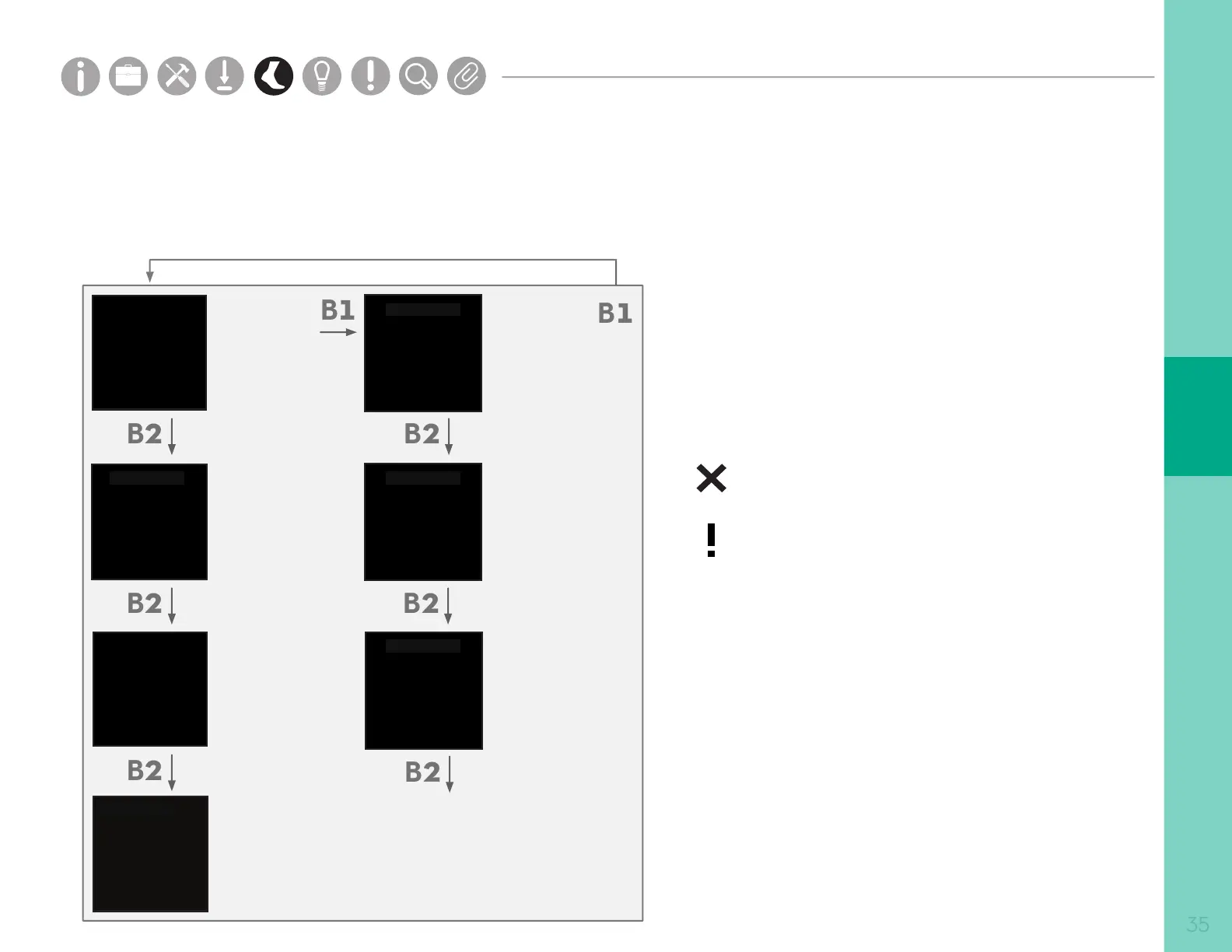
Access Point Screen Interface
The screen interface on the Access Point provides important information about the registration and operating
state of the hardware. The table below shows the navigation to dierent screens on the interface.
Main Screen
Sensor Status
Body Location
Wireless Signal
(RSSI)
Device
Information
Access Point
Information
Device
Information
Opal Location 01
Device
Information
Opal Location 03
Tech Stats
Opal Location 04
Opal Location 05
Opal Location 06
...
Device
Information
Opal Location 02
Device
Identification
The Status screen on the AP indicates if the
Opal sensors are ready to record data. Symbols
on the left-hand side of the screen identify the
following:
Opal is ready to stream data
Communicating with the Opal wirelessly,
but not yet ready to stream data.
Not receiving data from the Opal.
The Opal may be docked or out of range.
READY
Opal Location 01
Opal Location 02
Opal Location 03
Opal Location 04
Opal Location 05
Opal Location 06
85
90
97
88
78
91
•
•
•
•
•
•
TECH STATS
Opal Location 01
TECH STATS
Opal Location 03
TECH STATS
Opal Location 02
TECH STATS
SD Card:
Wireless:
Battery:
Sample Rate:
...
FCC ID XXXXXXX
CE
...
•
Device Status
Error States
Parts
Setup M.L. How to
M.L. Software Download Troubleshooting
Hardware Cong
Tech Stats/Info
Parts
Setup M.L. How to
M.L. Software Download Troubleshooting
Hardware Cong
Tech Stats/Info
Parts
Setup M.L. How to
M.L. Software Download Troubleshooting
Hardware Cong
Tech Stats/Info
Parts
Setup M.L. How to
M.L. Software Download Troubleshooting
Hardware Cong
Tech Stats/Info
Parts
Setup M.L. How to
M.L. Software Download Troubleshooting
Hardware Cong
Tech Stats/Info
Parts
Setup M.L. How to
M.L. Software Download Troubleshooting
Hardware Cong
Tech Stats/Info
Parts
Setup M.L. How to
M.L. Software Download Troubleshooting
Hardware Cong
Tech Stats/Info


 To Next Page
 Loading...