4
Table of Contents
Congratulations!
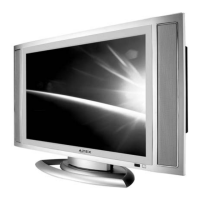
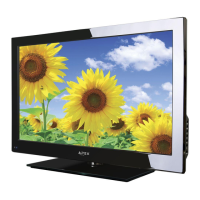
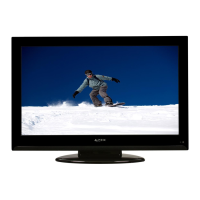
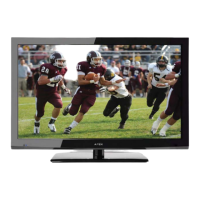
Thank you for purchasing the Apex Digital AVL2076 20”
LCD Television. This LCD TV is designed to be versatile,
ergonomic, and easy-to-use. It has a wide variety of inputs
for connecting to most any video device you already own.
Please take a moment and inspect the contents of your LCD
display. You should have:
- 20” LCD TV and display base
- AC power cord and power adapter
- Remote Control (2 “AAA” batteries included)
- Cables:
- 15 pin D-sub VGA cable
- Composite video cable (yellow ends)
- Stereo audio cable (red and white ends)
If any of these items are missing, please contact your retail-
er immediately. Please keep the original carton and packing
materials, as they are the best method of transportation for
your LCD TV, in case of moving or warranty repair.
Warning 1
Safety Instructions 2-3
Table of Contents 4
Remote Control Functions 5
Remote Control Battery Installation 6
Top Panel Controls 7
Rear Panel Connections 8
Connecting to External Video Devices 9-10
Menu
Adjustments
TV Mode 11
S-Video / AV Mode 12
Component (YPbPr) Mode 13
VGA Mode 14
TV
Menu 15
Closed Caption
V-Chip
Change Password
Channel Scan
CATV / AIR
Add / Delete Channel
Picture-in-Picture Menu 16
Troubleshooting 17
FAQ - Frequently Asked Questions 18
Specifications 19
Limited Warranty 20


 To Next Page
 Loading...