5. Operation
5.1 Display Panel
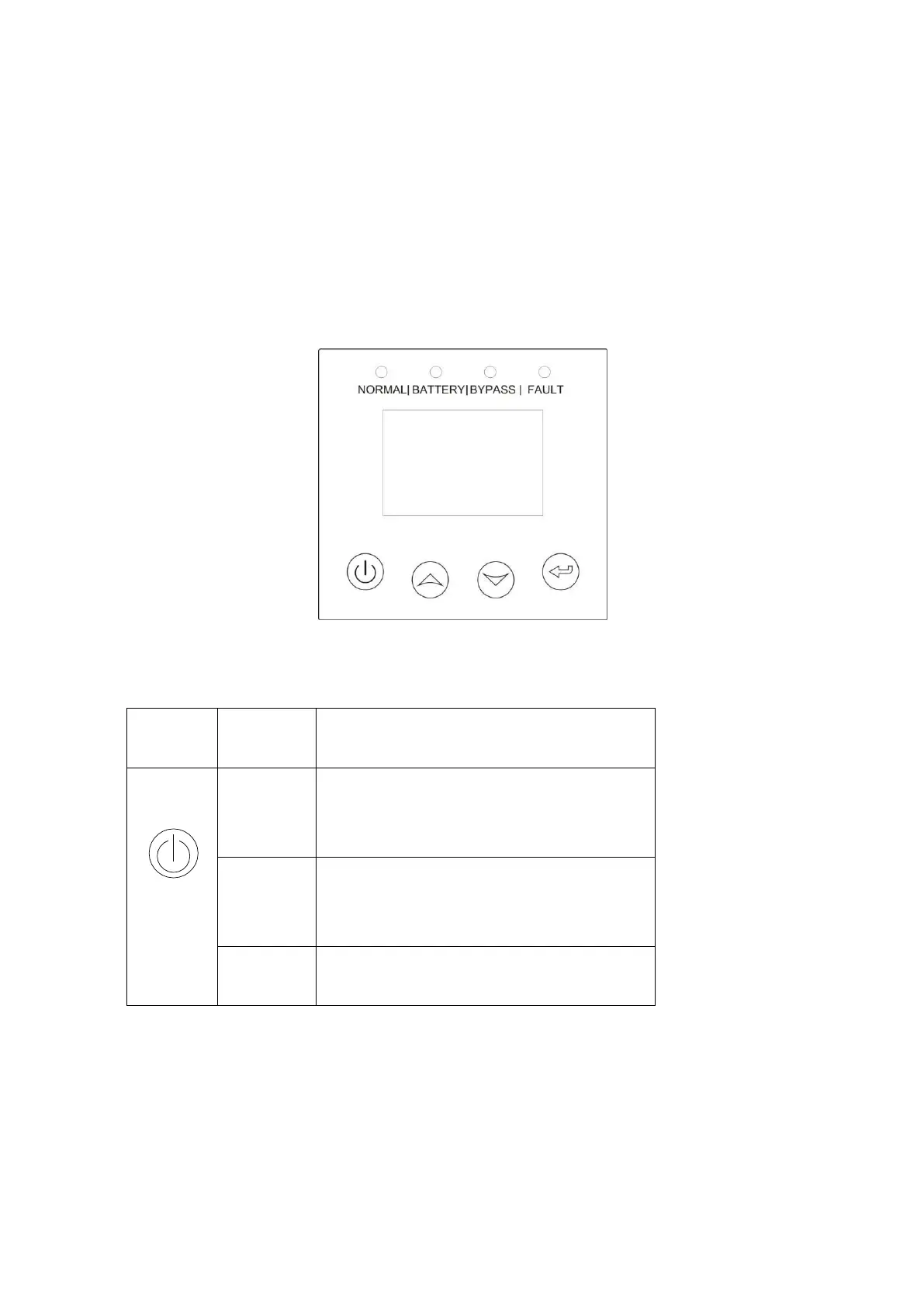
The UPS has a four-button dot matrix LCD with dual color backlight. Standard back-light is
used to light up the display with white text and a blue background. When the UPS has a critical
alarm, the backlight changes the text to dark amber and the background to amber.
Besides the LCD, the UPS has four colorized LEDs to provide more convenient information.
Fig. 5-1 Control Panel
Table 5-1 Control Button Functions
When the unit is no power and has
connected with battery, press this button
for >100ms&<1s to power on
When the unit is powered on and is in
Bypass mode,
press this button for >1s to turn on
When the unit has been turned on, press
this button for >3s to turn off



 To Next Page