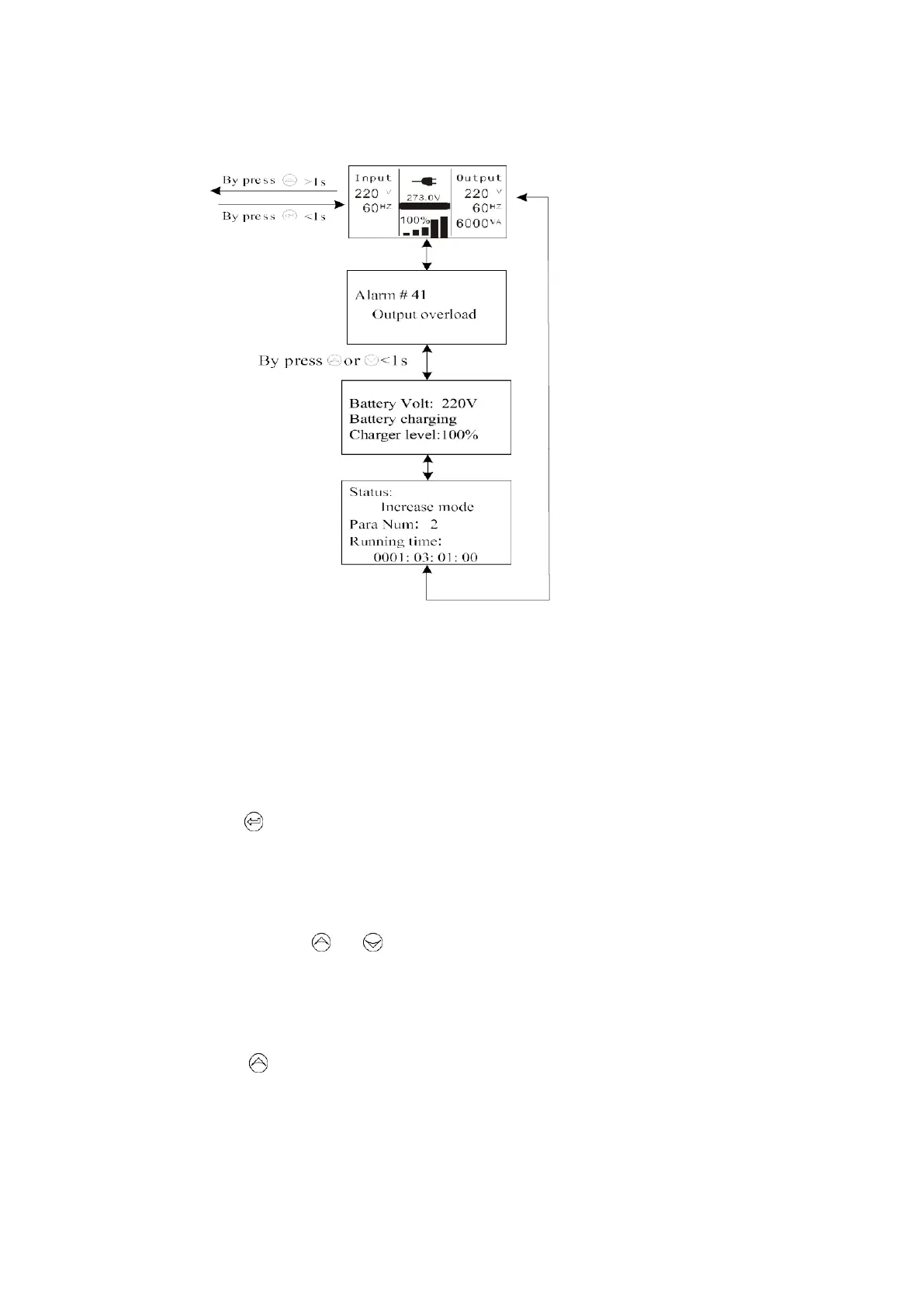
Fig. 5-15 UPS status menu tree
5.4.3 The event log menu
By pressing on the menu of “Event log”, the display would enter the next event
menu tree.
All the old event, alarm and fault have been recorded here. The information includes
the illustration, the event code, and the operating time of UPS when the event
happened. By press
or
<1s, all the event could be displayed
one by one.
The max number of record is 50, when the number is larger than 50, the oldest one
would be changed to the newest information.
By pressing >1s, the display would return the last main menu tree.



 To Next Page