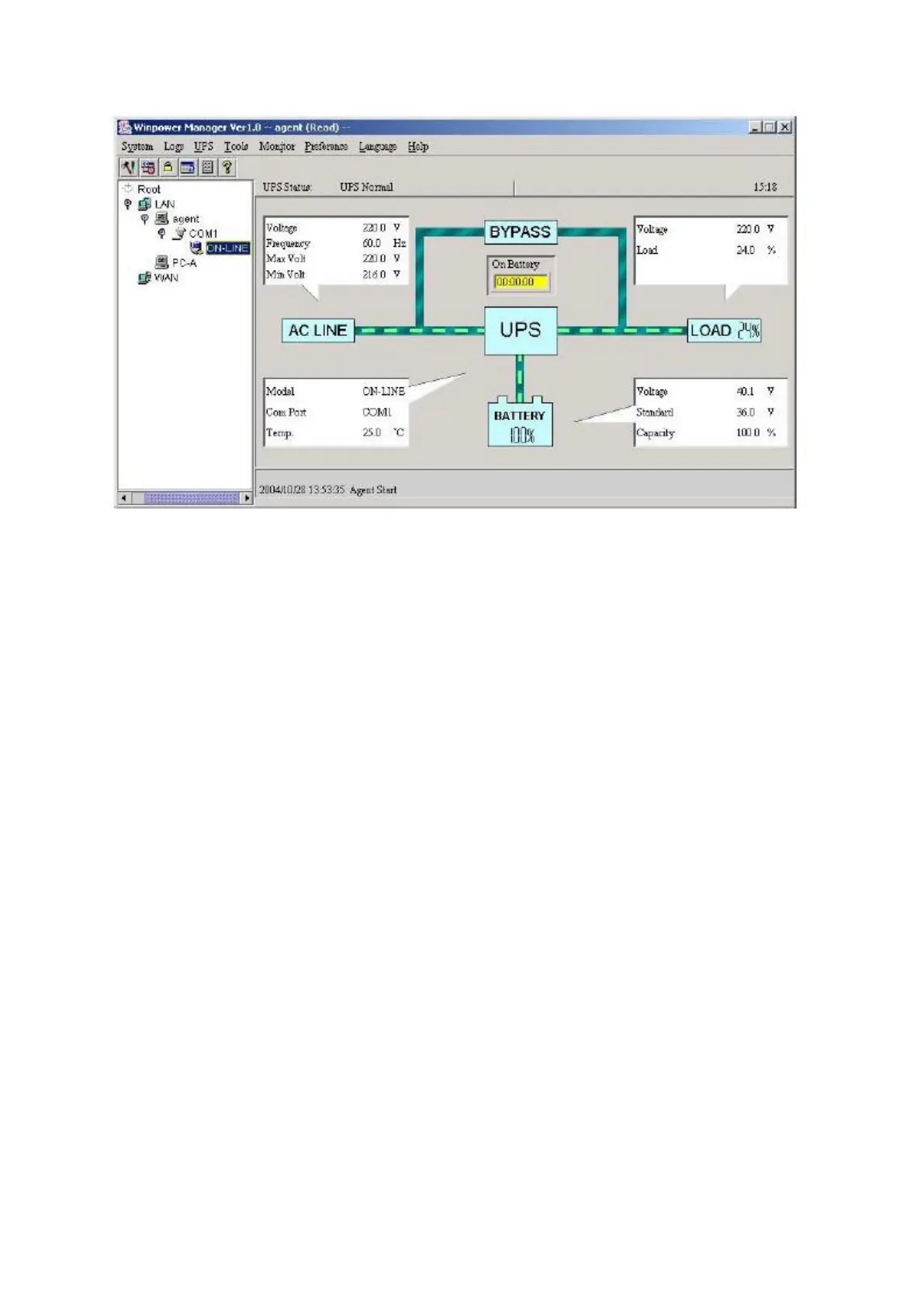
Installation procedure:
1. Go to the website:
http://www.ups-software-download.com/
2. Choose the operation system you need and follow the instruction described on the website
to download the software.
3. When downloading all required files from the internet, enter the serial No: 511C1-01220-
0100-478DF2Ato install the software.When thecomputer restarts,the WinPower software will
appear as a green plug icon located in the system tray, near the clock.



 To Previous Page