English
13
Using the USB Ports and Security Slot
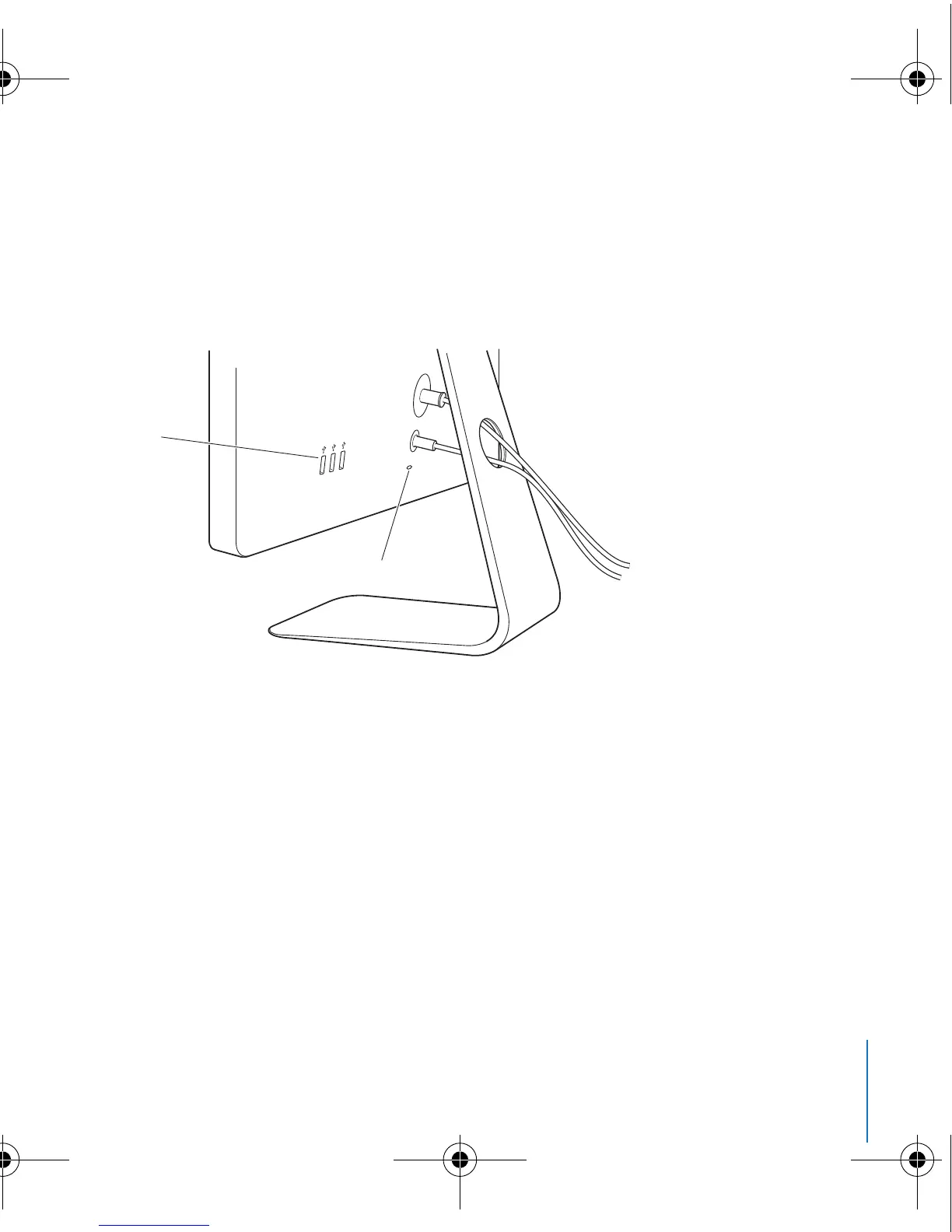
Your display has three powered USB ports on the back. Use these ports to connect a
mouse, keyboard, iPhone, iPod, or other USB peripheral. Make sure the display’s USB
cable is connected to your computer.
To secure your display, use the security slot to attach a locking cable.
Using a VESA Mounting Solution with Your Display
You can attach your display to an alternative mounting solution, using the VESA Mount
Adapter kit available from the Apple Online Store at www.apple.com/store. Use the kit
to attach your display to any available VESA-compatible mounting solution. Simply
follow the instructions included with the kit.
USB ports
Security slot
2A4-4637.book Page 13 Wednesday, September 17, 2008 5:07 PM



 To Next Page