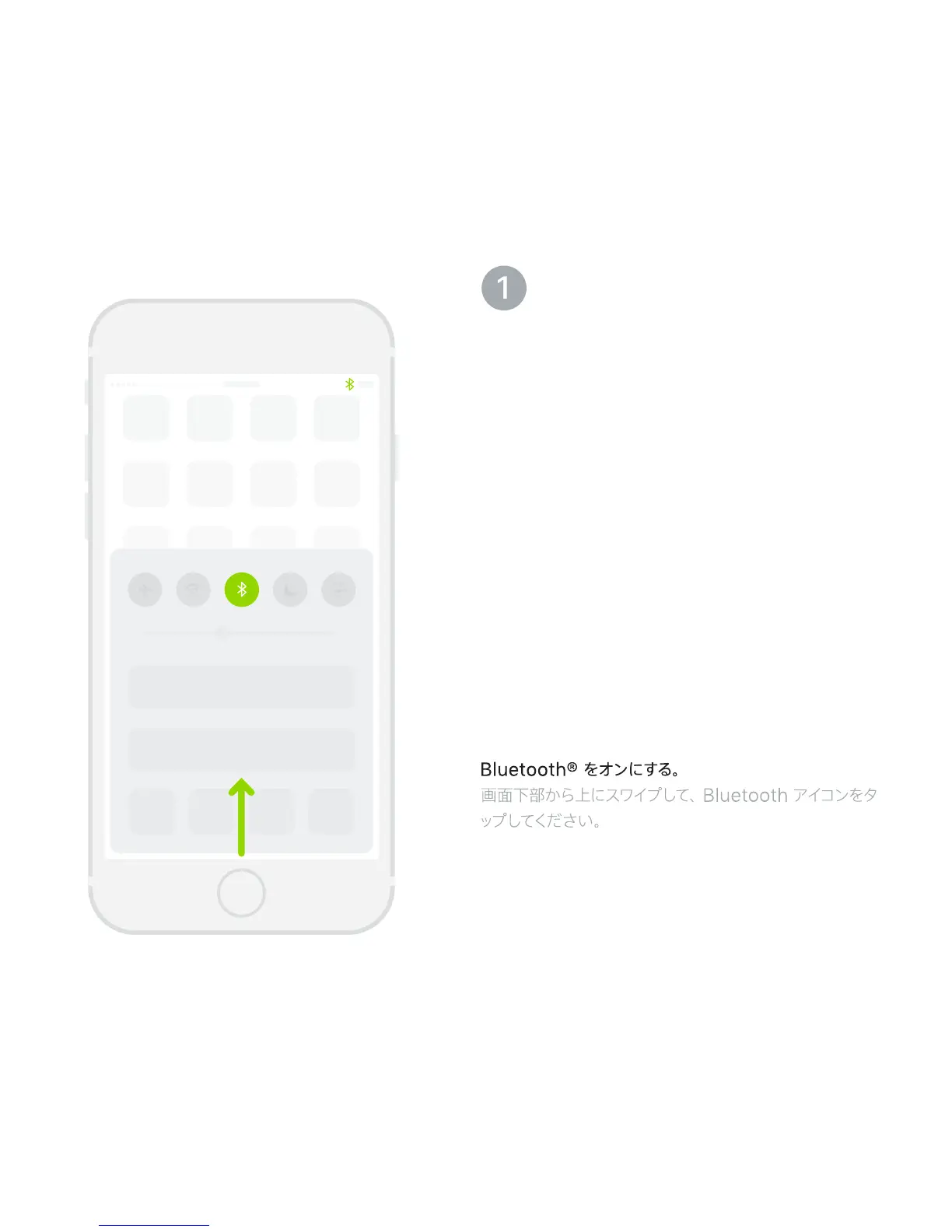
Turn on Bluetooth®.
Swipe up from the bottom of the screen
and tap the Bluetooth icon.
Activez la fonction Bluetooth®.
Balayez en partant du bas de l’écran,
puis touchez l’icône Bluetooth.
Active Bluetooth®.
Deslice con el dedo hacia arriba desde la
parte inferior de la pantalla y pulse el icono
de Bluetooth.
Ative o Bluetooth®.
Passe o dedo a partir da parte inferior da tela
e toque no ícone Bluetooth.



 To Next Page