6
Back to My Mac User’s Guide
December 2007
Screen Sharing
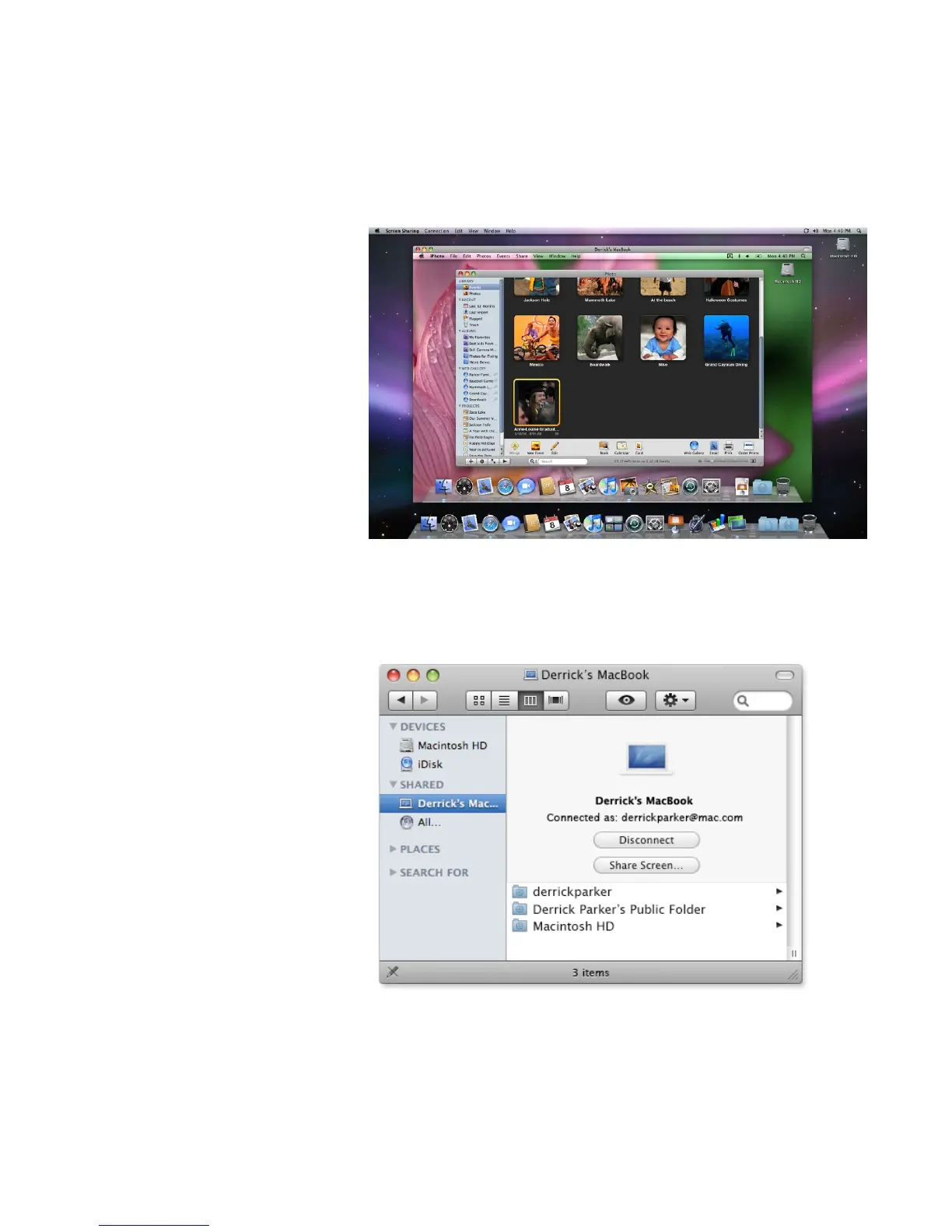
With the Screen Sharing feature, you control your remote Mac through a special win-
dowonyourlocalMac.Youcanlaunchapplications,editandsaveles,andevenuse
many keyboard shortcuts. Here’s how:
1. OpenaFinderwindow.
2. UnderSharedinthesidebar,clicktheMacyouwanttocontrol.
3. ClickShareScreen,andanewwindowwillopendisplayingthedesktopforthatMac.



 To Next Page