12 Chapter 1 Getting Started
If you selected “Using DHCP,” gather the following optional information (ask your ISP if
you need it):
• DHCP client ID
• DNS servers
If you selected “PPP” (for PPPoE connections), gather the following:
• Service provider
• Account name
• Password
• PPPoE service name
The information below is optional. Ask your ISP or system administrator if you need it.
• DNS servers
• Domain name
• Proxy server
Step 3: Connect Your Cables
Next, connect your PowerBook to a phone line, DSL modem, cable modem, or Ethernet
network. If you’re connecting to a wireless AirPort Extreme network, you don’t need
cables.
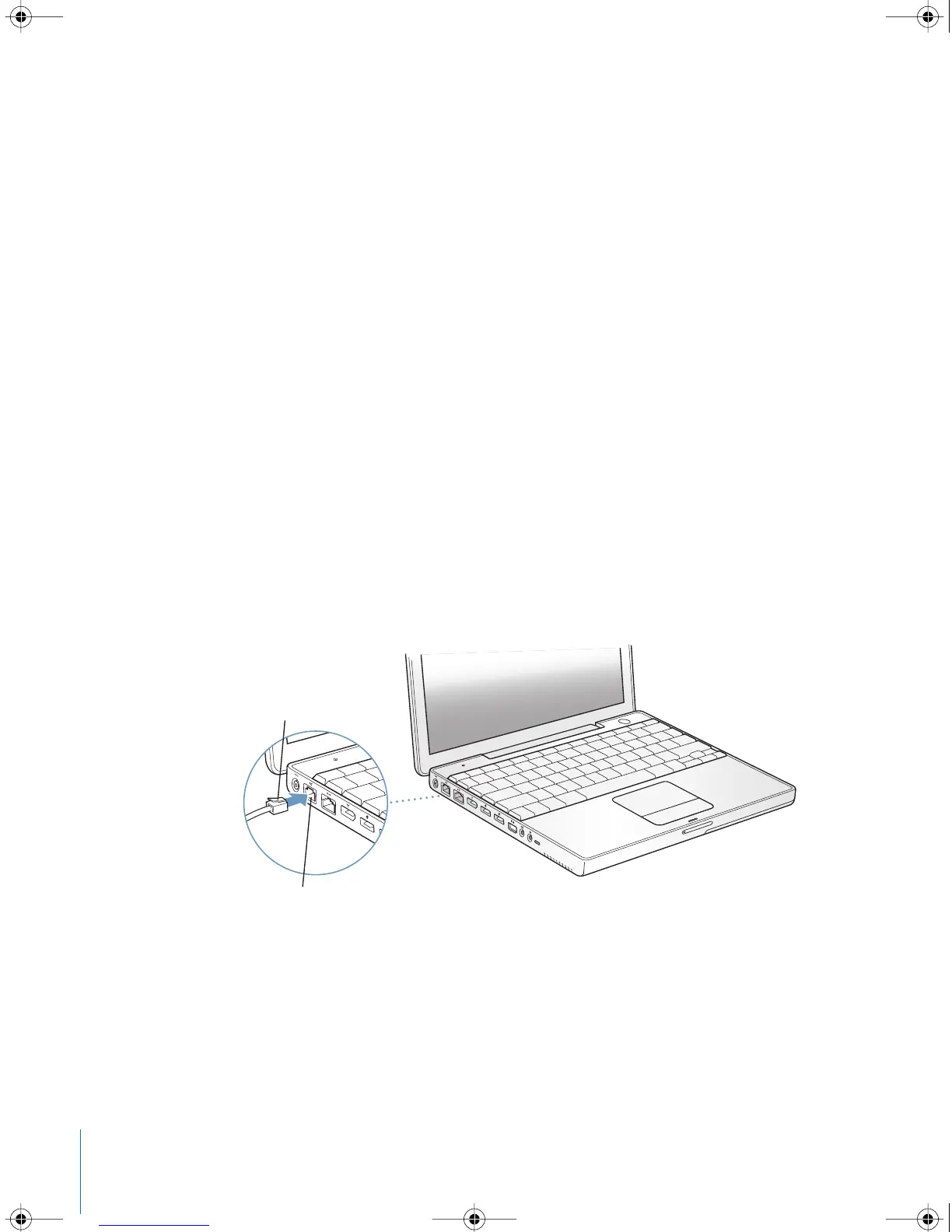
To connect to a phone line:
m
Connect the phone cord from a wall jack to the internal modem port for a dial-up
connection.
Telephone cord
W
Internal modem port
®
LL2540.book Page 12 Thursday, March 11, 2004 2:20 PM



 To Next Page