Chapter 1 Getting Started 15
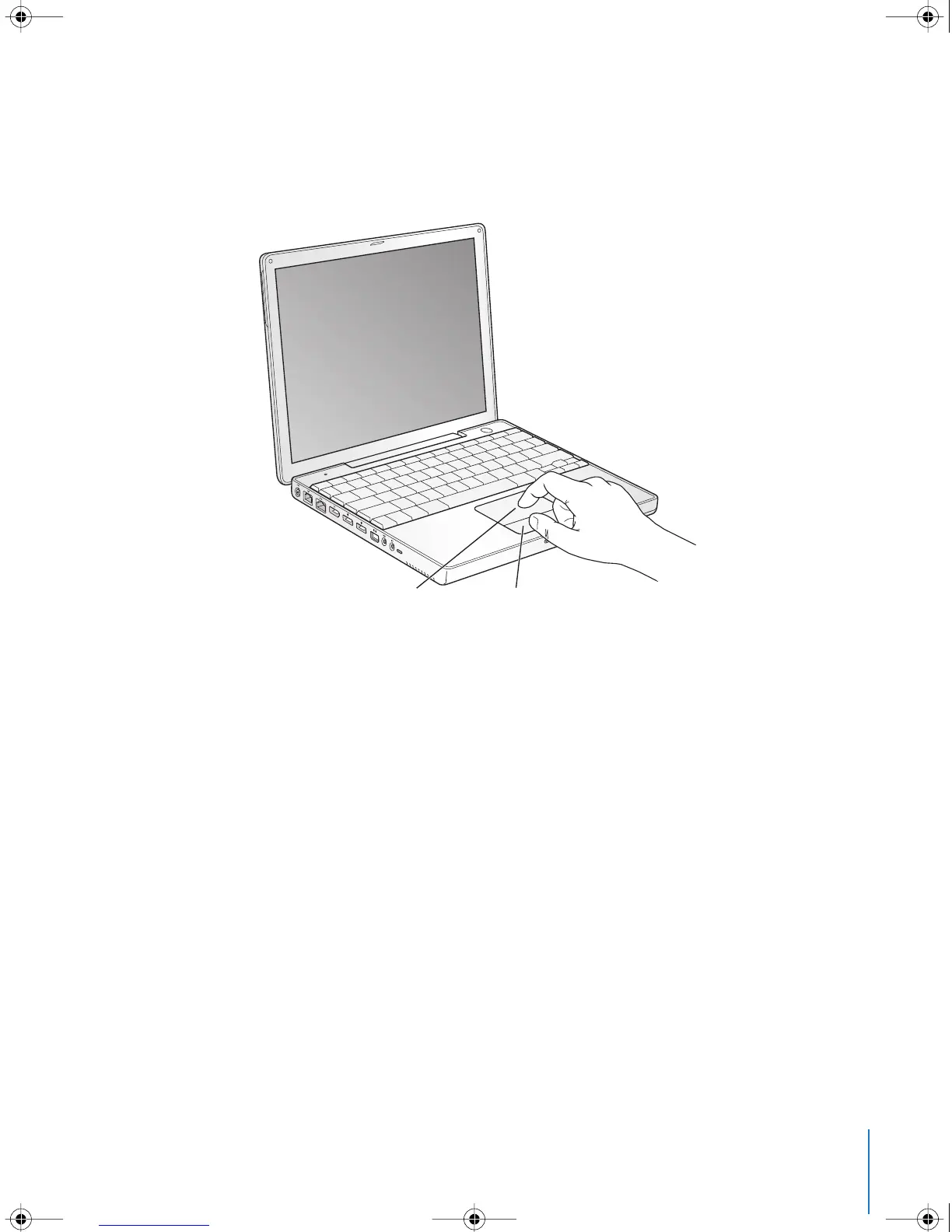
2 Use your PowerBook trackpad to select and move items on the screen, much as you
use a mouse with a desktop computer.
• To move the arrow pointer on the screen, slide your finger across the trackpad.
• To select, click, or double-click an item on the screen, use the trackpad button.
For tips on using the trackpad, see “Tips for Using the Trackpad” on page 22.
Congratulations, you’re up and running!
®
Trackpad
Trackpad button
LL2540.book Page 15 Thursday, March 11, 2004 2:20 PM



 To Next Page