Chapter 2 The Basics 29
When an Application Freezes
On rare occasions, an application may freeze on the screen. Mac OS X provides a way to
quit a frozen application without restarting your computer. Quitting a frozen
application may allow you to save your work in other open applications.
To force an application to quit:
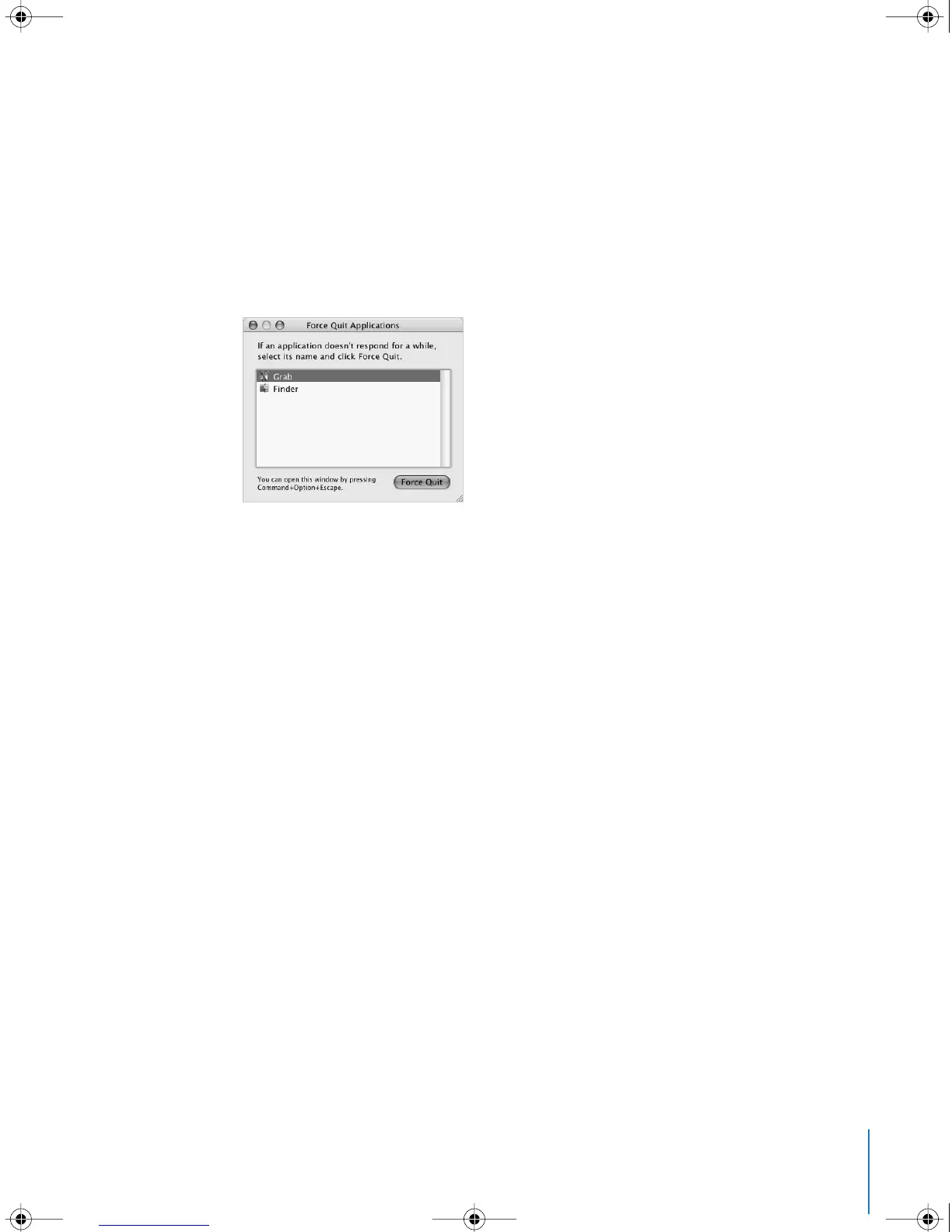
1 Press Command (x)-Option-Esc or choose Force Quit from the Apple (K) menu.
The Force Quit Applications dialog appears with the application selected.
2 Click Force Quit.
The application quits, leaving all other applications open.
If needed, you can also force the Classic environment to quit, which closes all Classic
applications. You can also restart the Finder from this dialog.
If you’re experiencing other problems, see Chapter 5, “Troubleshooting,” on page 57.
LL2540.book Page 29 Thursday, March 11, 2004 2:20 PM



 To Next Page