Chapter 3 Using Your Computer 33
Using Multiple USB Devices at the Same Time
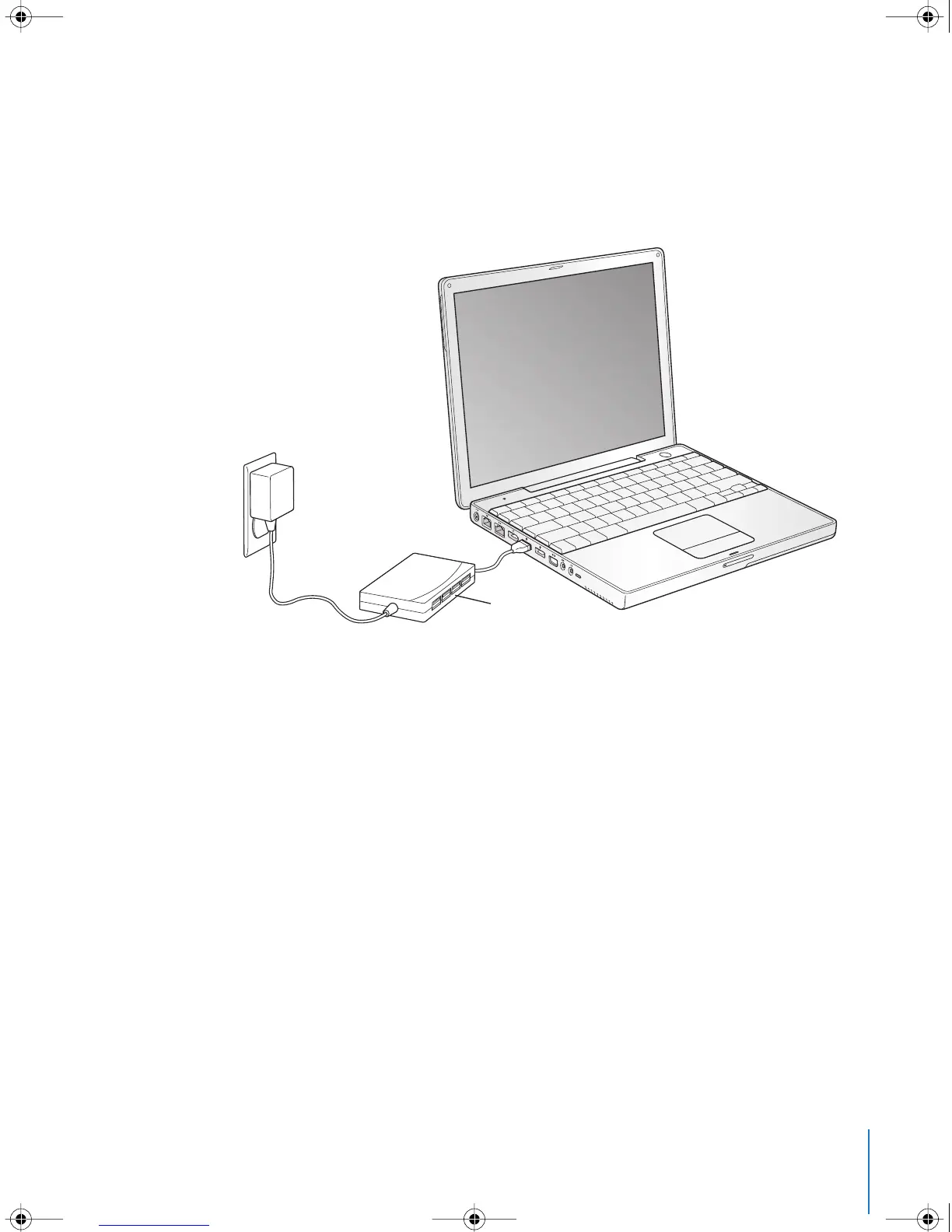
If you want to use more than two USB devices at the same time, you can purchase a
USB hub. The USB hub connects to an open USB port on your computer and provides
additional USB ports (usually four or seven). Most USB hubs also have a power adapter
and should be plugged into an outlet.
For More Information on USB
Additional information on USB is available in Mac OS Help. Choose Help > Mac Help in
the menu bar and search for “USB.” You can also find information on the Apple USB
website at www.apple.com/usb.
For information on USB devices available for your computer, check the Macintosh
Products Guide at www.apple.com/guide.
®
USB hub
LL2540.book Page 33 Thursday, March 11, 2004 2:20 PM



 To Next Page