82 Appendix C Connecting to the Internet
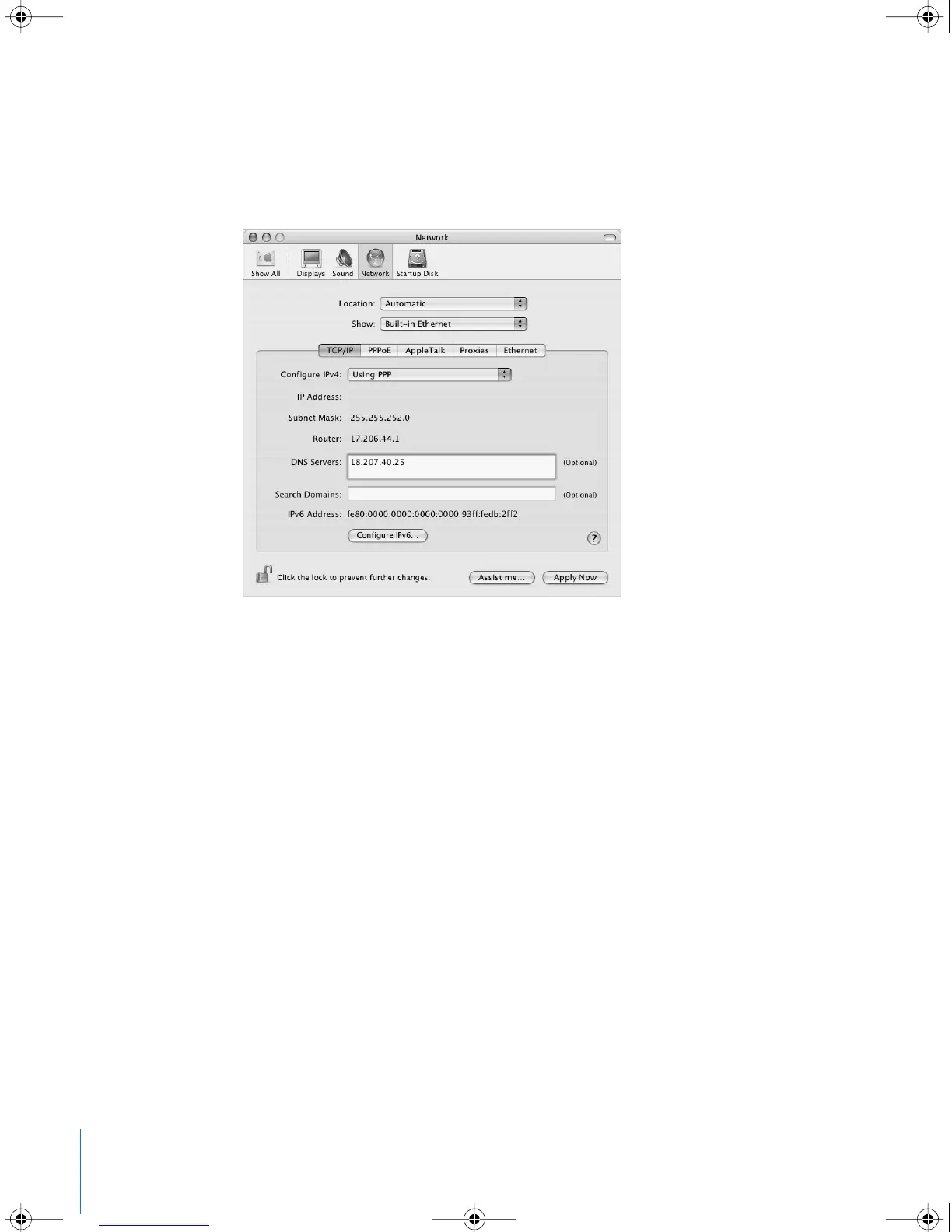
4 Click TCP/IP and choose either Using PPP or Manually from the Configure IPv4 pop-up
menu, as instructed by your ISP. If you have a static IP address from your ISP, choose
Manually and type the address in the IP Address field.
5 Type the domain name server (DNS) addresses in the DNS Servers field.
6 Click Apply Now.
Once you configure your network, your Internet connection is ready. You can open your
web browser or other TCP/IP application to test your connection.
Important: If you did not select the option to connect automatically, you will need to
open the Internet Connect application, choose the correct configuration, and then click
Connect. For more information, choose Help > Internet Connect Help from the menu
bar at the top of the display.
LL2540.book Page 82 Thursday, March 11, 2004 2:20 PM



 To Next Page