PowerBook G4 Hard Drive -
10
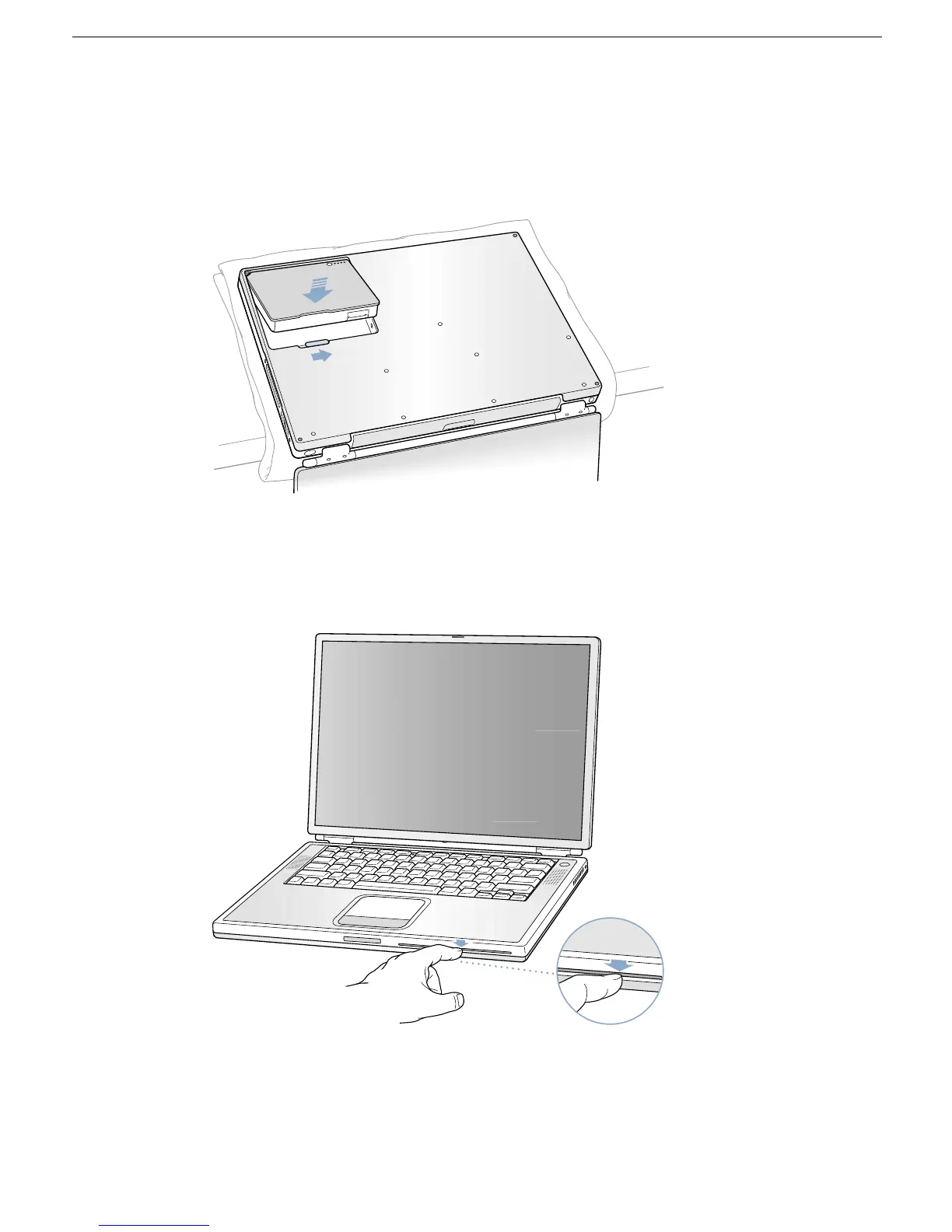
3. Replace the battery.
(Figure 15)
Important:
Make sure that the battery locks securely into place and that the battery
latch is slid all the way into the locked position.
Figure 15
4. Turn the computer over. Look at the optical drive slot to make sure that the case is
properly secured. If a gap exists below the slot, gently pull the bottom of the optical
drive slot toward you until it clicks into place and the gap is removed.
(Figure 16)
Figure 16
®



 To Next Page