Messages
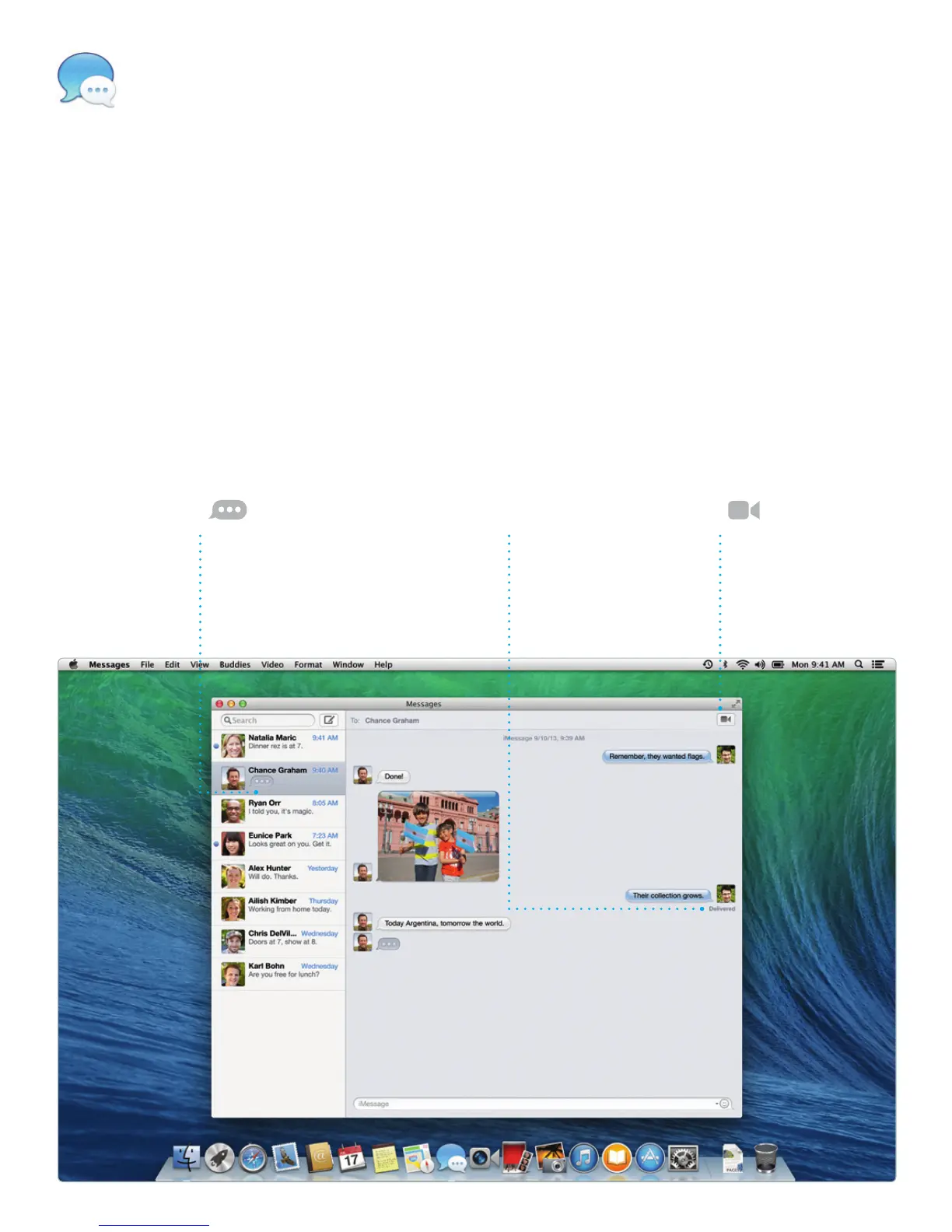
Just log in with your Apple ID, and
you can send unlimited messages,
including text, photos, videos,
and more, to your friends on a Mac,
iPad, iPhone, or iPod touch. With
iMessage, you can even start a
conversation on one device and
pick it up on another. And if you
want to talk to someone face to
face, you can start a video call*
just by clicking the FaceTime icon
in the top-right corner of the
Messages window.
Replies in progress
Three dots mean your
friend is typing a reply.
Delivery receipts
See when your
message has arrived.
FaceTime
Start a video call
right in Messages.
*Requires FaceTime-enabled device for both caller and recipient. Not available in all areas.



 To Next Page