93 - iBook (14.1 LCD 16 VRAM) Take Apart
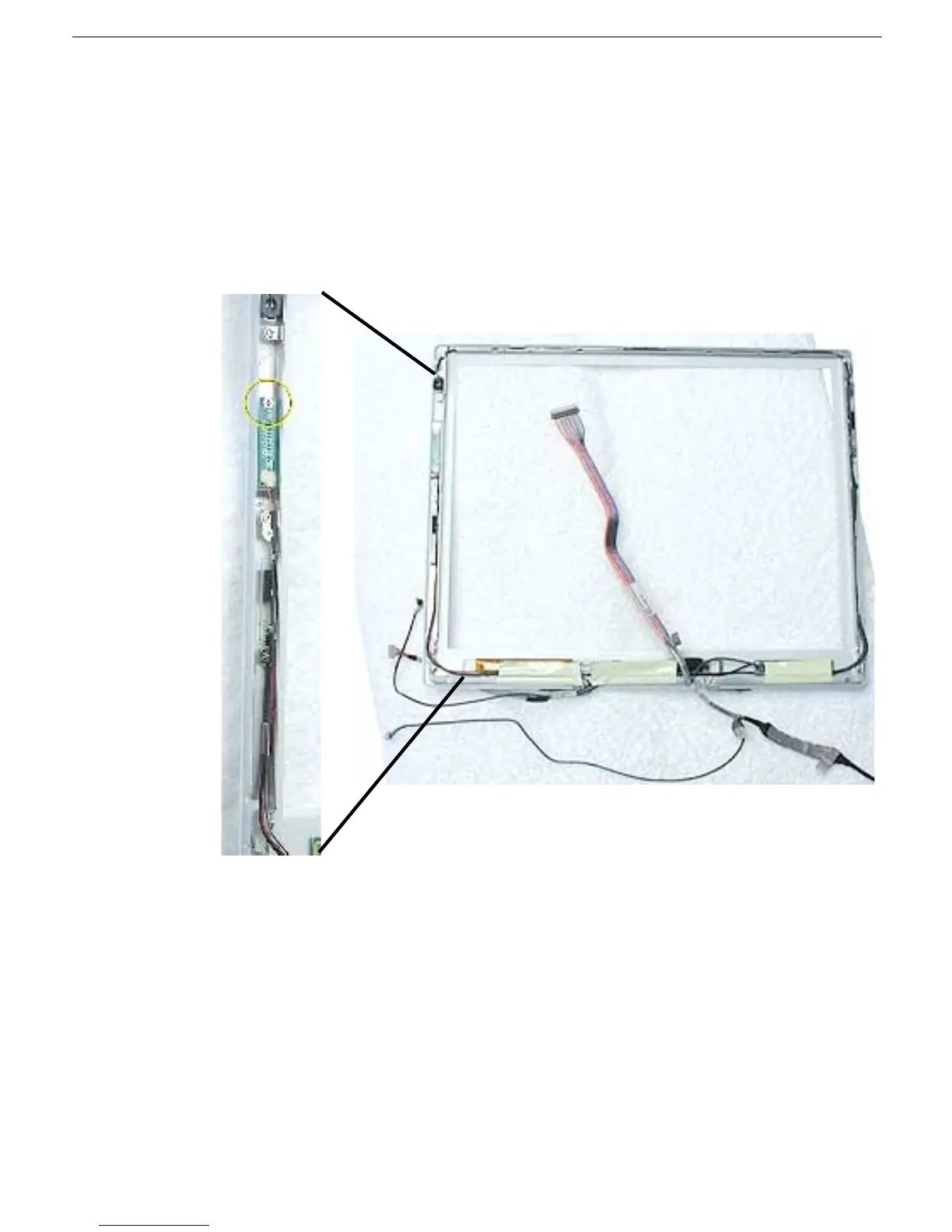
Reed Switch Board
Procedure
Note: Although your bezel assembly might appear somewhat different than shown, the
steps to follow are the same.
1. With the bezel assembly lying on a soft cloth, remove the one 3- mm long Phillips
screw at the reed switch board.
2. Pull up the reed switch cables from the channels on the left side of the bezel.



 To Next Page