iBook (14.1 LCD 16 VRAM) Take Apart - 70
LCD Panel
Procedure
Note: Although your display assembly might appear somewhat different than shown, the
steps to follow are the same.
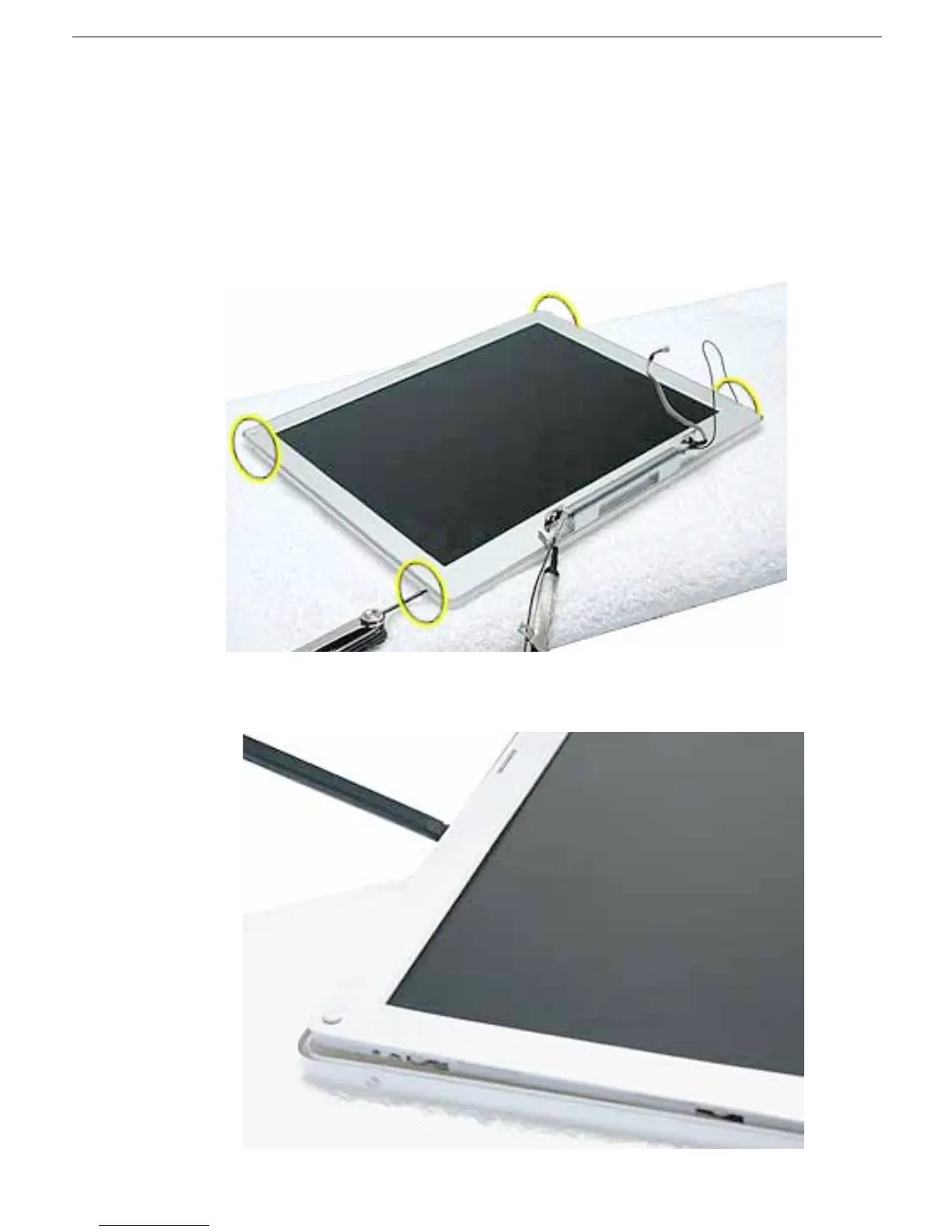
1. With the display module lying face up on a soft cloth, use either a 5/32 hex driver or a
Torx T6 screwdriver to remove the four 8-mm long screws (two on each side) from the
display housing.
2. Using a black stick, pry up the bezel from the display housing. Carefully work the black
stick around the outer perimeter and corners of the bezel.



 To Next Page