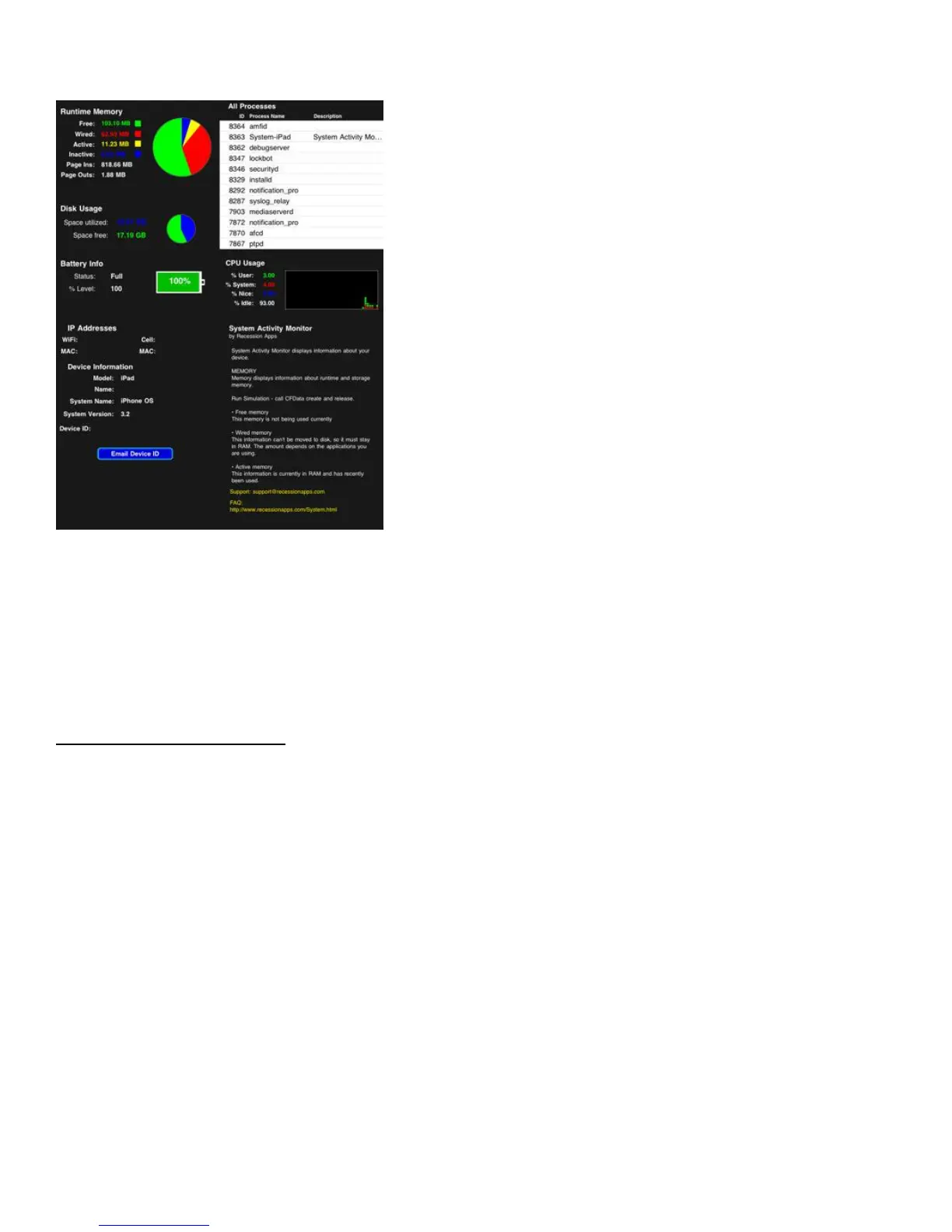
An App To Care For Your iPad
We could not end an article without mentioning at least one app! Keeping an eye on your iPad’s resources and
system information helps you care for it from a software perspective. There is one app in particular that helps
you with just that. System Activity Monitor ($2.99) is a great way to monitor just about everything on your
iPad.
This helps you care for your iPad by allowing you to see any potential resource drains, etc. It’s a good way to
keep tabs on everything using a single view.
TOP 35 TIPS AND TRICKS
These 35 iPad Tips will save you time and are invaluable if you are someone that wants to get more out of your
iPad. No matter what level of user you are, these tips are indispensable. Enjoy these tips and if you have any
others you want to share, add them in the comments at the end of the post for everyone to enjoy.
1. A Fast Way to The Top
To scroll back to the top of a page quickly, tap the status bar (where the current time is). You can do this with
some apps such as Mail and Notes with the columns while in landscape mode.
2. iPod Control (Fast)
If you are playing music via the iPod app, double press the home button even while using different applications
like Safari, and the iPod controls will pop up for you to use.
3. Quick Mute
Ever wanted to quickly mute your iPad? Just press and hold the volume button down and it will mute very
quickly without having to press it repeatedly.



 To Next Page