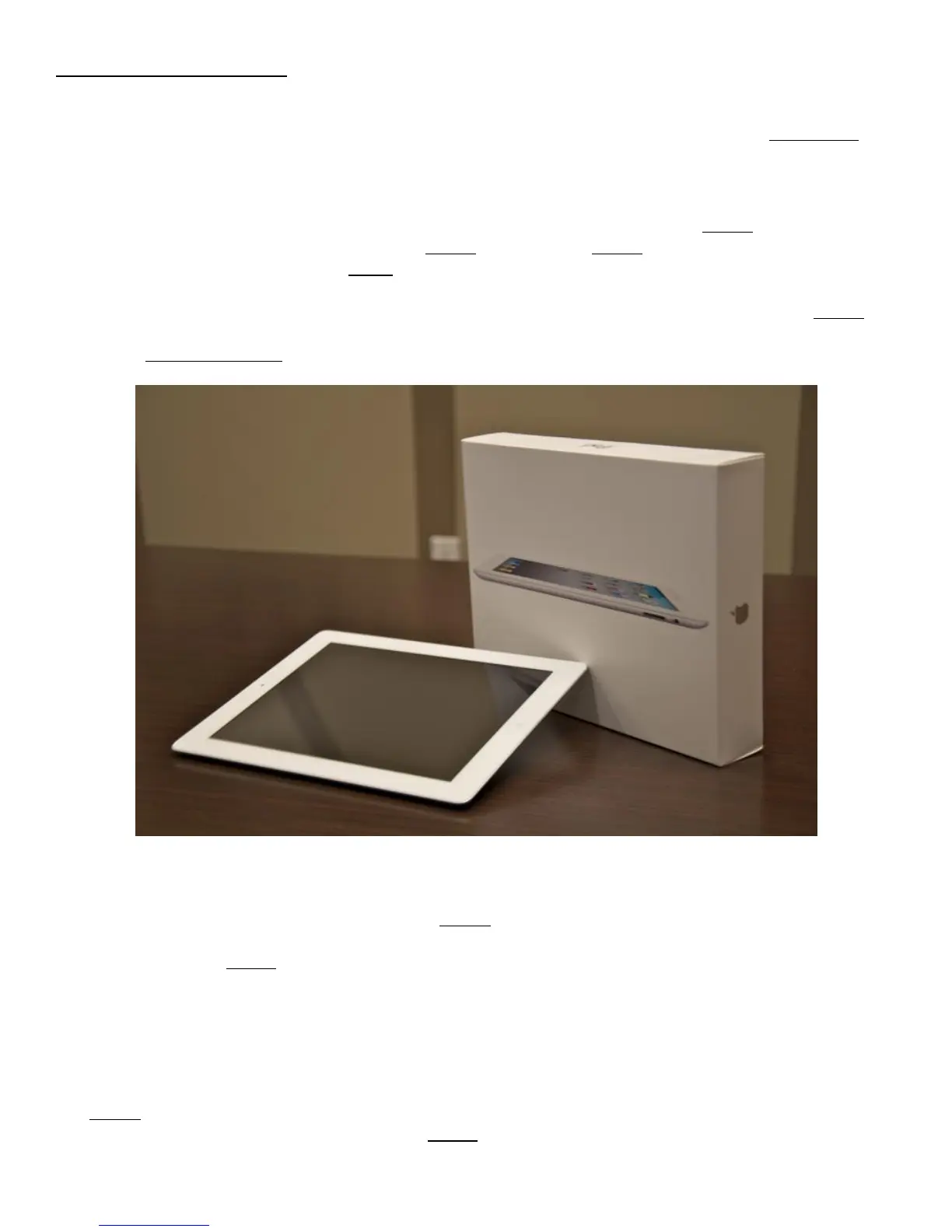
ACTIVATING YOUR IPAD
Before you can use your iPad 2 and start surfing the Web, reading novels, or typing e-mails, you have to
activate it. Fortunately, doing so doesn’t require filling out paperwork or standing in line at the Apple Store.
How To Use iPad 2 and What You Need
In order to activate and sync your iPad, you’ll need a Mac or PC with a USB 2.0 port, iTunes 10 or later, the
connection cable that came with the iPad, and an iTunes Store account. iTunes is not included in the iPad
box, so if you don’t have a copy, go to itunes.com/download and get it. In addition, your Mac should be running
OS X 10.5.8 or later; on a PC, you’ll need Windows 7, Windows Vista, or Windows XP Home or
Professional (SP3). You’ll also need your Apple ID and password. If you’ve ever bought songs from iTunes,
what you use to log in there will be your Apple ID; if you don’t have an Apple ID, you can create one for free
by going to appleid.apple.com.
How to Use iPad 2: Set It Up Your New iPad
When you first plug your iPad into your computer, iTunes will launch and walk you through the activation
process. The first screen will say “Let’s Get Started” and will lay out the first two steps: registering your
iPad and setting up an iTunes Store account. If you don’t want to register your iPad at the moment, you can
click the Register Later button on the left. If you’re ready to register, click the Continue button.
Next you’ll see the iPad Software License Agreement. Give it a read, check the box confirming that you have
read and agree to the license, and click on Continue (if you’d like to look at this document again later, click the
Save button before clicking Continue).
The iTunes Account screen is up next. This is where you enter your Apple ID and password to register your
iPad. If you’ve ever purchased anything from the iTunes Store, you should already have a login. If not, click the



 To Next Page