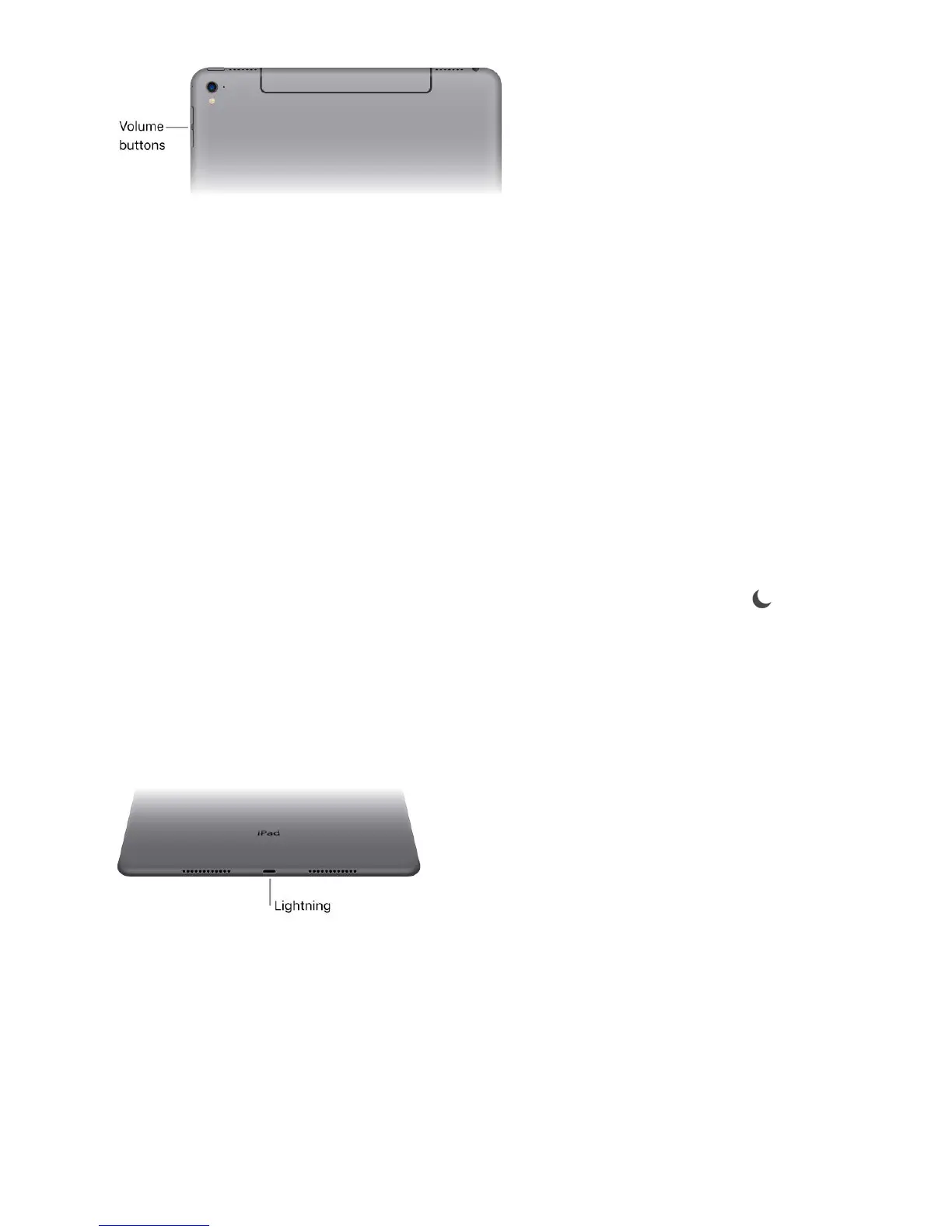
Lock the ringer and alert volumes. Go to Settings > Sounds, then turn off Change with
Buttons.
Note: To limit the maximum headset volume, go to Settings > Music > Volume Limit. To
prevent changes to the volume limit, go to Settings > General > Restrictions > Volume
Limit.
Use Control Center to adjust the volume. When iPad is locked or when youʼre using
another app, swipe up from the bottom edge of the screen to open Control Center, swipe
left, then adjust the volume.
Mute the sound. Press and hold the Volume Down button.
You can also use either volume button to .
Use Do Not Disturb. You can silence alerts and notifications using .
Swipe up from the bottom edge of the screen to open Control Center, then tap .
Do Not Disturb and the Side Switch donʼt mute the audio from music, podcasts, movies,
and TV shows.
Lightning connector
Connect your Lightning to USB Cable to the Lightning connector to charge or sync your
iPad. For more information about charging, see . For more
information about syncing, see .
If you have Apple Pencil, plug it into the Lightning connector to pair or charge it with
iPad Pro. For more information about Apple Pencil, see the Apple Support article
.
take a photo or record a video
Do Not Disturb
Charge and monitor the battery
Sync with iTunes
Use
Apple Pencil with iPad Pro



 To Next Page