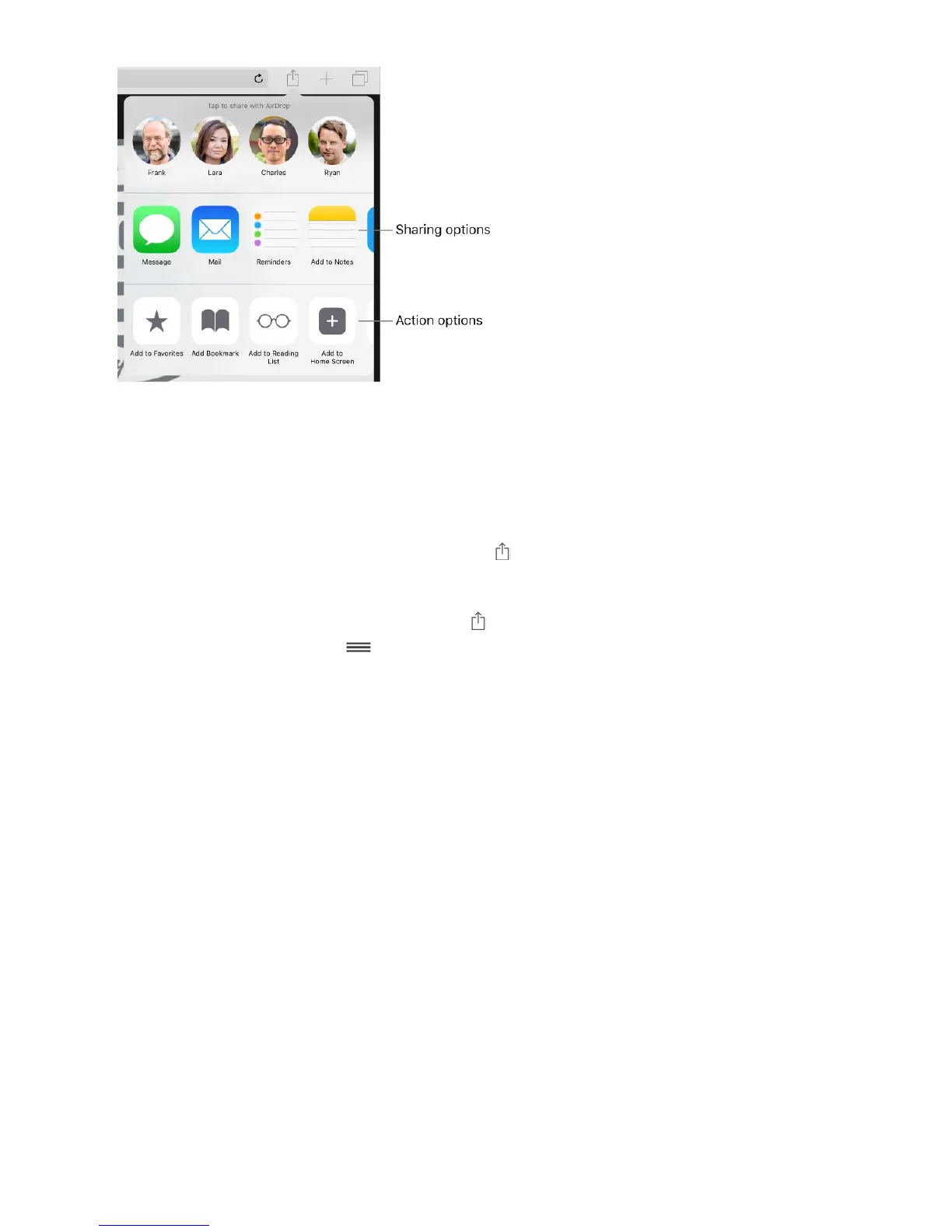
App extensions can also help you edit a photo or video in your Photos app. For example,
you can download a photo-related app that lets you apply filters to photos.
Install app extensions. Download the app from the App Store, open the app, then follow
the onscreen instructions.
Turn sharing or action options on or off. Tap , then tap More (drag options to the left
if necessary). Turn off third-party sharing or action options (they're on by default).
Organize sharing and action options. Tap , then tap More (drag options to the left if
necessary). Touch and drag to rearrange your options.
For more information about Today widgets, see . For more information about
Sharing options, see .
Your iPad name
The name of your iPad is used by iTunes and iCloud.
Change the name of your iPad. Go to Settings > General > About > Name.
Set restrictions
You can set restrictions for some apps, and for purchased content. For example, parents
can restrict explicit music from appearing in playlists, or disallow changes to certain
settings. Use restrictions to prevent the use of certain apps, the installation of new apps,
or changes to accounts or the volume limit.
Today View
Share from apps



 To Next Page