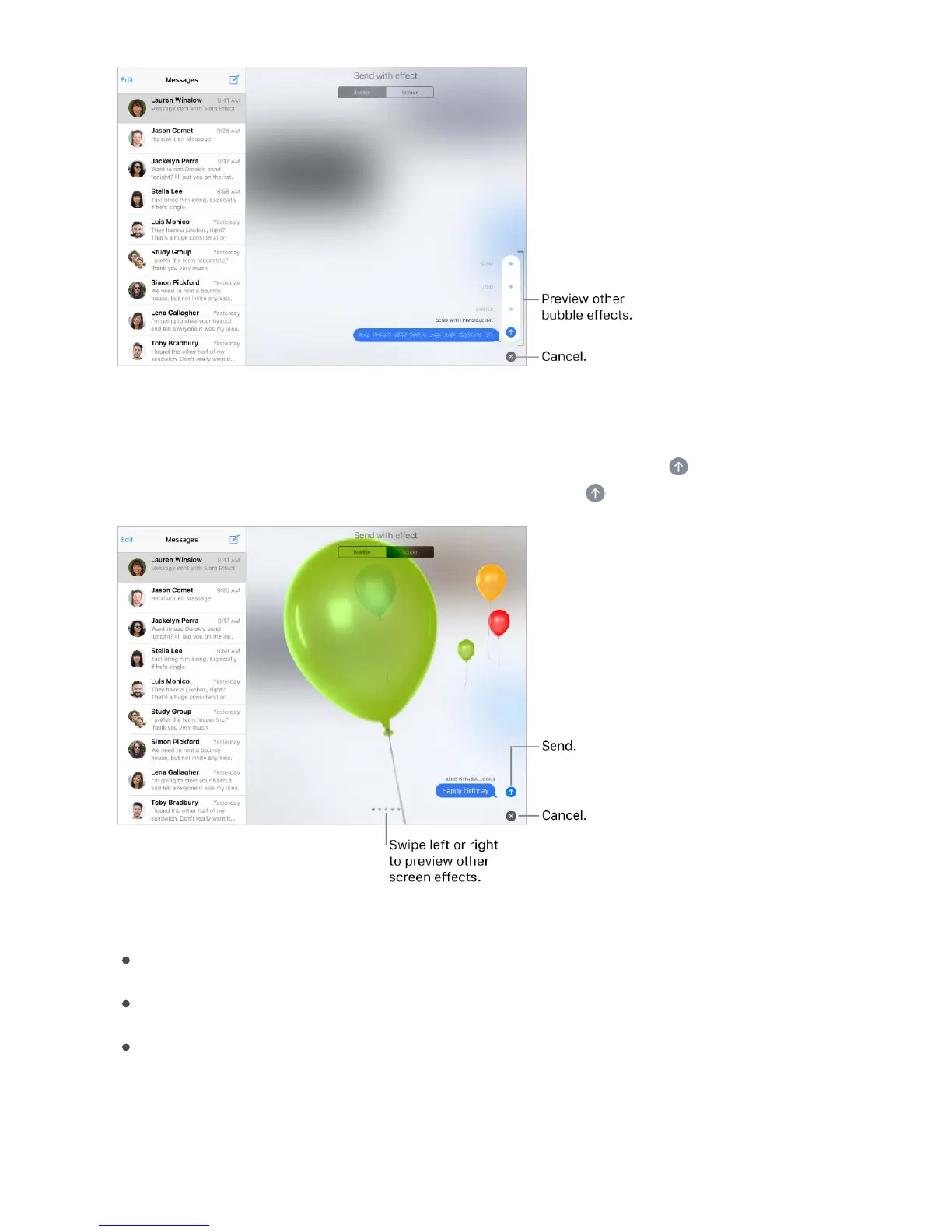
Tip: Want to send a personal message? When you use invisible ink, the message
remains blurred until the recipient swipes to reveal it.
Use a full-screen effect. After you type a message, touch and hold , then tap Screen.
Swipe left or right to preview different screen effects. Tap to send.
iMessage automatically uses the following screen effects for specific text strings:
Balloons for “Happy birthday”
Confetti for “Congratulations”
Fireworks for “Happy New Year”



 To Next Page