Installing (and Uninstalling) Apps
|
81
Installing an App
There are so many choices that just browsing through the App Store can feel like
getting lost in a shopping mall. But once you find an app that you want, you can
install it by following these steps:
1. Browse through the App Store until you find an app that you want.
2. Tap the Price button that appears to the right of the app name, as shown in
Figure11-5. Common prices are FREE or $4.99.
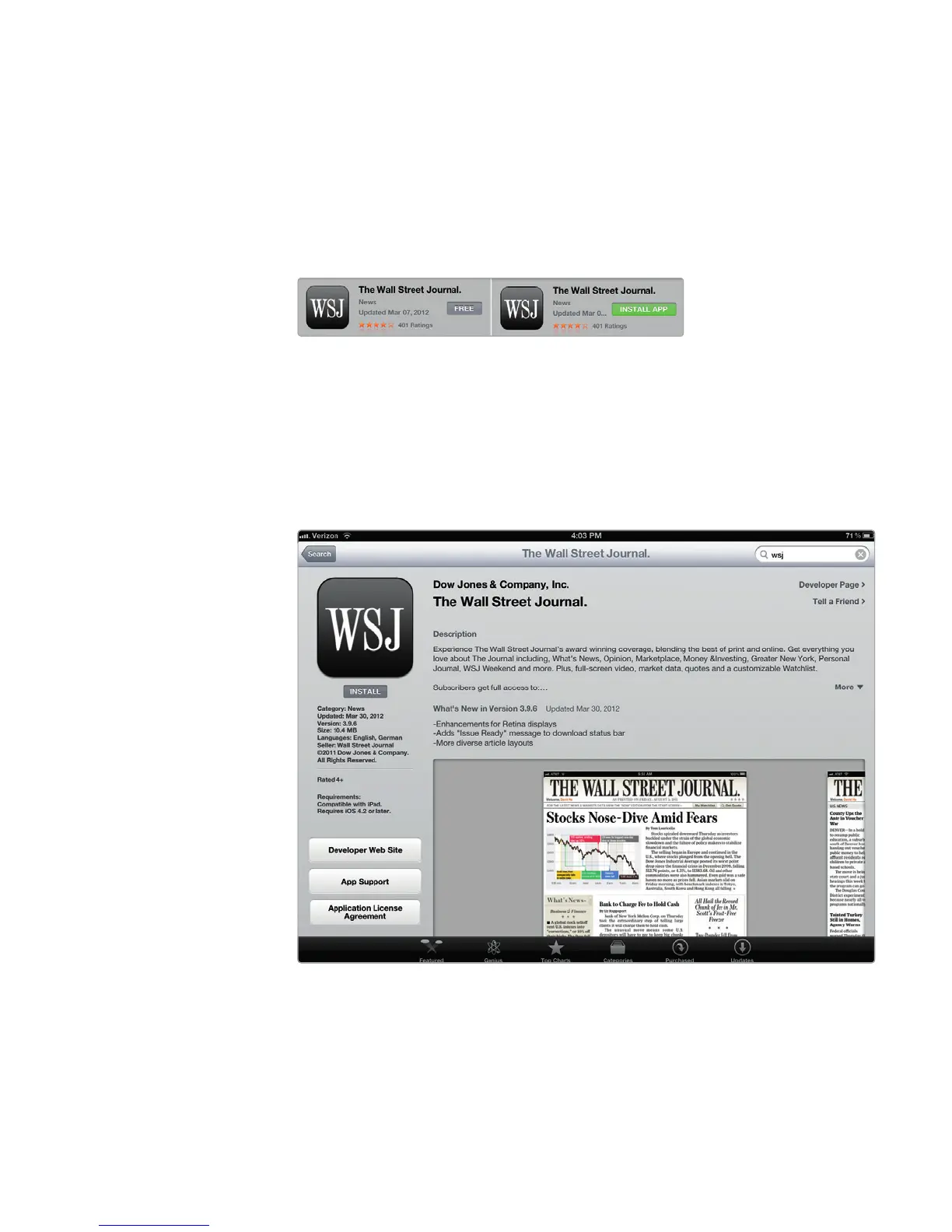
3. To read reviews (and check out screenshots) for an app before installing or
buying it, tap its icon in the store. A description page for the app appears, as
shown in Figure 11-6.
FIGURE 11-5: Tapping the Price or FREE button
will display a green INSTALL APP (for free apps)
or BUY APP (for commercial apps) button.
FIGURE 11-6: Scroll down to read reviews for an app, and swipe to the
left to see additional screenshots.



 To Next Page