84
|
Chapter 11
Additional Ideas for Installing and
Uninstalling Apps
Every day, new apps pour into the App Store, so to avoid cluttering up your iPad,
resist the temptation to keep downloading the latest free and commercial apps.
Since you can easily delete and re-install apps, you could always pick those apps
you need right now, such as a bunch of children’s apps so your kids can play them
on your iPad during a trip, and then delete those apps after you get back home
and can retrieve your iPad from your kids again.
By deleting apps you don’t need and selectively installing and removing
apps you may not need temporarily, you can keep your iPad lean and uncluttered
so you can actually get your work done and have fun at the same time. As an
alternative to deleting apps, consider combining multiple apps into a folder as
explained in Chapter 7.
To turn your iPad into a productivity tool, download and install the iWork
office suite for the iPad, which will allow you to transfer files between iWork on
youriPad and iWork on your Mac.
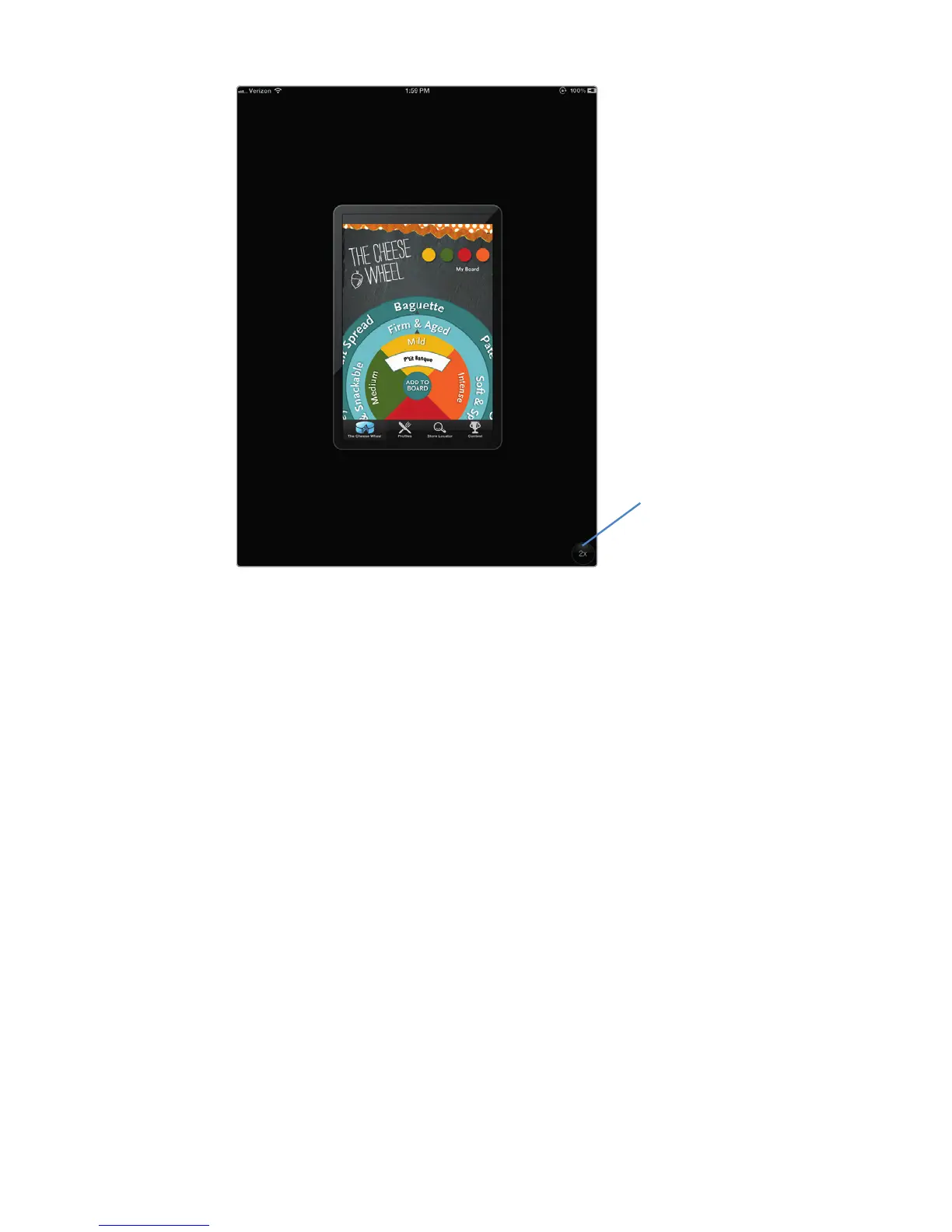
FIGURE 11-8: Most iPhone apps won’t use
the entire iPad screen.
Tap here to go
full screen



 To Next Page