230
|
Chapter 27
What You’ll Be Using
To view maps on your iPad, you need to use the following:
> An Internet connection
(Wi-Fi or 4G)
The Maps app
Viewing a Map
Unlike a paper map, the Maps app can show you a dynamic map that can change,
move, or expand so you can see finer details or zoom out to see a larger overview
of a particular area.
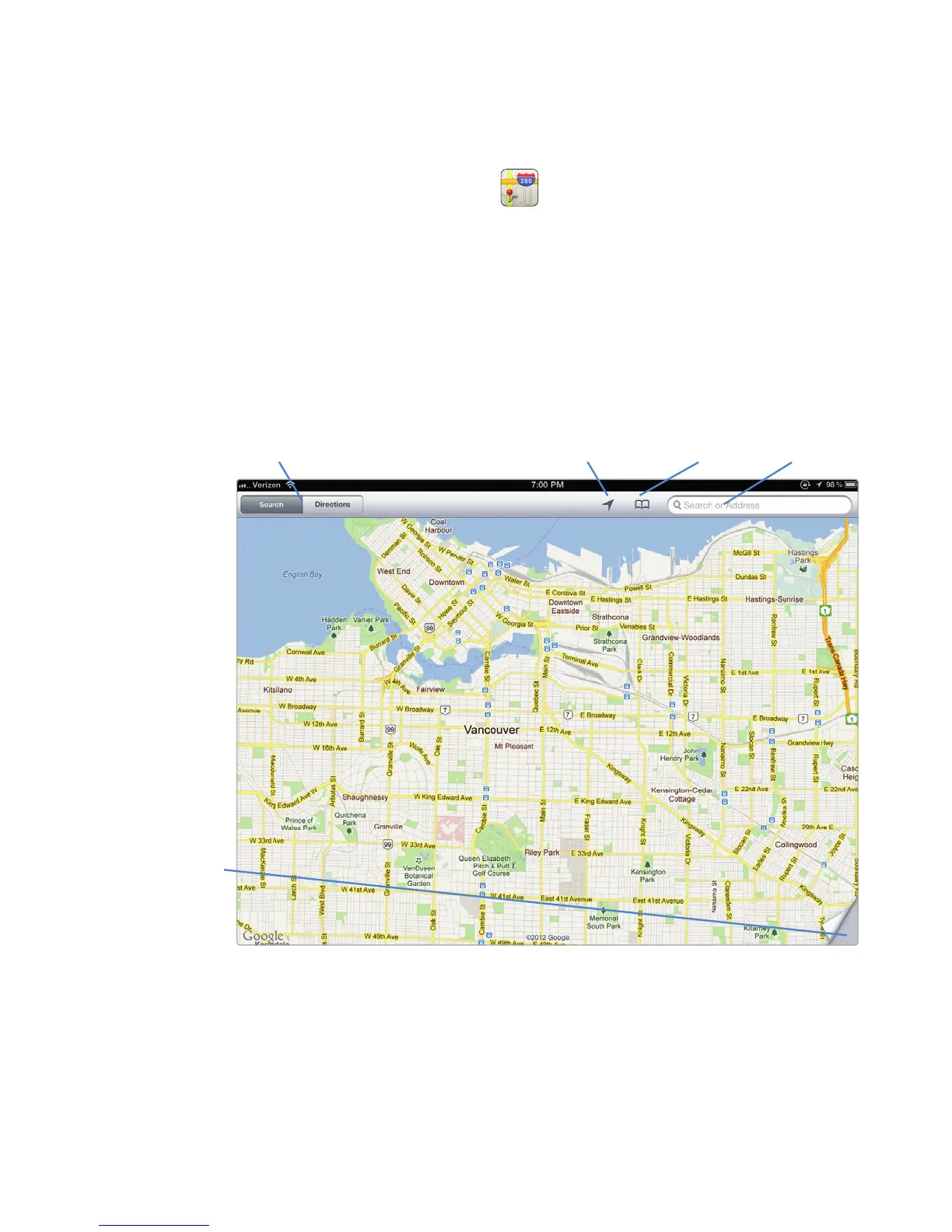
Besides showing you a map, the Maps screen also displays various controls
around the screen to help you use the Maps app, as shown in Figure 27-1.
Search/Directions
Current Location/
Compass Bookmarks Search
Flap
FIGURE 27-1: The default appearance of a map, known as the Standard
appearance, displays a cartoon view of an area. This map is in Search mode.



 To Next Page