254
|
Chapter 29
To define triple-clicking the Home button, follow these steps:
1. From the Home screen, tap Settings. The Settings screen appears.
2. Tap General. The General settings screen appears.
3. Tap Accessibility. The Accessibility settings screen appears (shown earlier in
Figure 29-1).
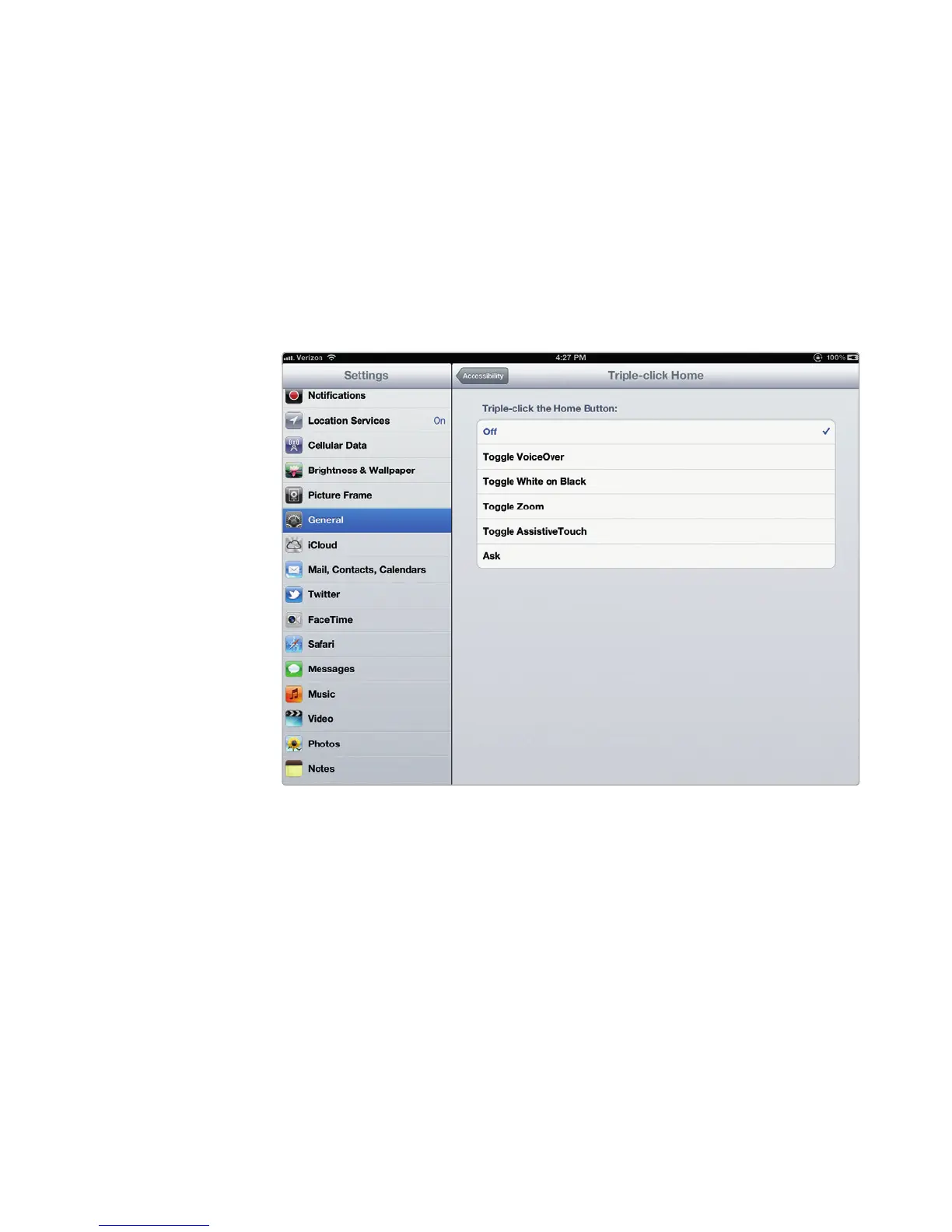
4. Tap Triple-click Home. The Home settings screen appears, as shown in
Figure 29-4.
5. Tap an option, such as Toggle VoiceOver. If you choose Ask, triple-clicking
the Home button displays a dialog that gives you a choice of which accessi-
bility features to turn on or off.
6. Press the Home button.
Additional Ideas for Making Your iPad
Accessible
The iPad’s accessibility options can be great for anyone, so give them a try. You
may find that you prefer reading white-on-black text or like closed captioning on
videos to make them easier to watch. You can even use the FaceTime app (see
Chapter 21) to communicate in sign language, giving you yet another way to chat
through your iPad. With so many different tools for controlling an iPad, you just
need to think about what you want to do with it next and modify your iPad to make
it easy for you to use.
FIGURE 29-4: The Home settings screen lets you define triple-clicking
the Home button.



 To Next Page