256
|
Chapter 30
What You’ll Be Using
To type in a foreign language, you need to use the following:
The Settings app
Switching the iPad’s Default Language
Depending on where you bought your iPad, it will start out with an initial default
language, such as English or French. If you move to another country, sell your iPad
to someone in another country, or just want to practice your foreign-language
skills, you can switch to a different language and make everything appear in that
language.
To choose a different default language, follow these steps:
1. From the Home screen, tap Settings. The Settings screen appears.
2. Tap General. The General settings screen appears. Scroll down until you see
the International option.
3. Tap International. The International settings screen appears.
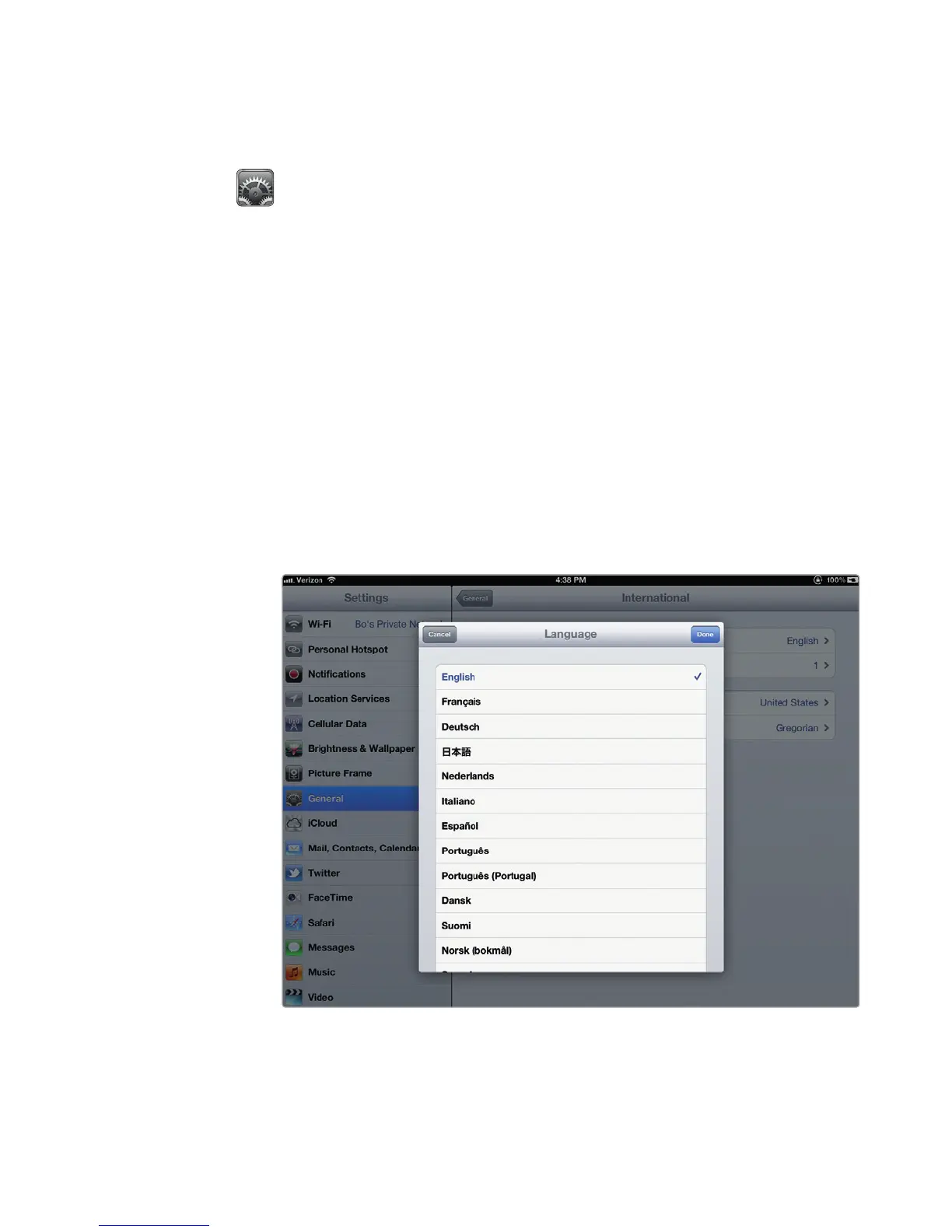
4. Tap Language. A Language window appears, giving you a choice of differ-
ent default languages to use, as shown in Figure 30-1.
FIGURE 30-1: The Language window lists all the default languages you
can use.



 To Next Page