The Best iPad Apps
|
271
Remote
While you’re at home, you may prefer to play your music collection from your PC or
Mac computer. The free Remote app from Apple lets you use your iPad to control
iTunes on your computer from any room in the house—your iPad and computer
just need to be on the same Wi-Fi network.
Pandora
No matter how large your music collection may get, chances are good you’ll want
to listen to something different. To help you find songs from different artists that
you might enjoy, download the Pandora app.
Pandora lets you type in the name of your favorite recording artist or song,
and then it plays only those songs that are similar to your chosen artist or song. By
doing this, Pandora can help you discover new recording artists and songs that you
might never have heard before.
iMovie, iPhoto, and GarageBand
For aspiring movie makers, photographers, and musicians, three of the best apps
are iMovie, iPhoto, and GarageBand. With iMovie, you can edit any video footage
you capture through the iPad’s cameras. This lets you capture a video from your
iPad’s camera, and then edit it to create a more polished video clip that you can
share with others or upload to a video sharing site like YouTube.
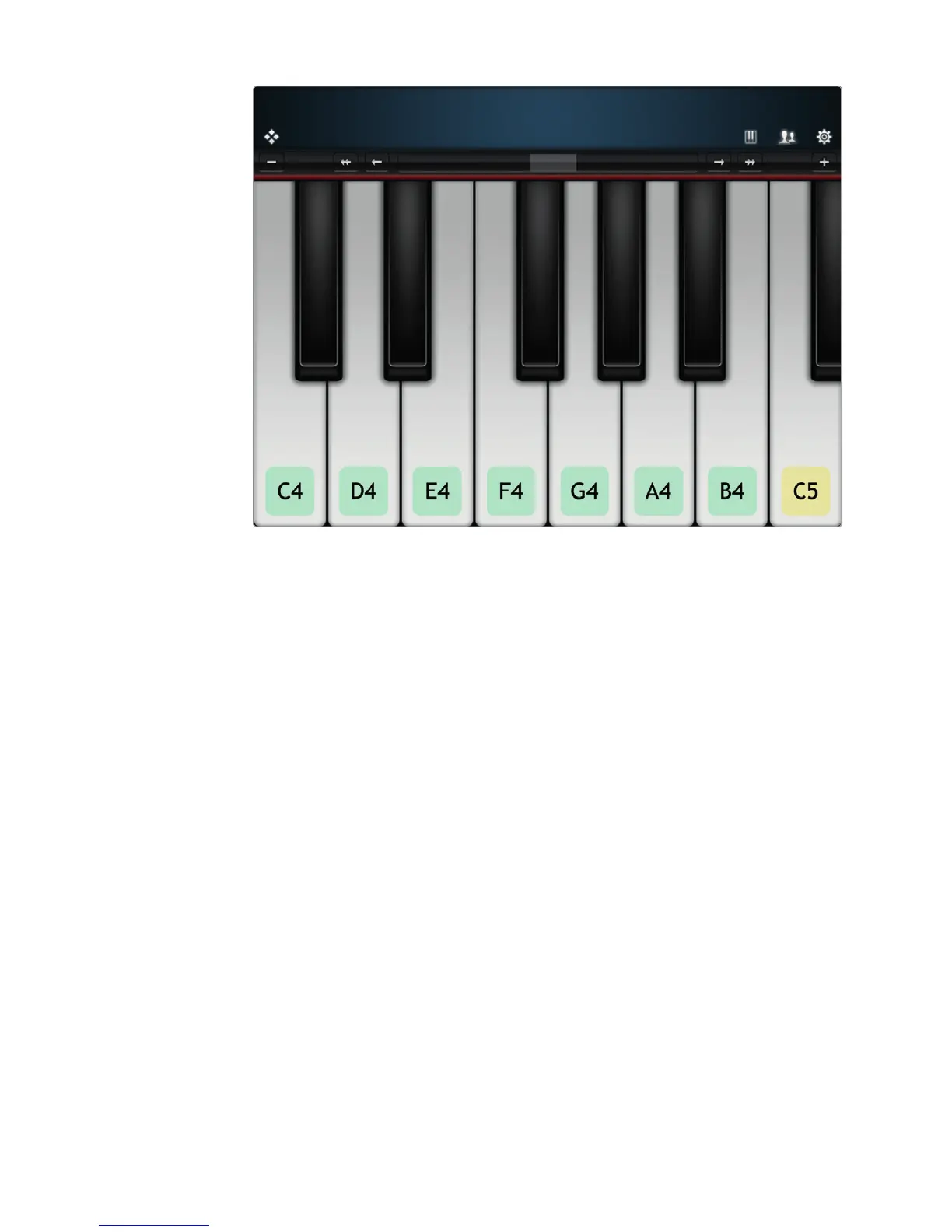
FIGURE 31-11: Virtuoso can teach you the notes so you can practice your
keyboard skills.



 To Next Page