20
Getting Started with Apple iOS Devices
In addition to content available in iTunes and iTunes U, you and your students can
create content to share on iPad or iPod touch. You can produce content for iPad and
iPod touch on a Mac or with apps on the iOS devices.
Creating Content on an iOS Device
There are so many possibilities for creating content on iPad and iPod touch—photos
and movies with Camera; musical compositions with the GarageBand app; presenta-
tions, spreadsheets, and documents with the Keynote, Numbers, and Pages apps; and
recorded audio les. This section discusses just a few of the options.
Making Movies with iPad and iPod touch
Students can lm and edit movies on the go with the built-in HD video camera on
iPad and iPod touch. For example, they could interview family members or subject
experts in the community, or take footage on a class eld trip. After they shoot video,
students can use the built-in editing tools to choose which footage to keep.
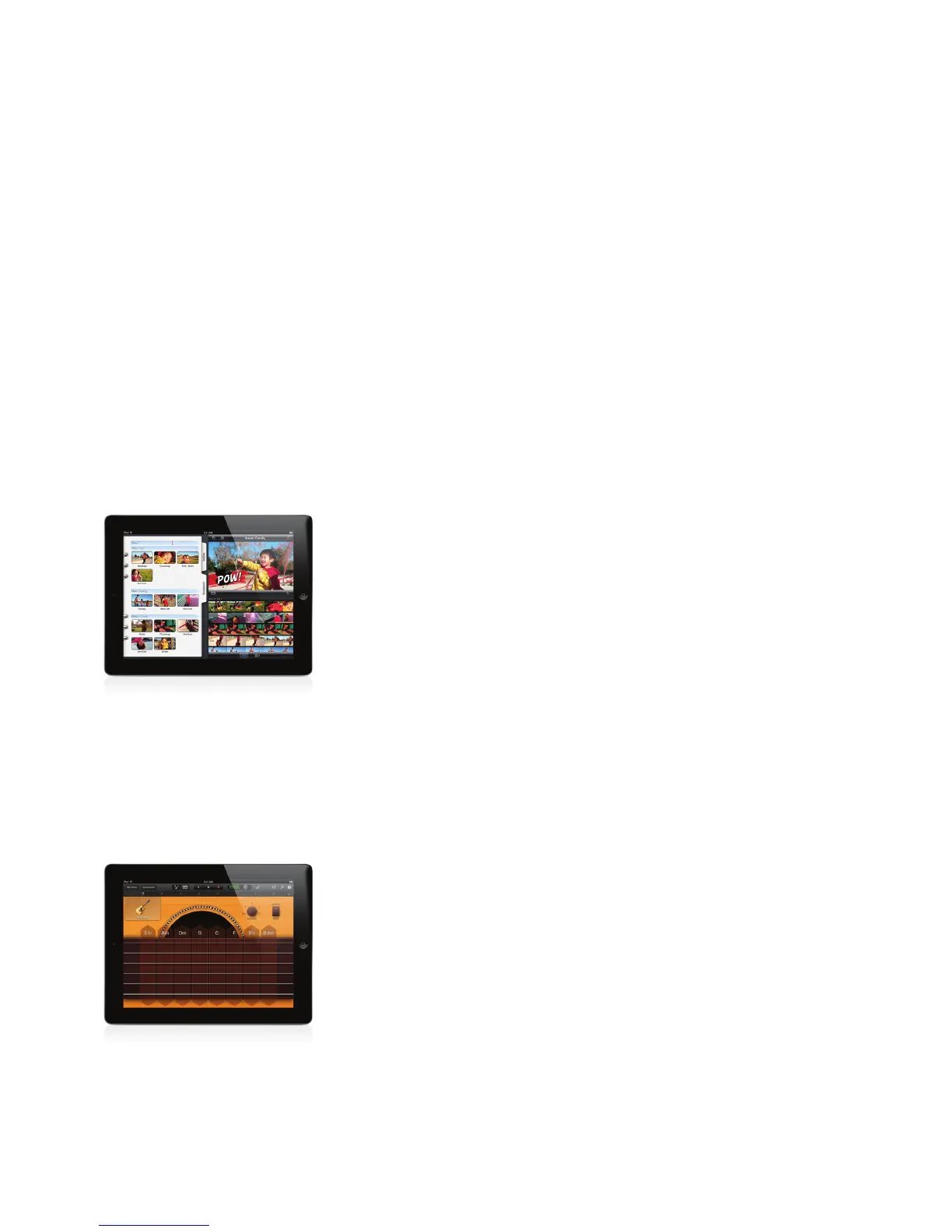
Students can make beautiful movies anywhere with iMovie, the moviemaking app
that puts everything they need to tell their stories right at their ngertips. They can
add a theme, music, photos, titles, narration, and transitions to their movies as well as
combine and edit clips. On iPad, they can also ne-tune their edits with the Precision
Editor. And there are so many ways to share their completed projects without ever
leaving the iMovie app: via YouTube, Vimeo, or CNN iReport; email; transferring them
to a computer and compatible iOS devices; or showing them to the class on a TV or
a projector. (For more information, see “Accessories for iPad and iPod touch” later in
this guide.)
If students produce their movie projects on the Mac, they can take video and photos
on iPad or iPod touch and then import the clips and photos to use with iMovie on
the Mac.
Making Music with GarageBand
With the GarageBand app, students can use Multi-Touch gestures to experience
the excitement of creating music. They can choose from a wide range of Touch
Instruments, such as a grand piano, electric organ, or acoustic guitar, plug in their
own instruments, and use the built-in Guitar amp and eects. Even students with no
musical experience can tap melodies on a piano, strum chords on a guitar, and more
using Smart Instruments. Up to four students can even play and record together in jam
sessions using their iOS devices with a Wi-Fi or Bluetooth connection. Their recorded
tracks appear on the bandleader’s device, ready for mixing and sharing.
Students can arrange and mix songs using a complete eight-track recording studio
and more than 250 loops. When a composition is done, it can be exported to an
iTunes library or sent to others via email. GarageBand on iPad and iPod touch is also
compatible with GarageBand on the Mac, so students can work on the same musical
piece on both the computer and an iOS device.
Creating Your Own Content



 To Next Page