36
Getting Started with Apple iOS Devices
Enhancing Productivity for Educators
iPad, iPod touch, and iTunes provide educators with versatile tools for the school day
and beyond. Administrators and teachers, including resource specialists, can use voice
recording on iPod touch to record observations during classroom walkthroughs, and
then email those les to teachers. You can record voice memos about students and
email them to their families.
The apps on your iOS device make it easy to stay in touch using the Mail app, take
notes at any time and then email them to others with Notes, make to-do lists with
Reminders, read articles with Newsstand, keep track of your schedule with the
Calendar app, and create presentations and movies to show the class.
The iBooks Author application on a Mac is an invaluable productivity tool for creating
classroom materials for students to access on their iPad. To learn more, see “Producing
Multi-Touch Books with iBooks Author“ earlier in this guide.
If your K–12 school district is an iTunes U provider, you can use iTunes U Course
Manager to put together all of your course materials for students to access using
the iTunes U app on their iOS device. Courses can include audio, video, presentations,
documents, PDF documents, iBooks textbooks, ePub books, iOS apps, and web links.
The free iTunes U app gives students access to all your course materials in a single
place. See “Resources” later in this guide for more information about iTunes U. To sign
up to be an iTunes U provider, go to eduapp.apple.com.
You can also download a large variety of apps to support your teaching. Examples
include:
• Apps to access your school’s student information system, such as PowerTeacher
Mobile (for iPad) or Mobile-SIS for use with PowerSchool, and StudentRadar for use
with RadarServer
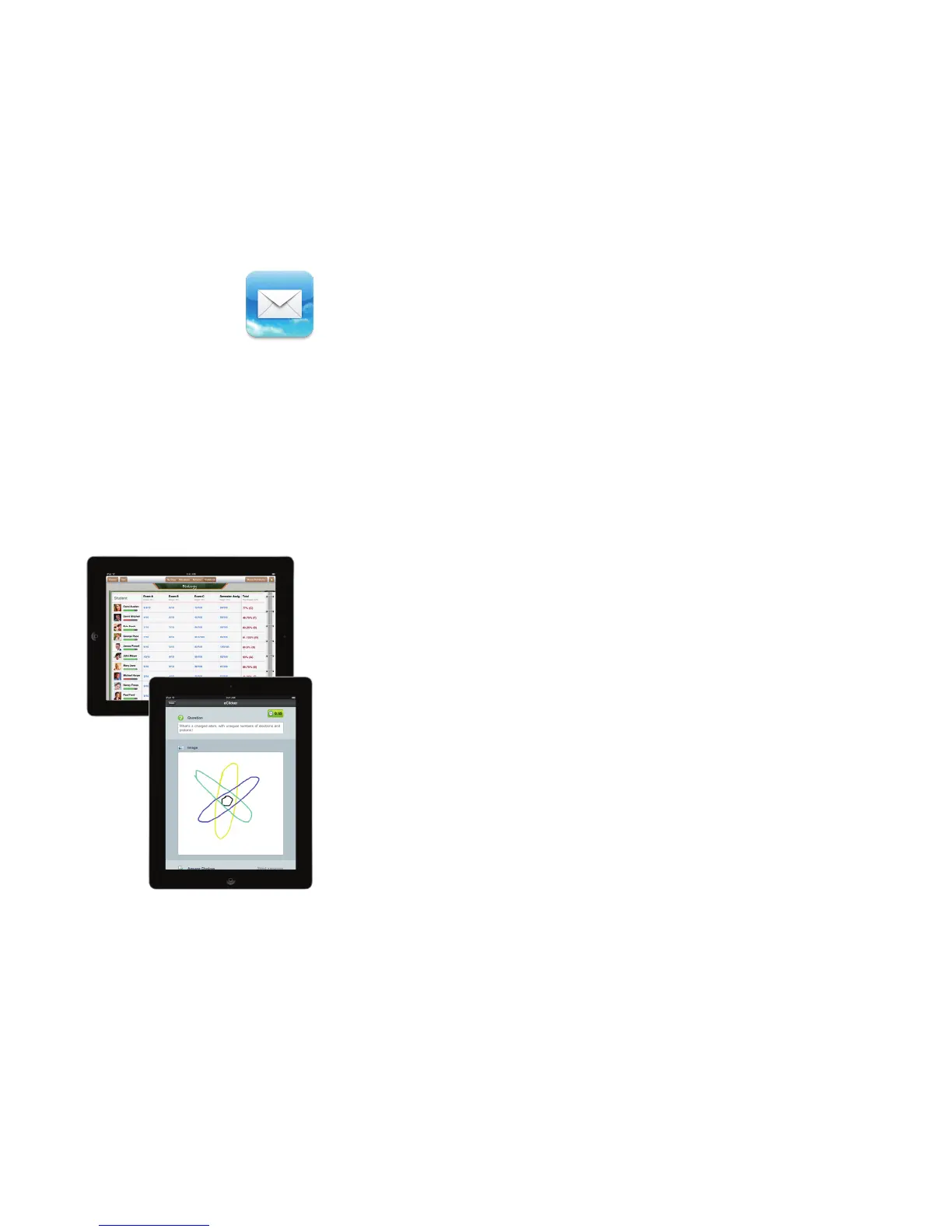
• Interactive polling apps such as ResponseWare and eClicker, which allow students to
respond to a presenter’s questions using their iOS device
• Apps to track student attendance, assignments, and more, such as Schedule Tracker
and TeacherPal
• Assessment tools, such as GradePad and Tango RX
There’s never enough time in the day for educators, but iPad and iPod touch can even
help you t professional development into your packed schedule. With the mobility
of iOS devices, you can review and reuse development materials when and where it’s
most convenient. Download professional development content to your iPad or iPod
touch and listen while you’re at the gym, driving to and from work, or doing chores at
home. View videos of new directives and techniques without waiting for the next face-
to-face training session. And you can pause listening to take notes, email an idea to a
colleague, or look up additional information on the Internet—all on your iOS device.
Podcasting allows administrators to update parents or faculty—even an entire dis-
trict—in minutes. With just a few clicks, professional development content can be
delivered automatically. It’s the perfect way to expand ongoing training programs
without straining district resources (see “Producing Podcasts” earlier in this guide).



 To Next Page