9
Getting Started with Apple iOS Devices
Another management idea is to purchase inexpensive small plastic containers and
put together an iPad or iPod touch checkout kit containing a device, headphones, and
a USB cable. Take a photograph of what should be included in the kit and tape that
photo to the plastic container.
Sharing iOS Devices
Along with checking out iPad or iPod touch devices to take to and from school,
there are other ways students can share them. If you don’t have a class set of devices,
you can assign one iPad or iPod touch to a group of students, using a project-based
learning approach. You can also use an audio splitter, like the Grin SmartShare, to
allow two students to share one device.
You can eectively use just one iPad or iPod touch to record audio with a group of
students—simply pass the device from student to student, having them record a
reading passage for assessment or narration for a story. It’s a good idea to have each
student say his or her name at the beginning of each recording for easy identication
later. (For more information, see “Using iPod touch and iPad for Voice Recording” and
“Accessories for iPad and iPod touch” later in this guide.)
Mobile iOS Learning Solutions
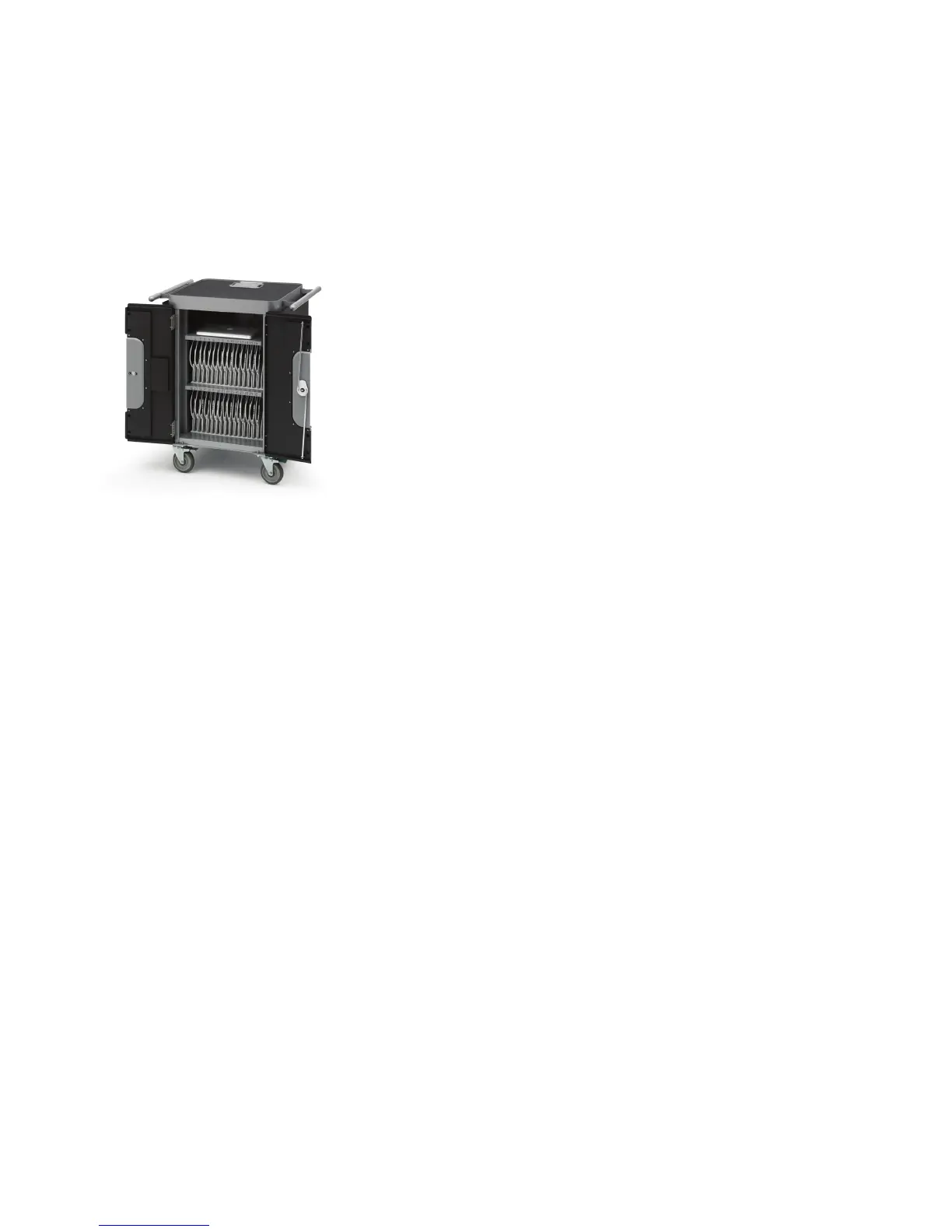
Apple oers convenient ways to manage multiple devices in the classroom. The Apple
iPad Learning Lab is a portable system that comes with a set of 10 iPad devices and
a fully assembled, sturdy, and secure Bretford PowerSync Cart. The cart can store,
charge, and sync up to 30 iPad devices and has extra storage space for a MacBook Pro
or MacBook Air computer. The cart rolls easily around the school, so multiple classes can
use it, and it can be locked to secure the devices when they’re not in use.
You can manage your classroom iPod touch devices with the Apple iPod Learning Lab,
which comes with a classroom set of 20 iPod devices and a fully assembled Bretford
PowerSync Cart. With the cart, you can charge, store, and transport up to 40 iPod devices
at one time and sync 20 at a time to the same computer. The cart is compatible with
all iPod models with dock connectors and ships completely assembled. The cart also
has exible storage space for up to four MacBook computers and a variety of iPod
accessories such as earphones.
You can purchase a precongured Apple iPad Learning Lab or Apple iPod Learning Lab
or build your own lab to meet your school’s specic needs.
For more iOS portability, you can use the Bretford PowerRack for iPad, designed for
iPad and also compatible with iPod touch, to store and charge up to 10 devices. And
with the Bretford PowerSync Tray for iPad, you get the added functionality of charging,
syncing, storing, and securing up to 10 iPad devices. The Bretford PowerSync Case for
iPod organizes, charges, and syncs up to 20 iPod devices and keeps them securely
stored in a durable hardshell case. If you already have iPad or iPod devices, the carts,
tray, rack, and case can be purchased separately.
For more information on these mobile learning solutions, visit www.apple.com/
education/labs.
Viewing Content with Apple TV
With Apple TV, you can easily show the class any content on an iOS device or in your
iTunes library, such as photos from a eld trip, documentary movies you’ve downloaded
or that the class has produced, spreadsheets, iTunes U videos, and more. To use Apple
TV, connect an iPad or iPod touch to an HDTV or a display with a video output cable.



 To Next Page