iPad Symptom Charts — Power Issues 47
2010-04-30
Dead Unit, Battery Issues
Symptom Quick Check
No Power / Dead Unit
• Will not power on
• Not charging from
power adapter
• Charge icon does not
show fully charged
• Low battery charge
• Battery completely
drained
• Black screen
1. Check the Sleep/Wake and Home buttons. Are they
damaged, preventing the device from powering up?
2. Visually inspect iPad for any damage.
3. Check the 30-pin port for debris or corrosion.
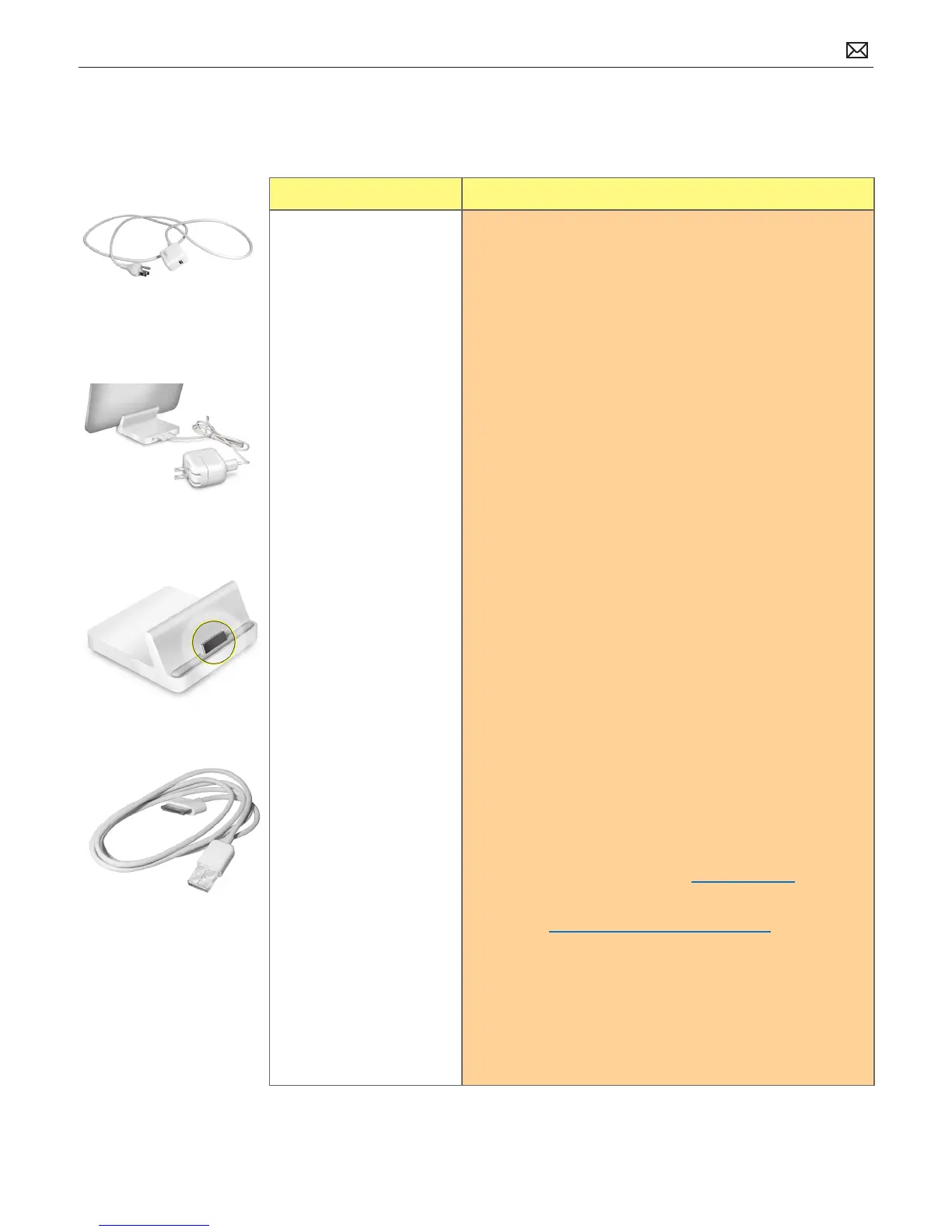
4. Check 10W USB power adapter. If you see the “not
charging” text next to the battery icon, the 10W USB
adapter or connection is not providing enough power to
charge the iPad. Test with a known good 10W USB power
adapter.
5. Check USB cable. Remove USB hubs. Plug iPad directly
into computer’s USB port. Test with known good cable.
Note: The iPad 30-pin USB cable is interchangeable with
the iPod/iPhone 30-pin USB cable.
6. Make sure the iPad has the latest software updates
- Use iTunes to check for the latest version of the
iPhone OS
7. Charge iPad battery
• Connect to a power outlet and charge with known
good iPad 10W USB Power Adapter for 10 minutes
8. Reset:
• Press and hold the Sleep/Wake button and the
Home button at the same time for at least 10
seconds, until the Apple logo appears.
9. Restore:
• Restore iPad with iTunes. (This restores the iPhone
OS)
• Click on Restore in the Summary tab
• If you can’t Restore, go to Recovery Mode
• If you can’t Recover the iPad go to next step
10. Perform Device Firmware Update Restore.
11. Go to Deep Dive.
Possible Causes:



 To Next Page