© Computer Coaching Services | www.computercoach.co.nz | 027 637 0413 | info@computercoach.co.nz P a g e | 6
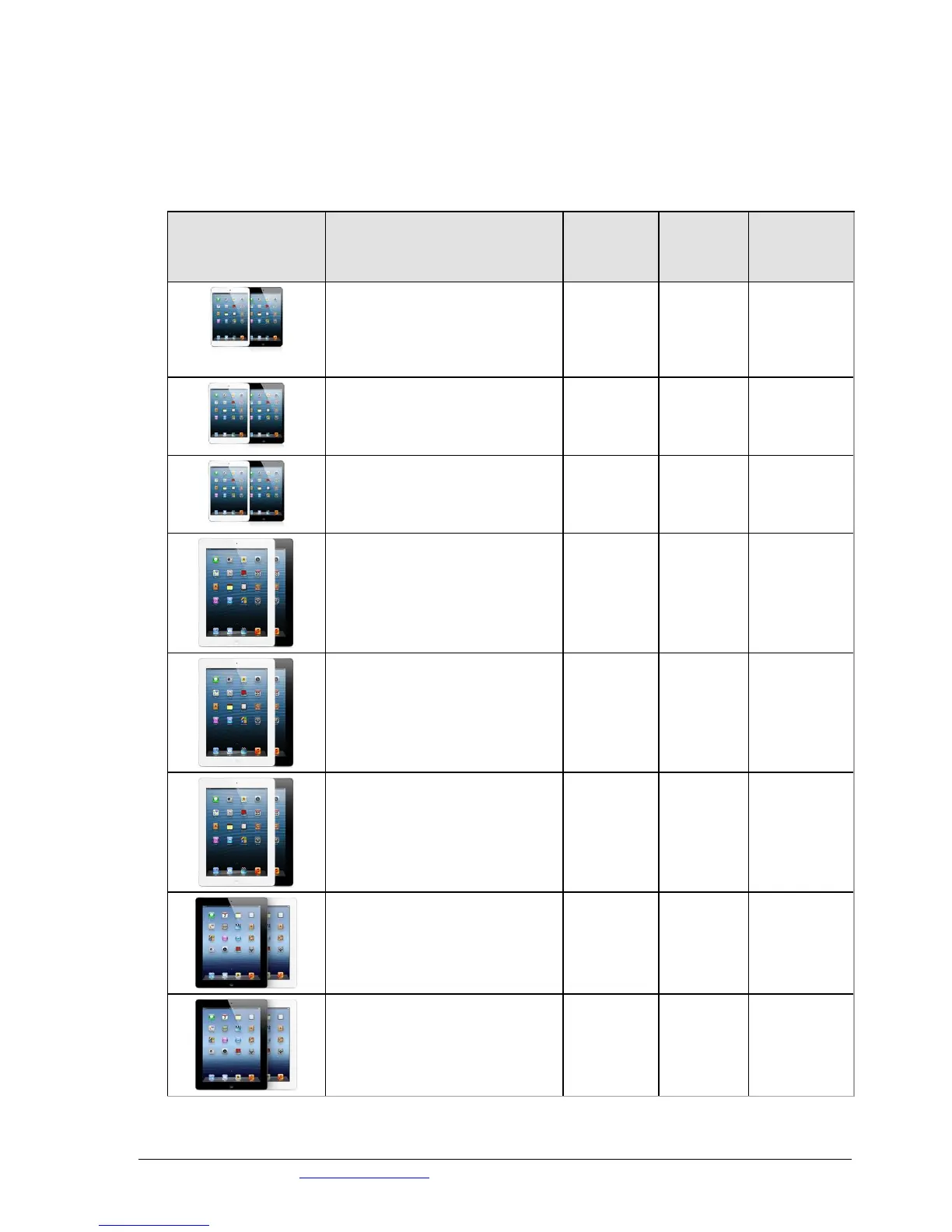
Learn to identify your iPad model
Be sure you have the latest version of iTunes software. To check your iTunes version on a Mac, choose
iTunes > Check for Updates. In Windows, choose Help > Check for Updates.
You can find your model number on the iPads back cover. Write it here …………………………………………
iPad mini Wi-Fi + Cellular
iPad mini Wi-Fi + Cellular (MM)
iPad (4th generation) Wi-Fi
iPad (4th generation) Wi-Fi + Cellular
iPad (4th generation) Wi-Fi + Cellular (MM)
iPad (3rd generation) Wi-Fi
iPad (3rd generation) Wi-Fi + Cellular (VZ)



 To Next Page