""""2.""""If you hold down on an app for 3 seconds the app will start to shake. (when an !
! app starts shaking, you are able to move it freely)!
""""3.""""If you hold down on a folder, you can edit the name of the folder and it's contents. !
"""! You can add up to 20 apps per folder.!
!
If you decide that you don't like an app, or that you just no longer want it on your iPad,
you can delete it. To delete apps:!
!
Deleting apps:!
!
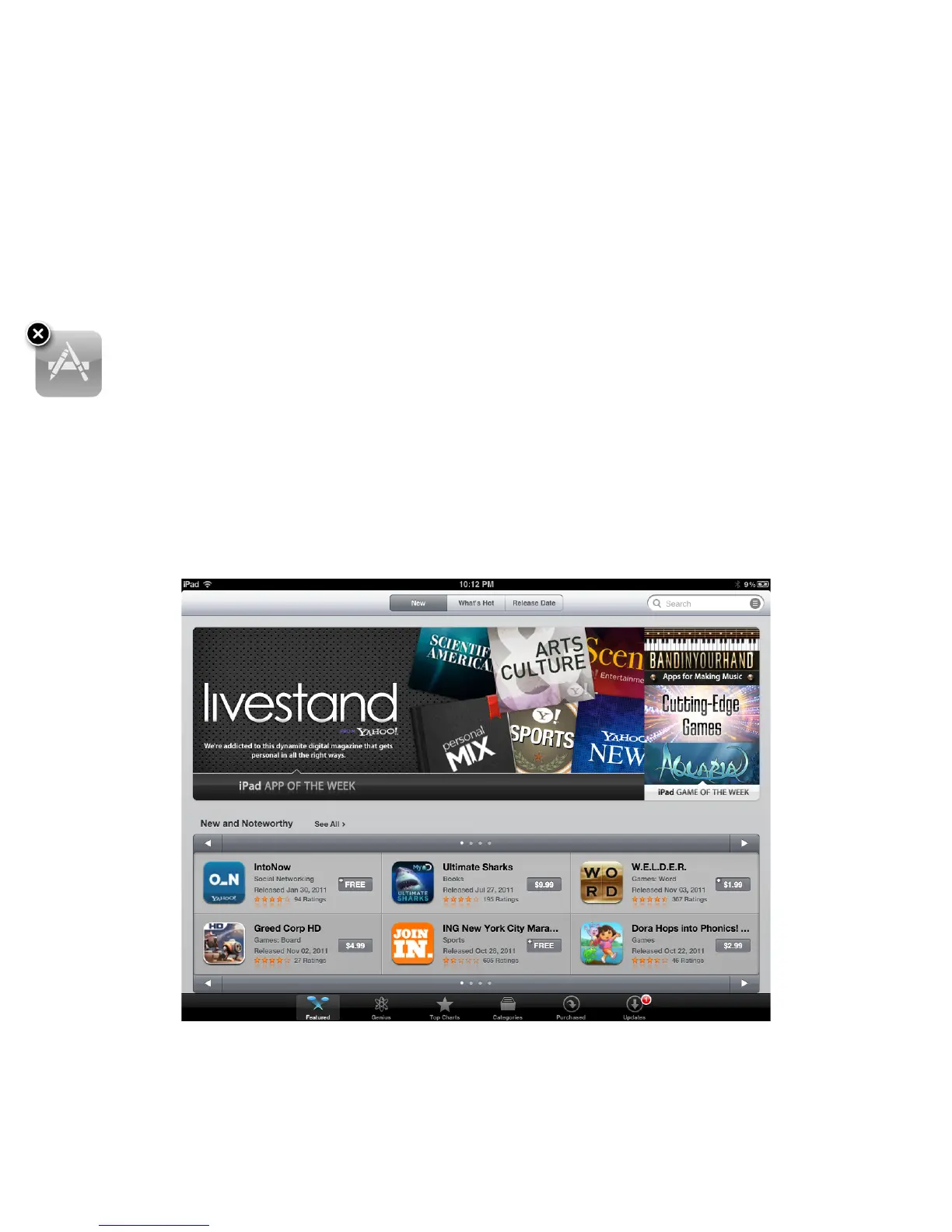
""""1.""""If you hold down an app for three seconds the app will start shaking and a delete
! icon (X) will appear in the upper left hand corner of the app.!
""""2.""""If upon the click of the X, the app will be deleted from the iPad.!
""""!
Tip: After you delete an app, you can re-download it free of charge in the App
Store.!
!
!
!
!
!
!
!
!
!
!
!
!
!
!
!
!
!
!
!
!
!
!
!
!
!
!
!
!
!
!



 To Next Page